Token fields
Human Interface Guidelines › Components › Navigation and search › Token fields
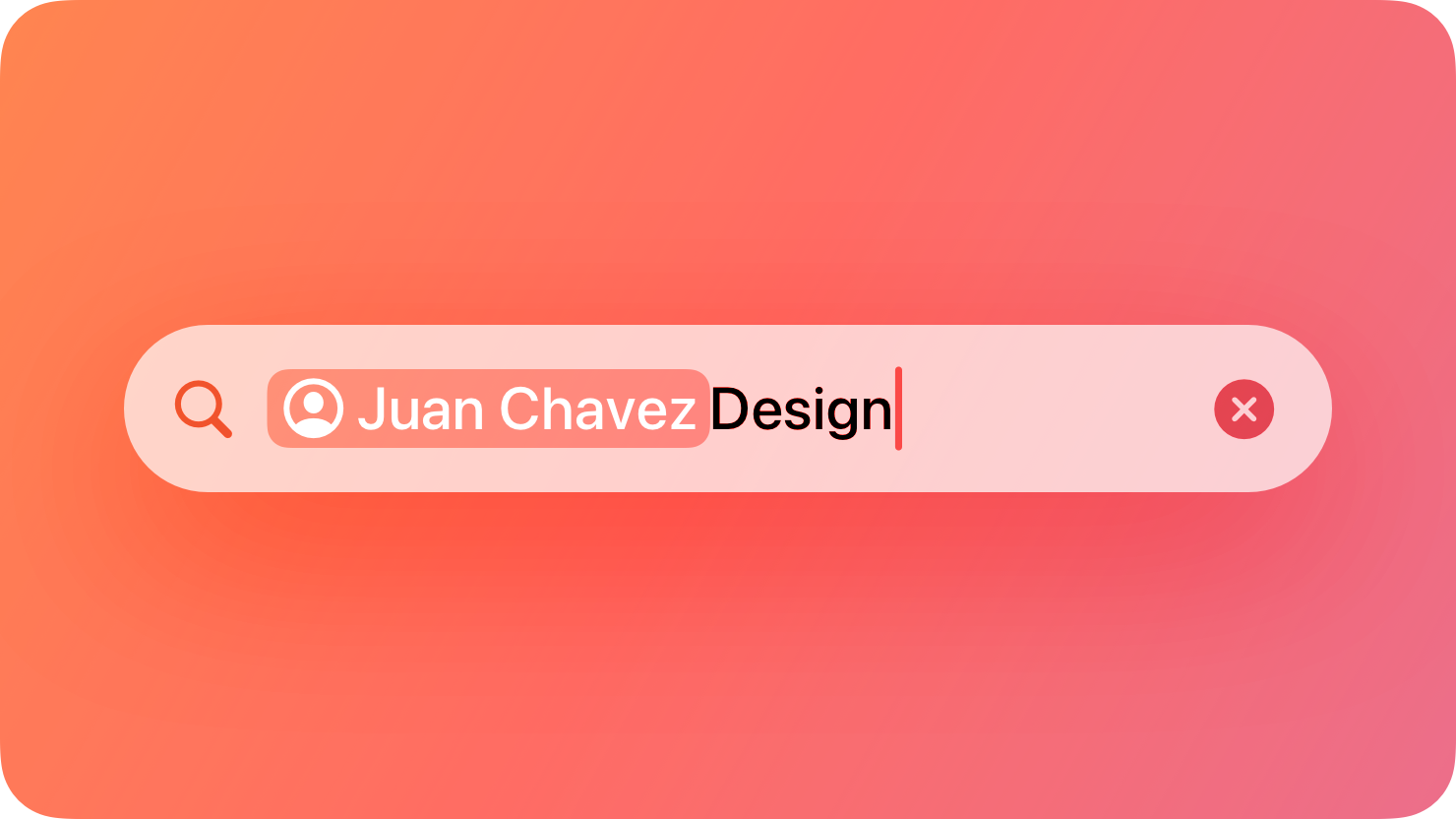
A token field is a type of text field that can convert text into tokens that are easy to select and manipulate.
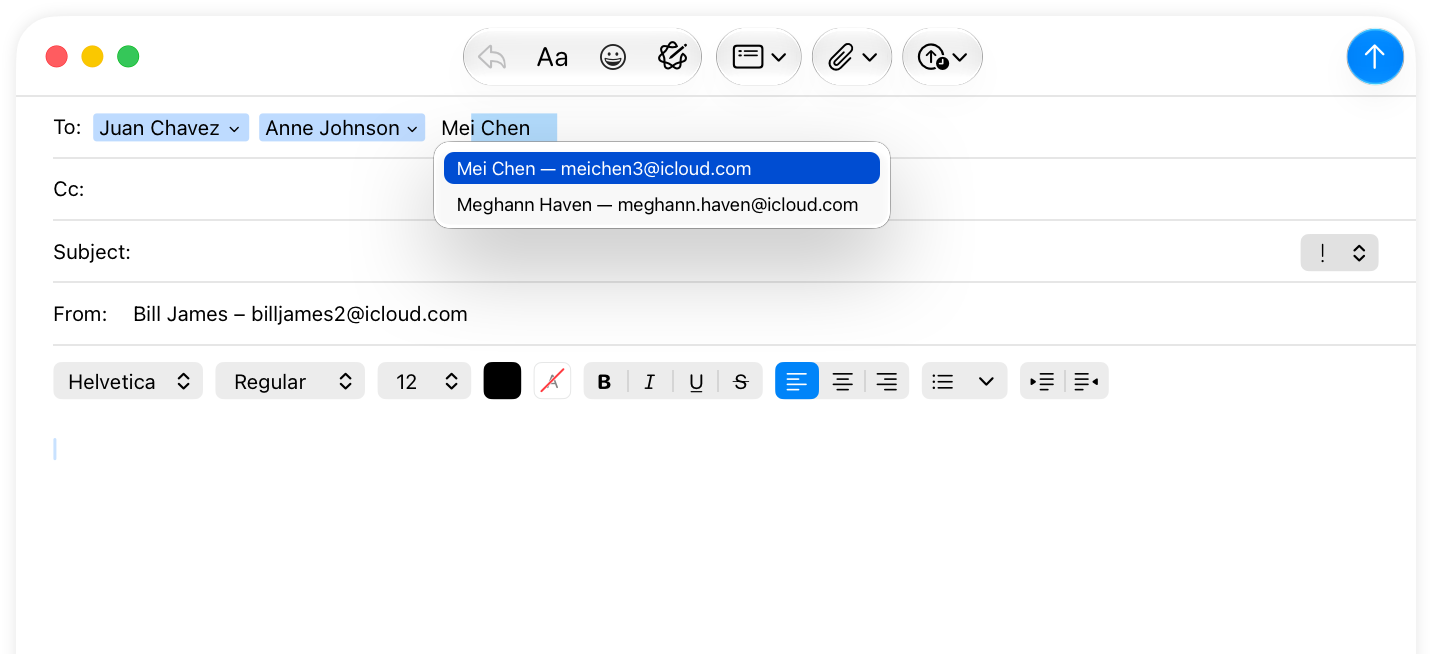
For example, Mail uses token fields for the address fields in the compose window. As people enter recipients, Mail converts the text that represents each recipient’s name into a token. People can select these recipient tokens and drag to reorder them or move them into a different field.
You can configure a token field to present people with a list of suggestions as they enter text into the field. For example, Mail suggests recipients as people type in an address field. When people select a suggested recipient, Mail inserts the recipient into the field as a token.
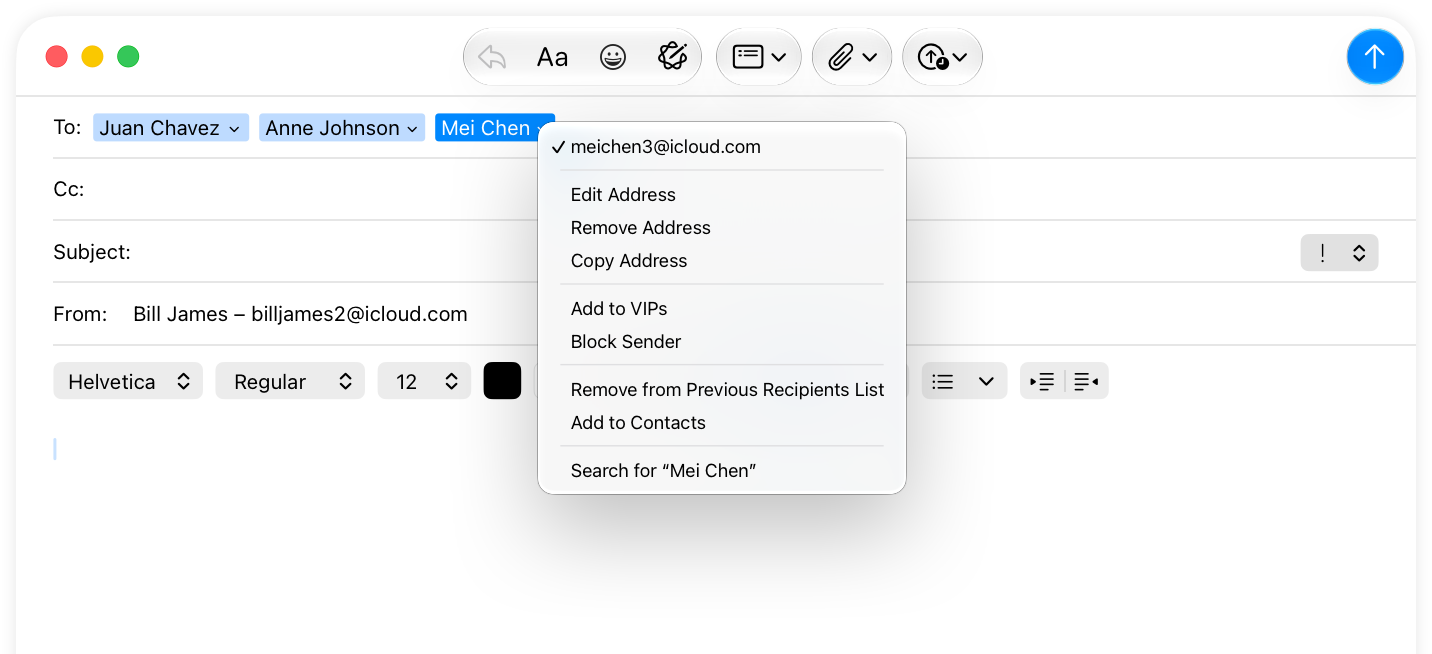
An individual token can also include a contextual menu that offers information about the token or editing options. For example, a recipient token in Mail includes a contextual menu with commands for editing the recipient name, marking the recipient as a VIP, and viewing the recipient’s contact card, among others.
Tokens can also represent search terms in some situations; for guidance, see Search fields.
Add value with a context menu. People often benefit from a context menu with additional options or information about a token.
Consider providing additional ways to convert text into tokens. By default, text people enter turns into a token whenever they type a comma. You can specify additional shortcuts, such as pressing Return, that also invoke this action.
Consider customizing the delay the system uses before showing suggested tokens. By default, suggestions appear immediately. However, suggestions that appear too quickly may distract people while they’re typing. If your app suggests tokens, consider adjusting the delay to a comfortable level.
Not supported in iOS, iPadOS, tvOS, visionOS, and watchOS.
NSTokenField — AppKit
Source: https://developer.apple.com/design/human-interface-guidelines/token-fields