| title | short_description | thumbnail | emoji | colorFrom | colorTo | sdk | app_port | pinned | tags | ||||||||
|---|---|---|---|---|---|---|---|---|---|---|---|---|---|---|---|---|---|
Vidzly |
Transform raw footage into viral-ready content in seconds. |
🎬 |
blue |
purple |
docker |
7860 |
false |
|
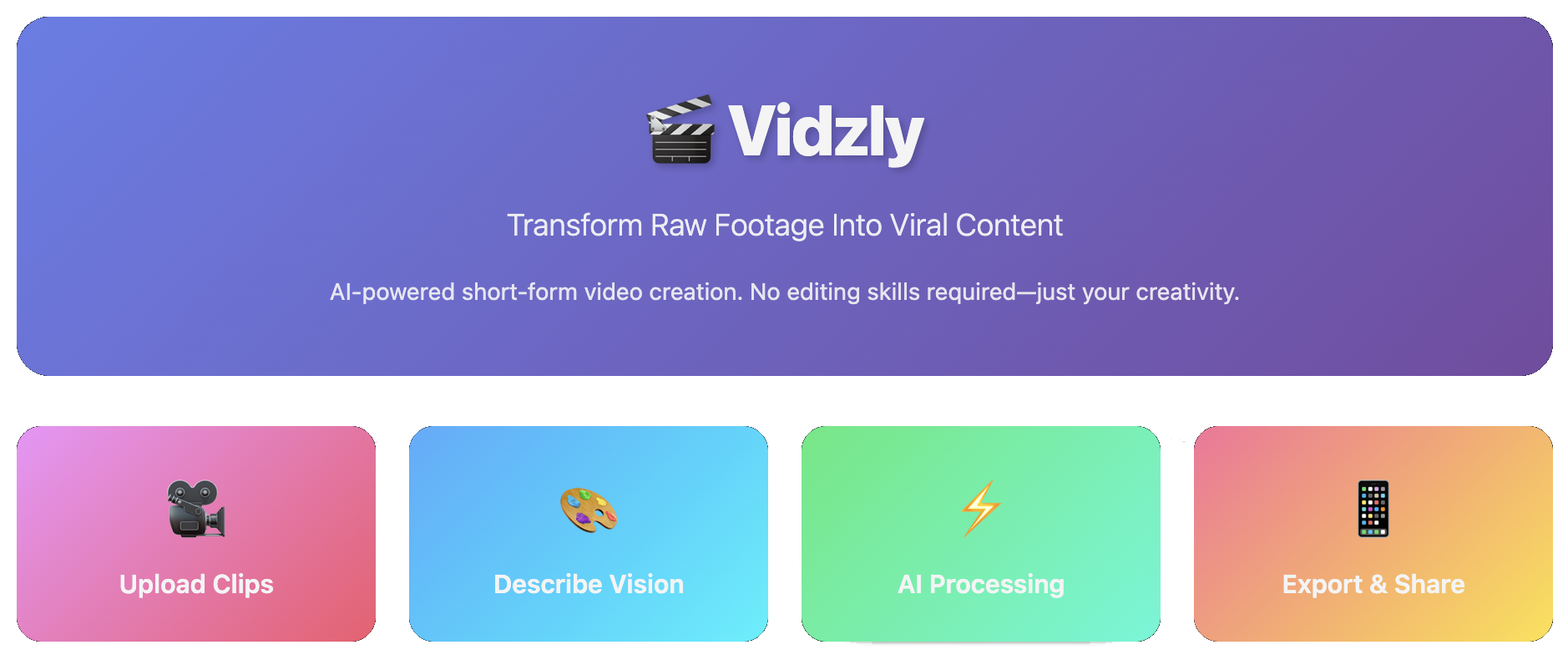
Transform raw footage into viral-ready content in seconds. No skills required. No expensive gear needed. Just your vision and our AI.
Vidzly is an intelligent automation platform that revolutionizes short-form video creation. Whether you're a micro-influencer, content creator, or business owner, Vidzly transforms your raw clips into polished, engaging videos that stop the scroll.
- Zero Learning Curve: No video editing skills? No problem. Use our intuitive web interface.
- AI-Powered Magic: Advanced AI handles video analysis, cutting, transitions, music generation, and thumbnail creation automatically.
- Lightning Fast: What takes hours in traditional editing software takes minutes with Vidzly.
- Professional Quality: Get studio-quality results without the studio price tag.
- MCP Tools Integration: All tools are available as MCP (Model Context Protocol) tools for AI agent integration.
- 📱 Micro-influencers building their social media presence
- 🎨 Content creators who want to focus on creativity, not editing
- 💼 Small businesses creating marketing content
- 🎓 Educators making engaging educational clips
- 🎪 Anyone who wants to create stunning videos effortlessly
- Upload Your Raw Footage - Drop your clips through the Gradio web interface
- Describe Your Vision - Optionally provide a description of the mood, style, or vibe you want
- AI-Powered Parallel Processing - Our optimized workflow processes your videos efficiently using parallel execution:
- Parallel Video Analysis: All videos are analyzed concurrently using Google Gemini AI to understand content, mood, and key moments
- Script Generation: Creates intelligent composition scripts with scene sequences, transitions, and timing
- Parallel Asset Creation: Music generation and frame extraction run simultaneously to save time
- Thumbnail Generation: Creates engaging thumbnails with AI-generated text and stickers
- Video Composition: Combines clips, music, and thumbnail into a polished final video with smooth transitions
- Get Your Masterpiece - Receive a polished video with thumbnail overlay on the first frame
Vidzly provides a comprehensive suite of MCP tools accessible through a Gradio web interface:
- 🎥 Video Summarizer: Uses Google Gemini AI to analyze video content and generate detailed summaries including key scenes, detected objects, mood tags, and recommended thumbnail timestamps
- ✂️ Video Clipper: Extract specific segments from videos by specifying start and end times
- 🖼️ Frame Extractor: Extract representative frames from videos, with AI-powered selection or manual timestamp specification
- 🎨 Thumbnail Generator: Automatically generate engaging thumbnails with AI-generated text and stickers based on video frames and summaries
- 🎬 Video Composer: Combine multiple video clips with transitions (fade, crossfade, cut) and optional background music according to a JSON script. Supports optional thumbnail image overlay on the first frame
- 🎵 Music Selector: Generate background music and sound effects using ElevenLabs API based on mood, style, duration, BPM, and other parameters
- Web Interface: Built with Gradio (with MCP server support)
- Parallel Workflow Engine: Optimized tool orchestration with parallel execution for maximum performance:
- Concurrent Video Analysis: Multiple videos analyzed simultaneously using ThreadPoolExecutor
- Intelligent Script Generation: AI-powered scene planning with automatic timestamp validation
- Parallel Asset Creation: Music generation and frame extraction run concurrently
- Smart Video Composition: Validates and corrects timestamps, handles transitions, and ensures accurate durations
- AI Integration: Google Gemini for video understanding, analysis, script generation, and thumbnail creation
- Audio Generation: ElevenLabs API for music and sound effect generation
- Video Processing: MoviePy for video editing, clipping, and composition with duration validation
- Image Processing: OpenCV and Pillow for frame extraction and thumbnail generation
- Testing: Comprehensive pytest test suite with unit and integration tests
Team Name: Vidzly
Team Members:
- 🐮 Hồng Hạnh - @tthhanh - AI Engineer
- 🐔 Việt Tiến - @tiena2cva - AI Engineer
- 🐻 Nhật Linh - @Nlag - AI Engineer
- 🐰 Phương Nhi - @Daphneee17 - AI Engineer
This project uses Poetry for dependency management.
If you don't have Poetry installed, you can install it using:
curl -sSL https://install.python-poetry.org | python3 -Or on macOS with Homebrew:
brew install poetryOnce Poetry is installed, install the project dependencies:
poetry installThis will create a virtual environment and install all dependencies specified in pyproject.toml.
To activate the Poetry virtual environment:
poetry shellAlternatively, you can run commands within the virtual environment without activating it:
poetry run <command>To add a new dependency:
poetry add <package-name>To add a development dependency:
poetry add --group dev <package-name>To remove a dependency:
poetry remove <package-name>To update all dependencies to their latest compatible versions:
poetry updateThis project uses Black for code formatting and Lefthook for git hooks to automatically format code before commits.
After installing dependencies, set up lefthook:
poetry run lefthook installThis will install git hooks that will:
- Before commit: Automatically format staged Python files with Black
- Before push: Check that all Python files in
src/andtests/are properly formatted
To manually format code:
poetry run black src/ tests/To check formatting without making changes:
poetry run black --check src/ tests/Create a .env file in the root directory and add your environment variables.
GOOGLE_API_KEY=your_google_api_key
ELEVENLABS_API_KEY=your_elevenlabs_api_keyNote: The application uses Google Gemini API for AI-powered video analysis and script generation.
Start the Gradio web interface:
poetry run python src/app/app.pyThis will launch a web interface with:
- Vidzly Tab: Project introduction and overview
- MCP Tools Tab: Access to all 6 video processing tools
The application runs with MCP server support, allowing AI agents to interact with the tools programmatically.
This project includes comprehensive unit and integration tests. See tests/README.md for detailed testing documentation.
Run all tests:
poetry run pytestRun with coverage:
poetry run pytest --cov=src/app/tools --cov-report=htmlRun specific test file:
poetry run pytest tests/test_video_summarizer.py- Unit Tests: Mocked tests for input validation, error handling, and logic
- Integration Tests: Real video file tests for actual functionality
- All tools have corresponding test files in the
tests/directory
- Python 3.12+: Core language
- Gradio 6.0+: Web interface with MCP support
- Sequential Workflow: Step-by-step tool orchestration for video processing
- Google Gemini API: Video understanding, analysis, script generation, and thumbnail creation
- ElevenLabs API: Music and sound effect generation
- MoviePy 2.2.1: Video editing, composition, and image overlay
- OpenCV 4.12+: Video processing and frame extraction
- Pillow 11: Image processing for thumbnails
- Poetry: Dependency management
- pytest: Testing framework