
Linux & macOS System Optimizer and Monitor
Free, open-source, all-in-one system optimizer, monitor, and manager for Linux and macOS


- Dashboard -- Real-time CPU, memory, disk, GPU, and network monitoring with customizable tile layouts, a system health score, and a one-click maintenance wizard
- Hardware Info -- Detailed system, processor, graphics, memory, battery, and disk information at a glance
- Resource Monitor -- Historical charts for CPU, memory, GPU, network, and disk I/O
- Kiosk Mode -- F11 fullscreen dashboard-only mode for dedicated monitoring displays
- GPU Monitoring -- GPU utilization tracking for NVIDIA, AMD, and Intel (Linux); Apple Silicon (macOS)
- Battery & Disk Health -- Battery cycle count and capacity degradation, SMART disk health (NVMe + SATA)
- System Cleaner -- Remove package caches, crash reports, application logs, app caches, and unused Flatpak runtimes
- Scheduled Cleaning -- Automated background cleaning via systemd, launchd, or cron with exclusion rules
- Disk Tools -- Find large/old files and scan for duplicates across directories
- File Search -- Search files by name, extension, size, and date with advanced filters
- Process Manager -- View, sort, filter, and manage running processes
- Service Manager -- Start, stop, and toggle system services (systemd / launchd)
- Startup Apps -- Manage auto-start applications with configurable delay
- Package Uninstaller -- Uninstall packages via APT, DNF, Pacman, Snap (Linux) or Homebrew (macOS)
- Docker Management -- GUI for managing Docker images, containers, and volumes
- System Logs -- View, filter, and search journald/syslog entries by severity
- Hosts File Editor -- Manage
/etc/hostsentries with DNS cache flushing - Network Diagnostics -- Ping, traceroute, DNS lookup, open ports viewer, and firewall management
- Power Profiles -- Switch between power-saver, balanced, and performance modes (Linux); Spotlight rebuild, disk verify, and LaunchServices rebuild (macOS)
- APT Repository Manager / Homebrew Taps -- Manage package repositories with health checks, diagnostics, and one-click repair
- Desktop Settings -- Adjust GNOME (Linux) or macOS desktop preferences
- Command Palette -- Ctrl+K quick-navigation to any page or action
- Theme Support -- Dark, light, and system-auto color schemes
- Internationalization -- 34 languages supported
| Nexis | Stacer (fork)¹ | Mission Center | BleachBit | OnyX | CleanMyMac | |
|---|---|---|---|---|---|---|
| Linux support | ✅ | ✅ | ✅ | ✅ | ❌ | ❌ |
| macOS support | ✅ | ❌ | ❌ | Experimental | ✅ | ✅ |
| Real-time monitoring | ✅ | ✅ | ✅ | ❌ | ❌ | Partial |
| GPU monitoring | ✅ | ❌ | ✅ | ❌ | ❌ | ❌ |
| Hardware info panel | ✅ | ❌ | Partial | ❌ | ❌ | ❌ |
| Battery & disk health | ✅ | ❌ | ❌ | ❌ | ❌ | ❌ |
| System cleaning | ✅ | ✅ | ❌ | ✅ | ✅ | ✅ |
| Scheduled cleaning | ✅ | ❌ | ❌ | ❌ | ❌ | ❌ |
| Secure file shredding | ✅ | ❌ | ❌ | ✅ | ❌ | ✅ |
| Disk analysis & duplicates | ✅ | ❌ | ❌ | ❌ | ❌ | ✅ |
| Process/service management | ✅ | ✅ | ✅ | ❌ | ❌ | Partial |
| Package uninstaller | ✅ | ✅ | ❌ | ❌ | ✅ | ✅ |
| App updater | Partial⁴ | ❌ | ❌ | ❌ | ❌ | ✅ |
| Malware removal | ❌ | ❌ | ❌ | ❌ | ❌ | ✅ |
| Docker management | ✅ | ❌ | ❌ | ❌ | ❌ | ❌ |
| System log viewer | ✅ | ❌ | ❌ | ❌ | ❌ | ❌ |
| Network diagnostics | ✅ | ❌ | ❌ | ❌ | ❌ | ❌ |
| Wake-on-LAN | ✅ | ❌ | ❌ | ❌ | ❌ | ❌ |
| Kiosk mode | ✅ | ❌ | ❌ | ❌ | ❌ | ❌ |
| Open source | ✅ GPL-3.0 | ✅ GPL-3.0 | ✅ GPL-3.0 | ✅ GPL-3.0 | ❌ | ❌ |
| Price | Free | Free | Free | Free | Free | $34.95/year² |
| Last release³ | Sep 2026 | Sep 2026 | Jul 2026 | Sep 2026 | Sep 2026 | Active |
¹ Upstream Stacer was officially abandoned (last release 2019); the actively maintained community fork (QuentiumYT/Stacer, now the Debian upstream) is compared here. ² Subscription (1 Mac); a one-time license is also available, now $89.95. ³ As of September 2026; Nexis's own cell reflects its actual last release rather than that check date. ⁴ macOS only: Homebrew cask update checks plus a verified download/install path for non-Homebrew apps that publish a Sparkle feed.
Based on each project's documented features and release data, verified September 2026. Spotted an error? Corrections welcome via issue.
Nexis began as a fork of Stacer, a popular Linux system optimizer created by oguzhaninan. After the original project went inactive (last release 2019, officially declared abandoned), development continued here -- porting to Qt 6 and C++17, adding native macOS support, GPU monitoring, a hardware info panel, kiosk mode, and fixing hundreds of bugs and regressions inherited from the upstream codebase. As the feature-set diverged, the project was rebranded as Nexis to reflect that it had become something new. Stacer's lineage lives on in two places today: the QuentiumYT fork, which carries Stacer forward on Linux, and Nexis, which grew into a cross-platform rebuild. Stacer laid the foundation; Nexis is where it goes from here.
Install via PPA, COPR, AUR, or Homebrew for automatic updates (on Debian or Devuan, see Install on Debian / Devuan), or download pre-built binaries from the Releases page:
- Linux x86_64:
.debpackage,.AppImageportable, standalone binary - Linux ARM64 (aarch64):
.debpackage,.AppImageportable, standalone binary - macOS Apple Silicon:
.dmgdisk image
sudo add-apt-repository ppa:s4solutionsllc/nexis
sudo apt update
sudo apt install nexis
Supports Ubuntu 26.04 (Resolute) on both x86_64 and ARM64. Updates are delivered automatically via apt upgrade. (Ubuntu 25.04 Plucky and 25.10 Questing both reached end-of-life and are no longer PPA series.)
Ubuntu 22.04 / 24.04 (and Linux Mint Zena): Nexis 2.6+ requires Qt 6.8 LTS, which is not available in those repositories. Install via AppImage or upgrade to Ubuntu 26.04+.
Ubuntu 26.04 with the amd64v3 architecture variant enabled: if you opted into the amd64v3 microarchitecture repos,
aptmay fail to resolve the Nexis PPA because it only publishes plainamd64packages. Edit the PPA's deb822.sourcesfile under/etc/apt/sources.list.d/and add an explicitArchitectures: amd64field:Types: deb URIs: https://ppa.launchpadcontent.net/s4solutionsllc/nexis/ubuntu/ Suites: resolute Components: main Architectures: amd64 Signed-By: /usr/share/keyrings/s4solutionsllc-ubuntu-nexis.gpgThen run
sudo apt updateagain.
sudo dnf copr enable luke-s4solutions/nexis
sudo dnf install nexis
Supports Fedora 43, Fedora 44, and Rawhide on x86_64. Updates are delivered automatically via dnf upgrade. Packages are built and signed by COPR; dnf copr enable imports the repository's GPG key on first use.
COPR is not an official Fedora repository. It is Fedora's community build service — packages there are not reviewed by Fedora QA.
dnf copr enablewill ask you to confirm this before adding the repo.
yay -S nexisAlso works with paru or any other AUR helper. Builds from source — requires Qt6 development packages which are pulled in automatically. Updates are delivered via yay -Syu.
There is no Debian apt repository or Debian-archive package yet. On Debian 13 and Devuan 6 install the native _debian13.deb from the Releases page; on Debian 12 and Devuan 5 install the AppImage, which bundles Qt 6 and runs on glibc 2.35 or newer.
| Distribution | Install with |
|---|---|
| Debian 13 (trixie) / Devuan 6 Excalibur | nexis_<version>-1_<arch>_debian13.deb (amd64 or arm64) |
| Debian 12 (bookworm) / Devuan 5 Daedalus | AppImage (bookworm's Qt 6.4 is below Nexis's Qt 6.8 floor) |
# Debian 13 / Devuan 6 — apt resolves Qt 6.8 from the stock archive
sudo apt install ./nexis_*_debian13.deb
# AppImage (Debian 12 / Devuan 5, or any release if you prefer it).
# AppImages need FUSE 2 to mount themselves.
sudo apt install libfuse2t64 # Debian 13 / Devuan 6 (on Debian 12 / Devuan 5: libfuse2)
chmod +x Nexis-*-x86_64.AppImage
./Nexis-*-x86_64.AppImageUse the aarch64 AppImage on ARM64. If you would rather not install FUSE, run ./Nexis-*.AppImage --appimage-extract-and-run.
Don't use the
_ubuntu2604.debon Debian. It is built against Ubuntu 26.04's Qt 6.10 and depends onlibqt6core6t64 (>= 6.10.2), soapt installfails with unmet dependencies on Debian 12/13 and Devuan. The_debian13.debis built on Debian 13 and pins Qt 6.8.
Devuan and other systems without systemd. Nexis runs, but the parts that talk to systemd do nothing useful:
- Services shows "Services requires systemd" instead of a service list; start, stop, enable and disable are not available. Use
service/rc-update/update-rc.dfrom a terminal. - System Logs needs
journalctl; without journald the page reports that it could not start it. - Boot analysis and the systemd-oomd panel report that
systemd-analyze/systemd-oomdare not available. - SSD TRIM can still run
fstrimon demand, but its weekly-timer status and toggle are systemd-only and will read "disabled". - Firewall (ufw) status is read from
/etc/ufw/ufw.confwhensystemctlis absent.
Everything else (dashboard, processes, resources, cleaner, uninstaller, disk tools, network) does not depend on systemd.
brew tap s4solutionsllc/nexis
brew trust s4solutionsllc/nexis        # required on Homebrew 6.0+ (third-party tap)
brew install --cask nexis
Requires macOS 14+ (Sonoma) on Apple Silicon. Updates are delivered via brew upgrade --cask nexis.
Homebrew 6.0+ requires third-party taps to be trusted before their casks will load. Without
brew trust,brew install/upgrade/outdatedrefuse the cask withRefusing to load cask … from untrusted tap, so new releases never appear. Trusting the tap once is sufficient; future upgrades work normally.
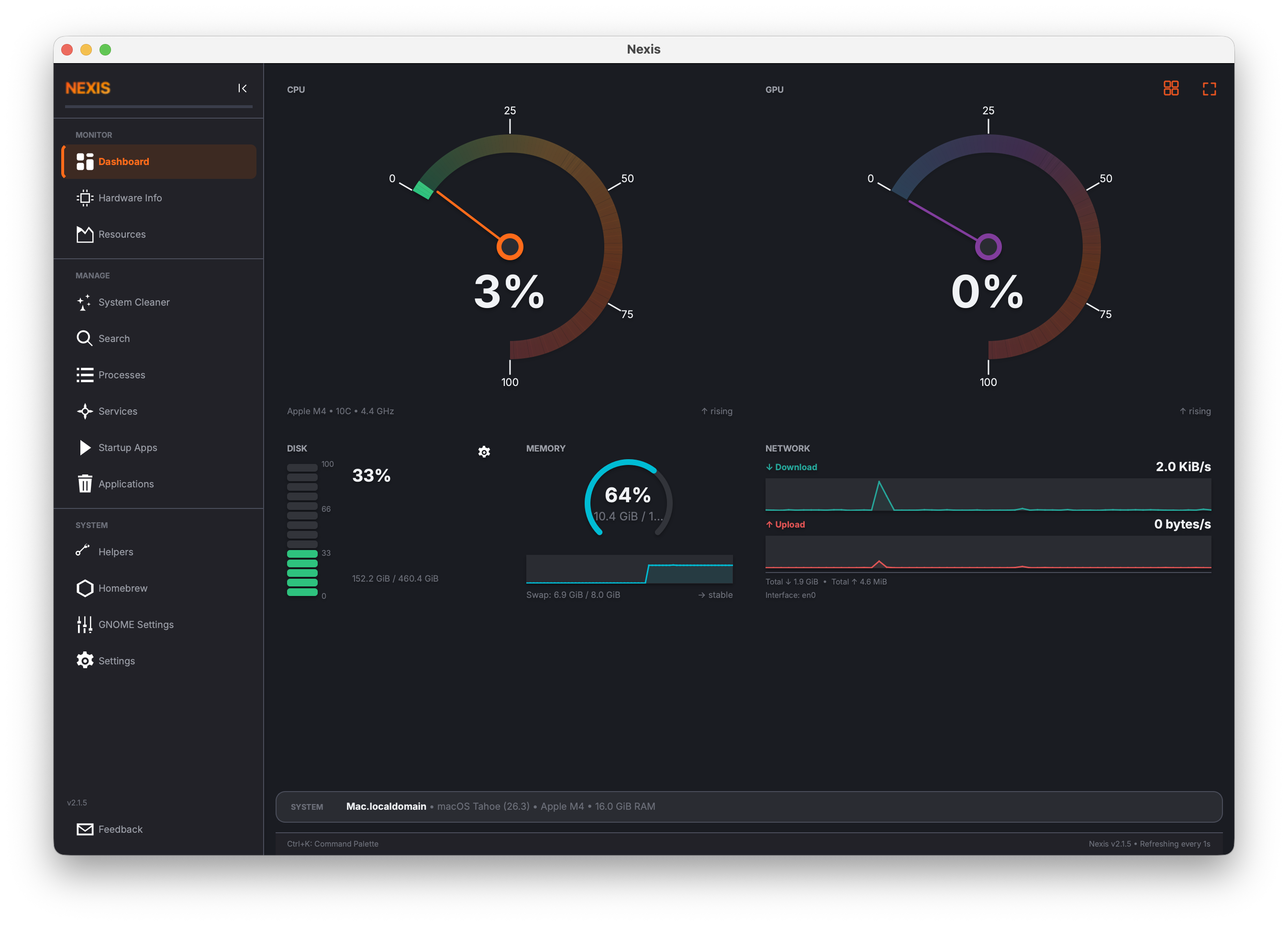
Dashboard -- real-time system monitoring
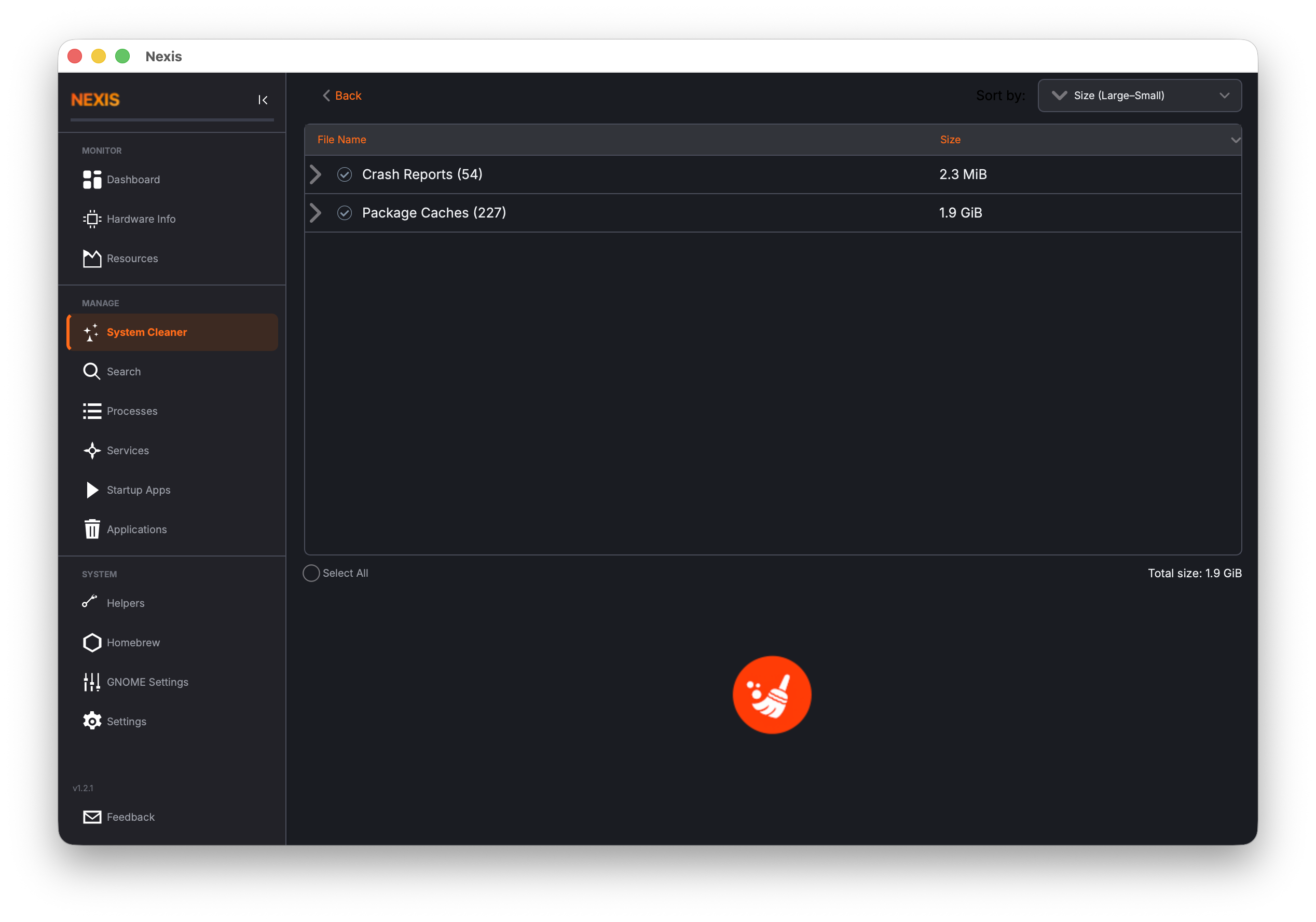
System Cleaner -- remove caches, logs, and crash reports
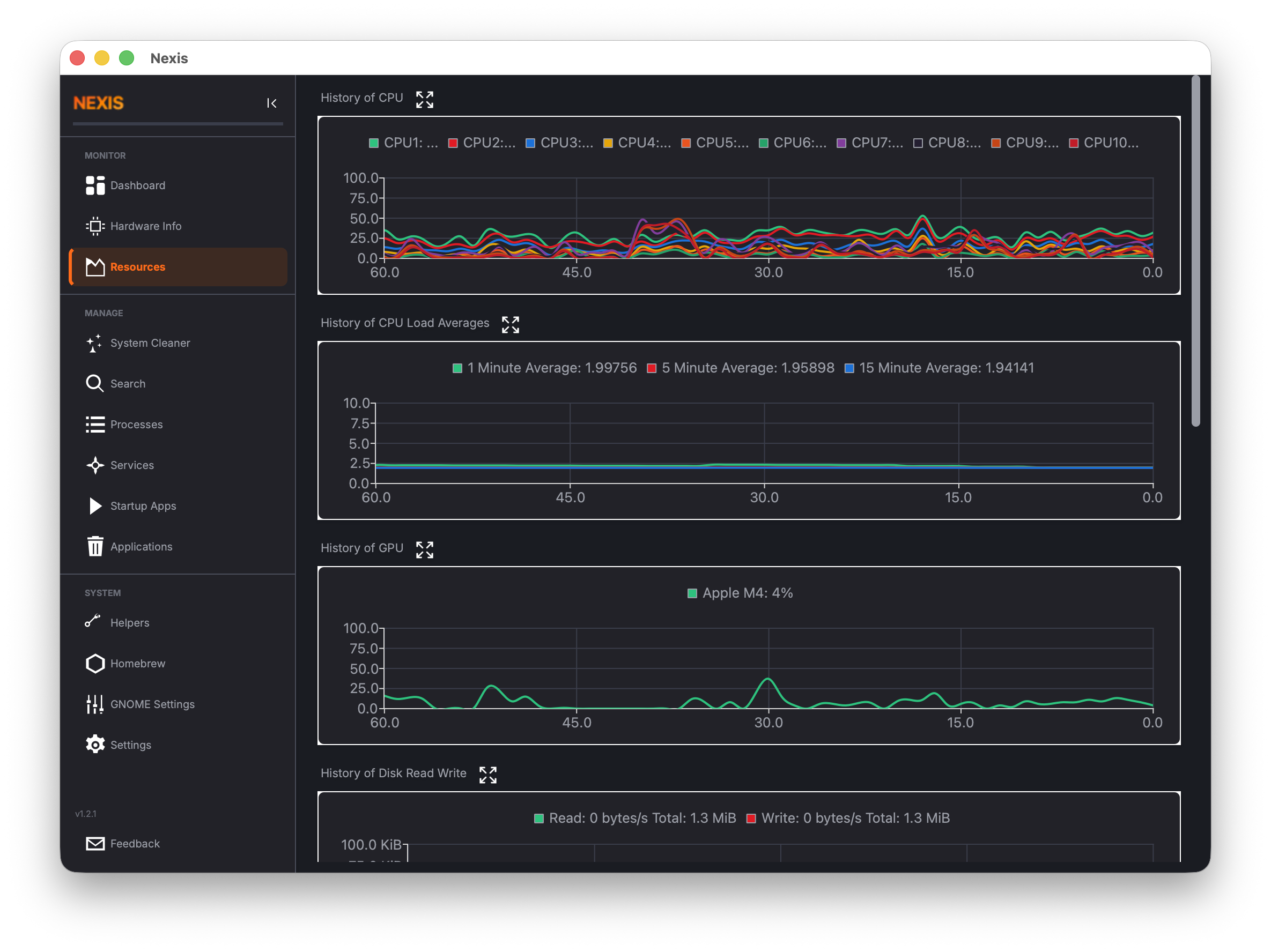
Resources -- historical CPU, memory, GPU, network, and disk I/O charts
View all screenshots
| Page | Screenshot |
|---|---|
| Hardware Info | 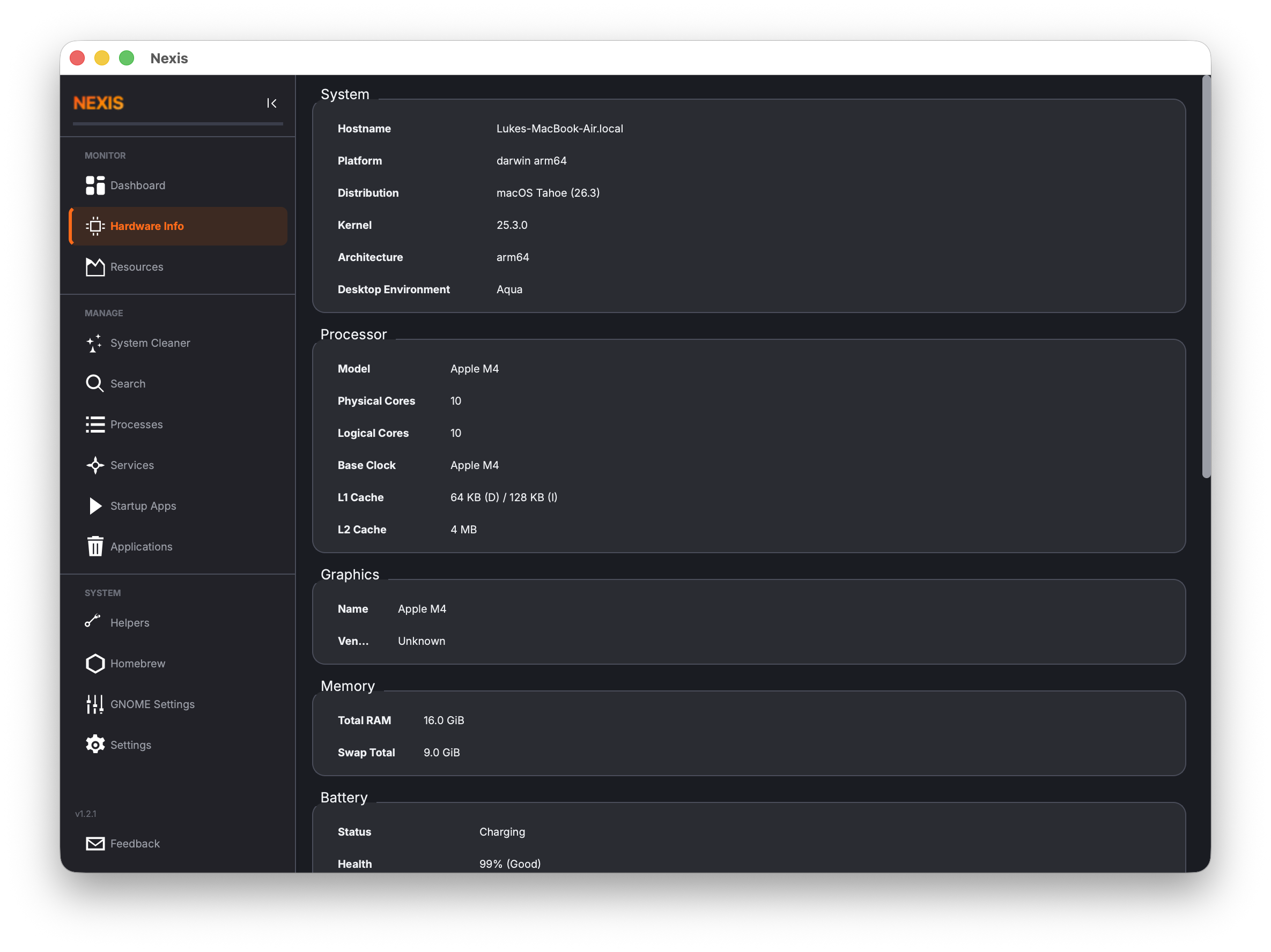 |
| Startup Apps | 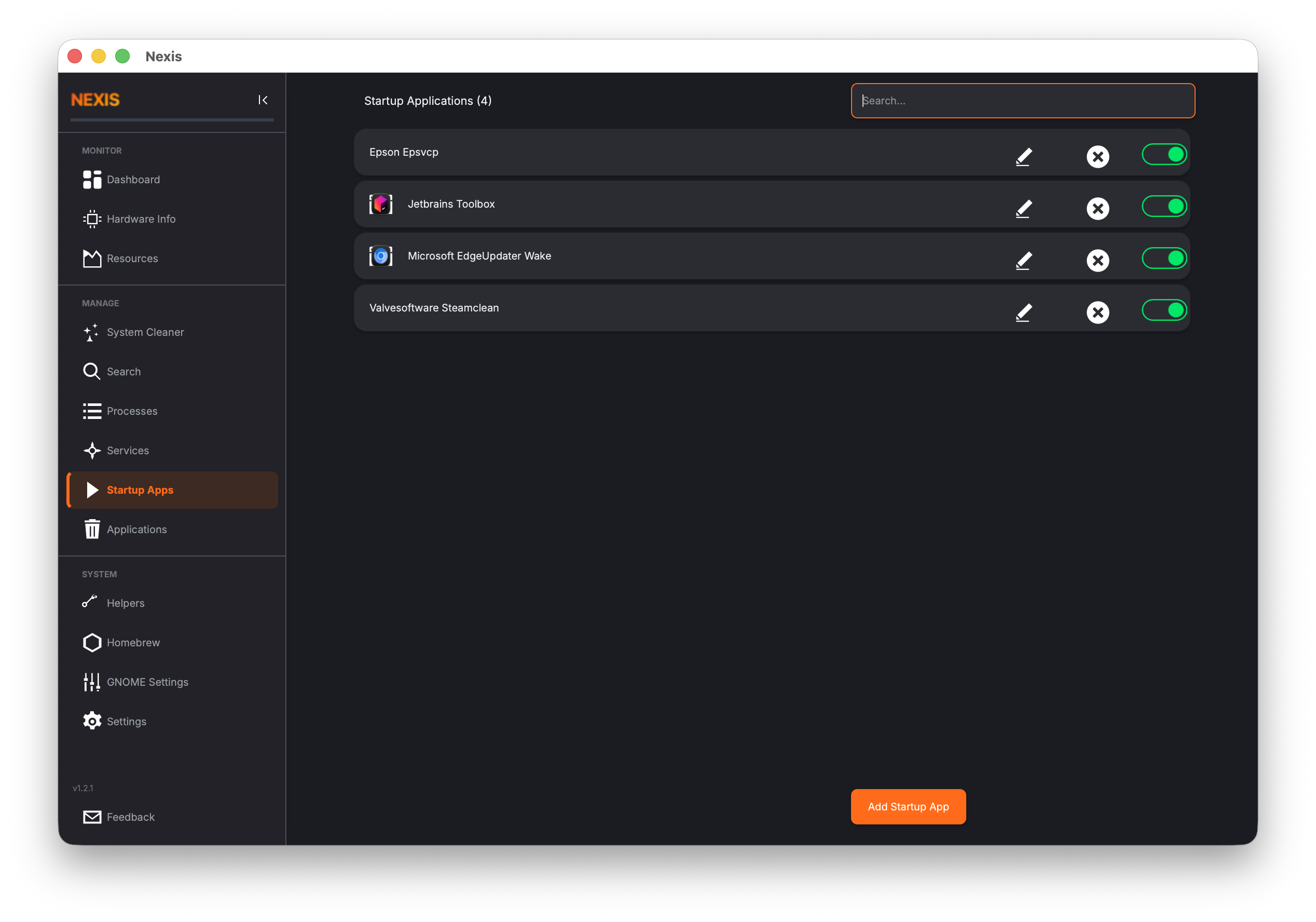 |
| Search | 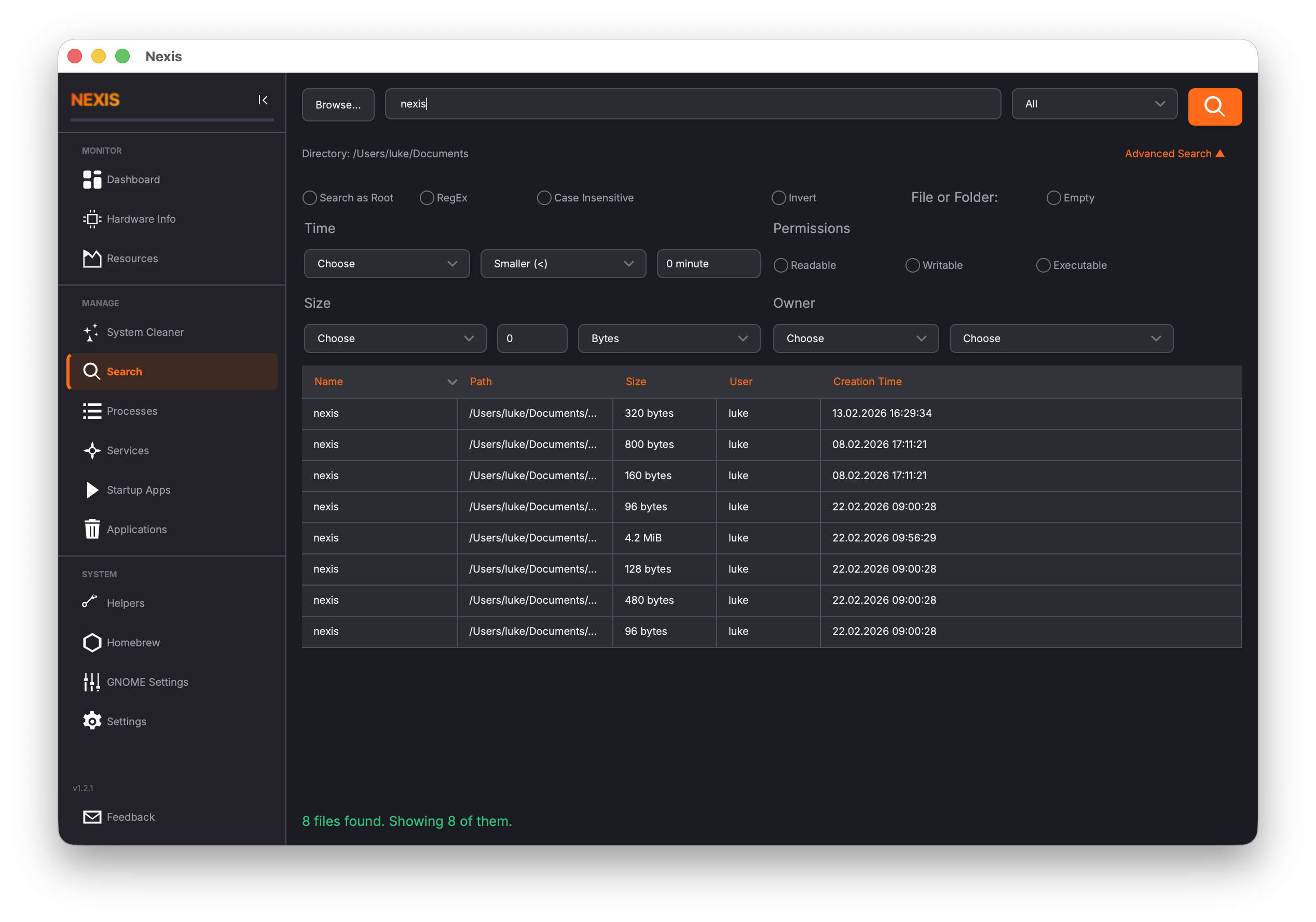 |
| Services | 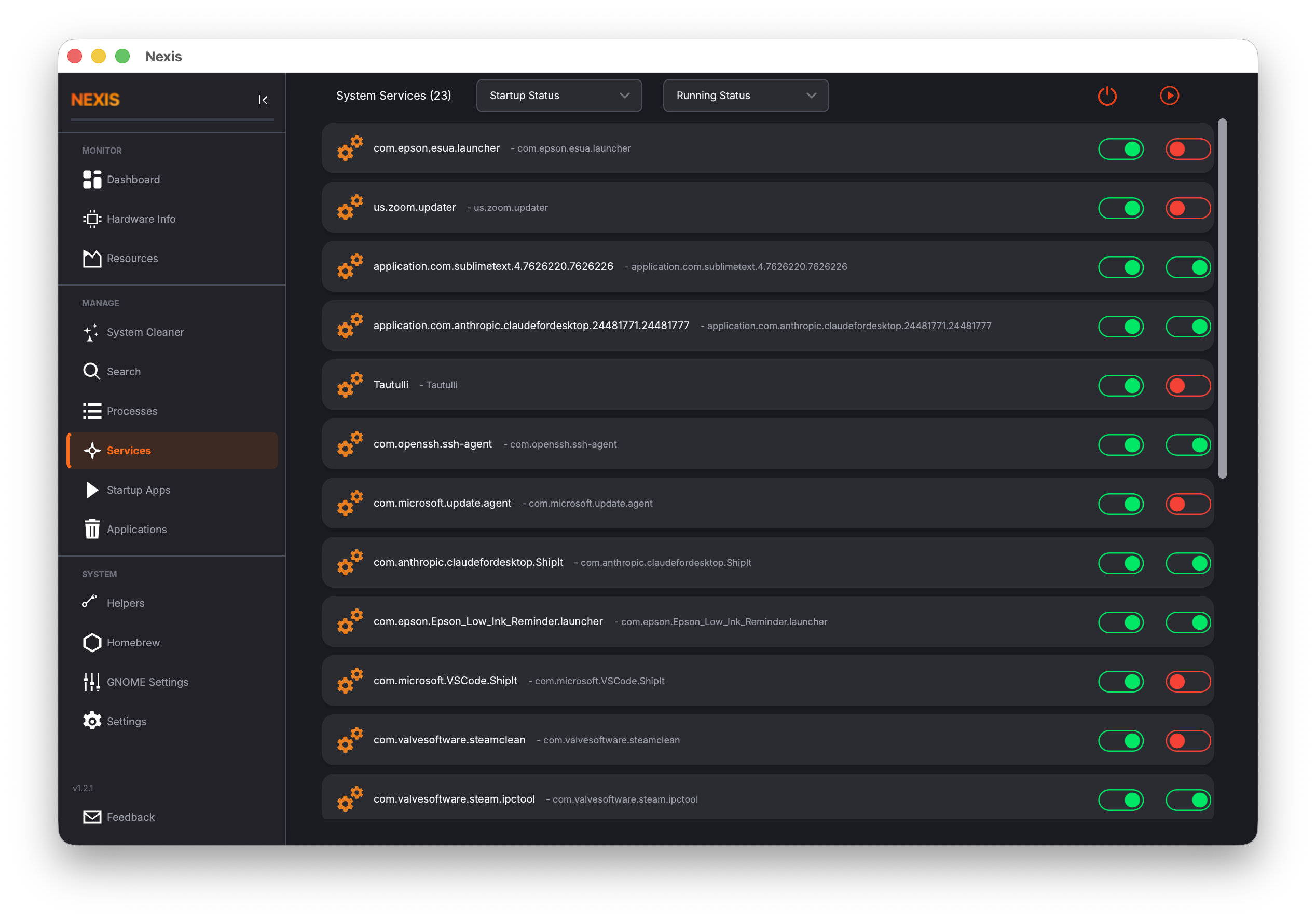 |
| Processes | 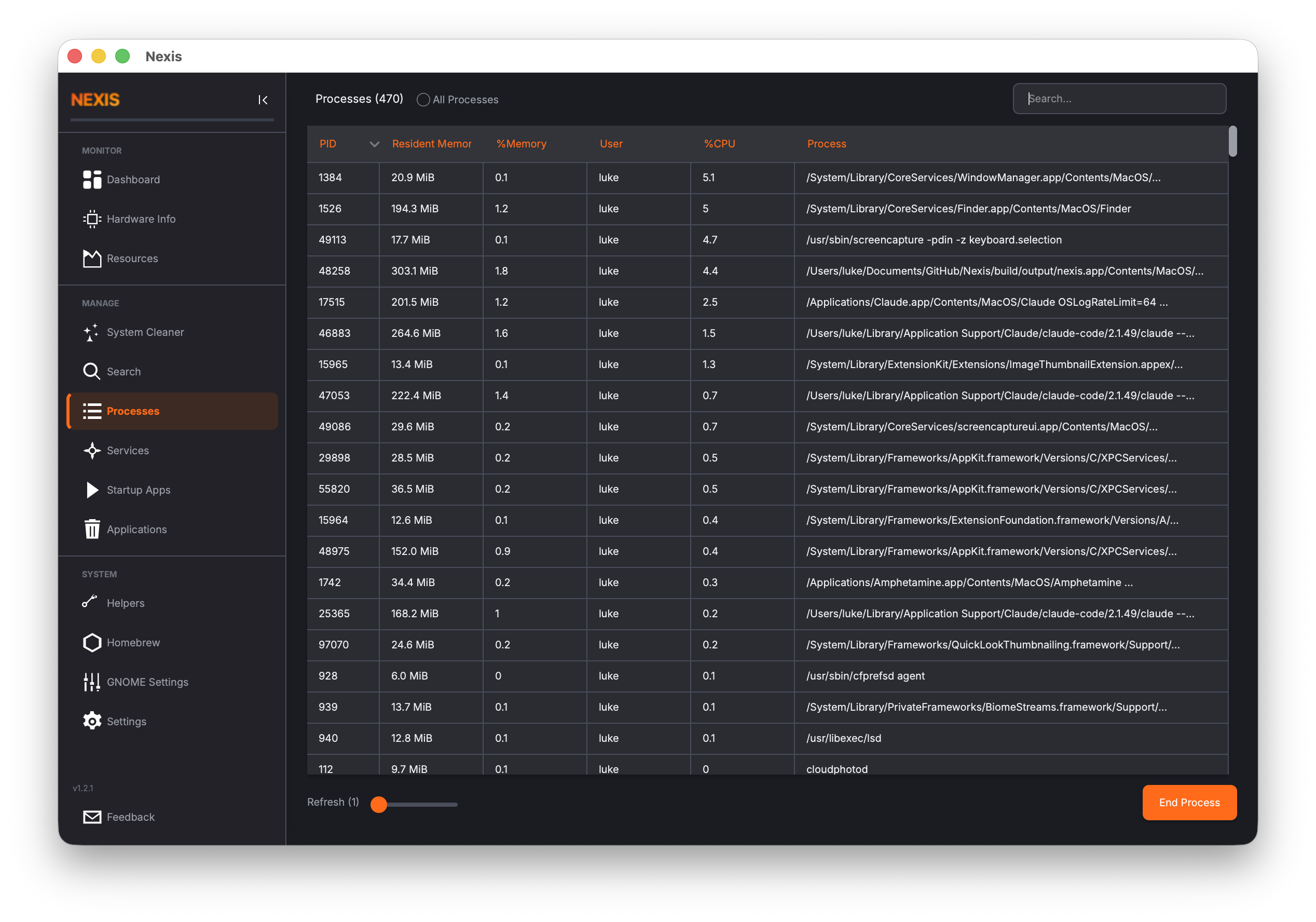 |
| Uninstaller | 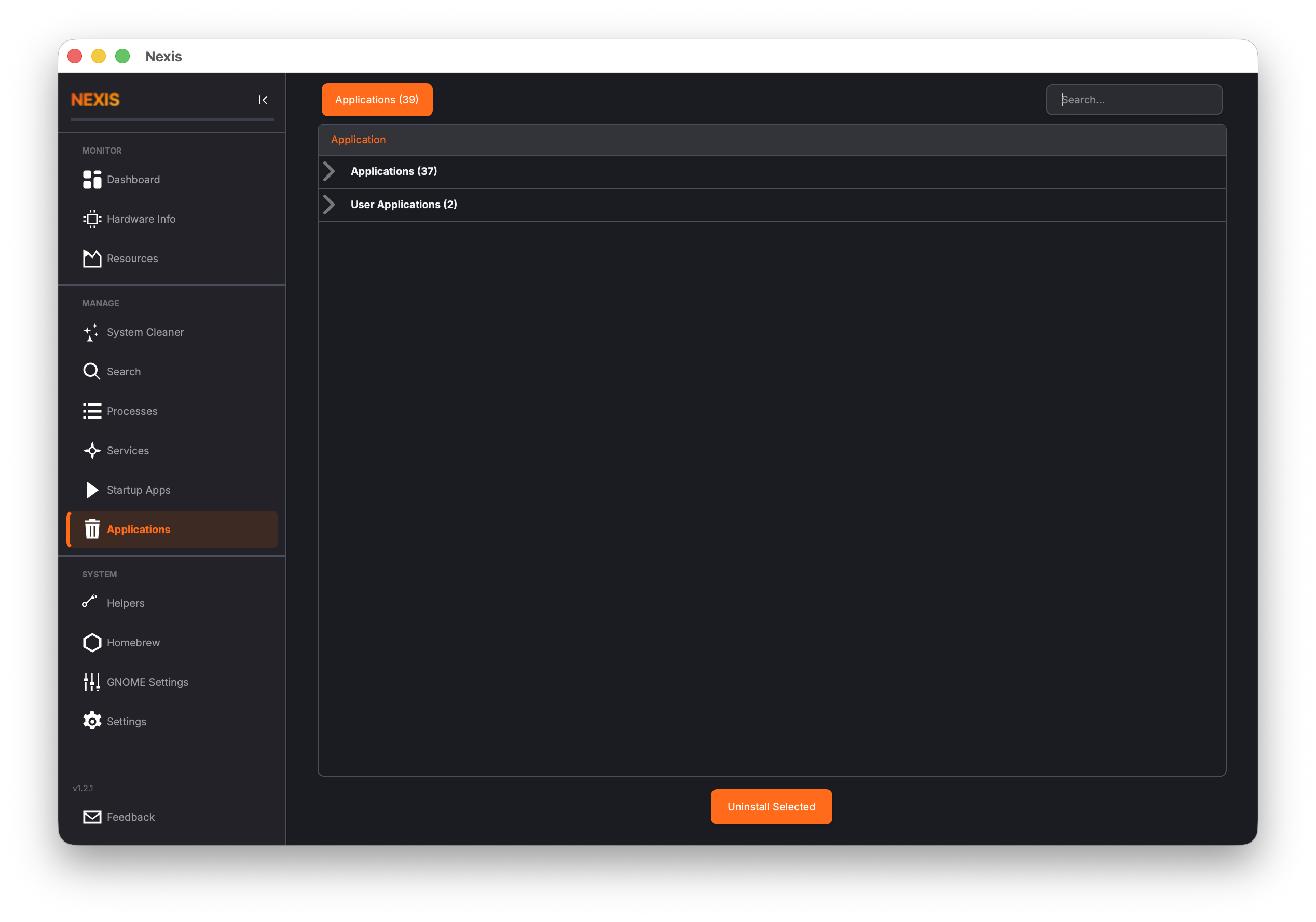 |
| System Logs | 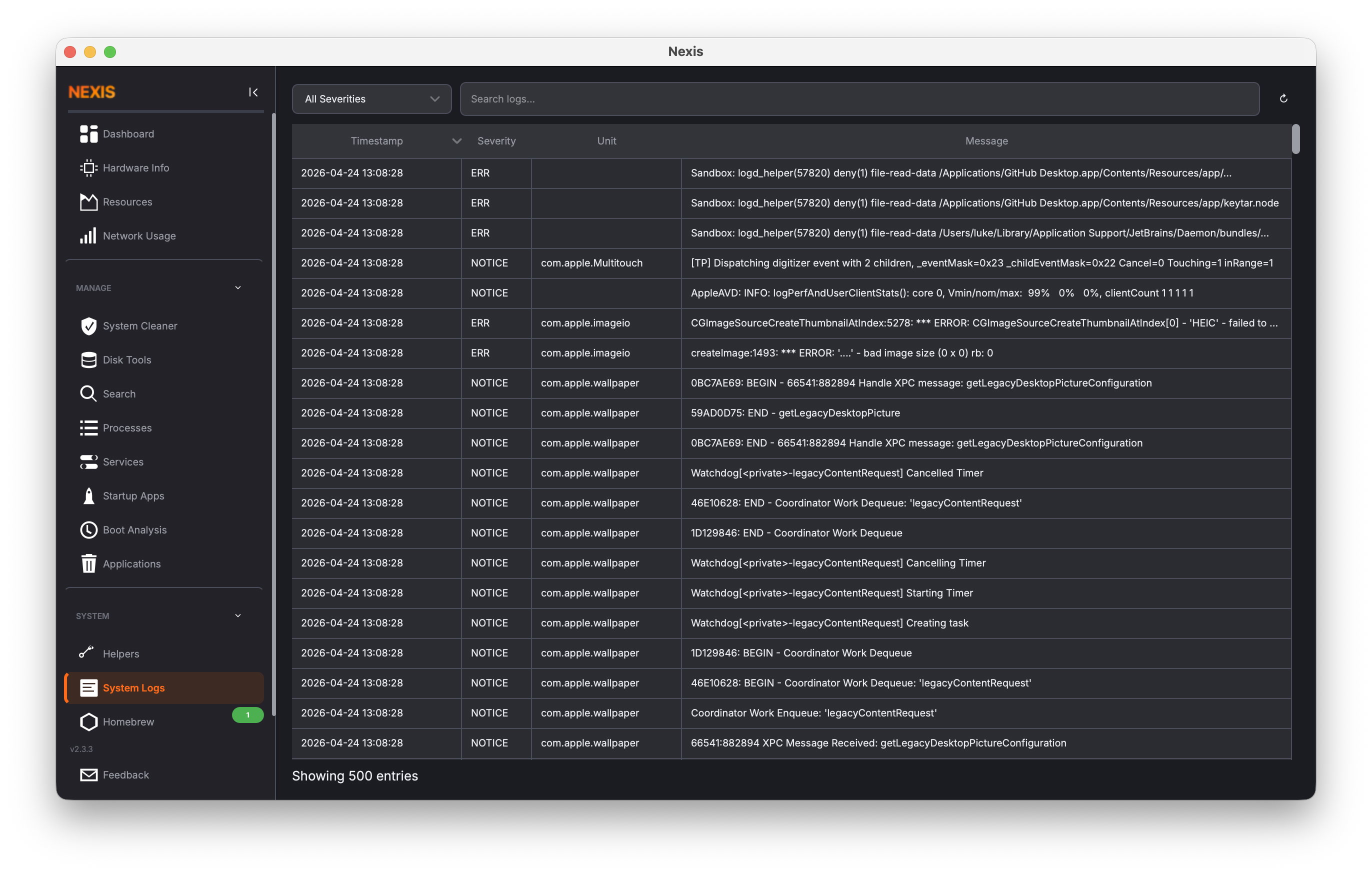 |
| Resources | 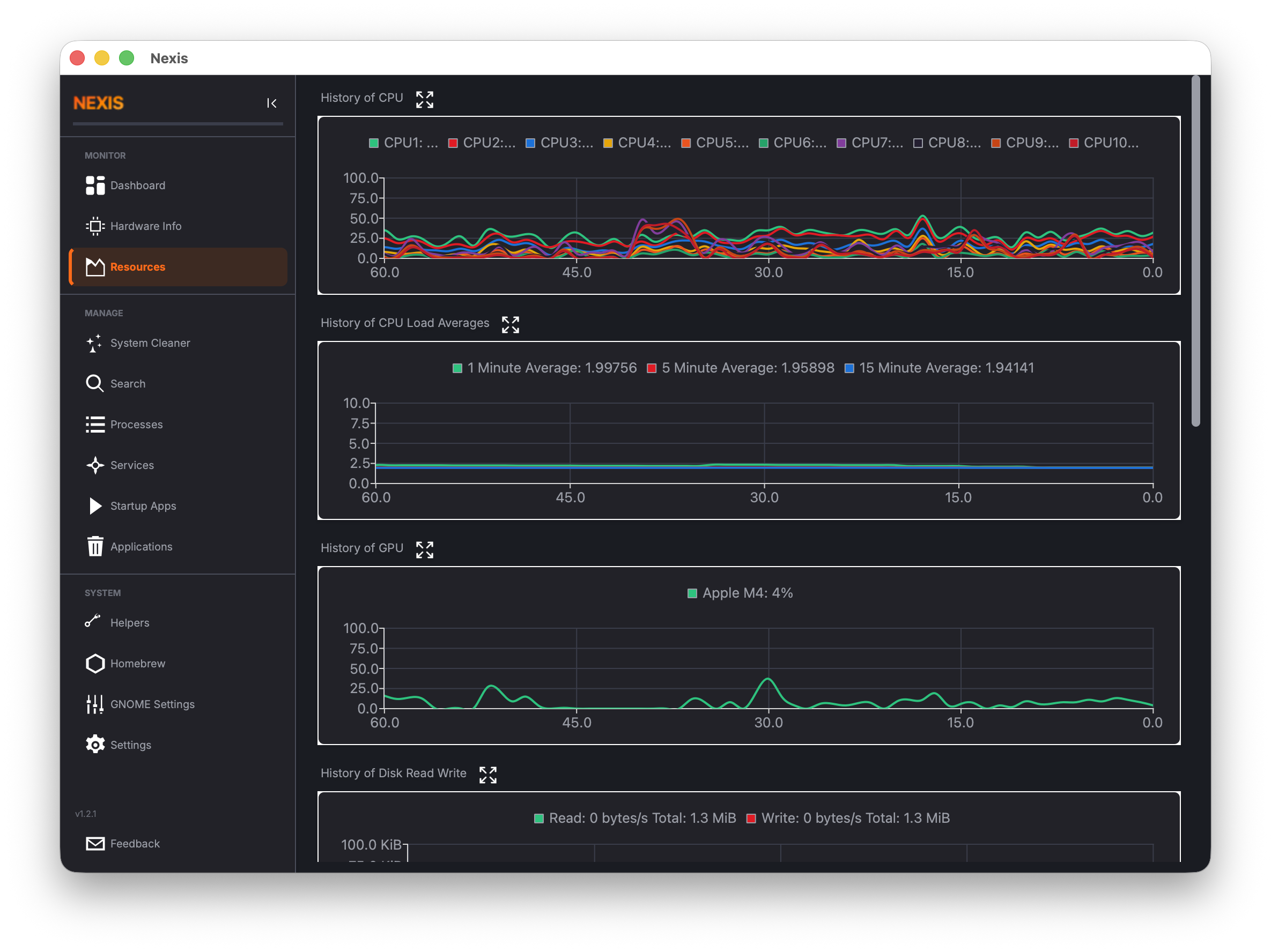 |
| Helpers | 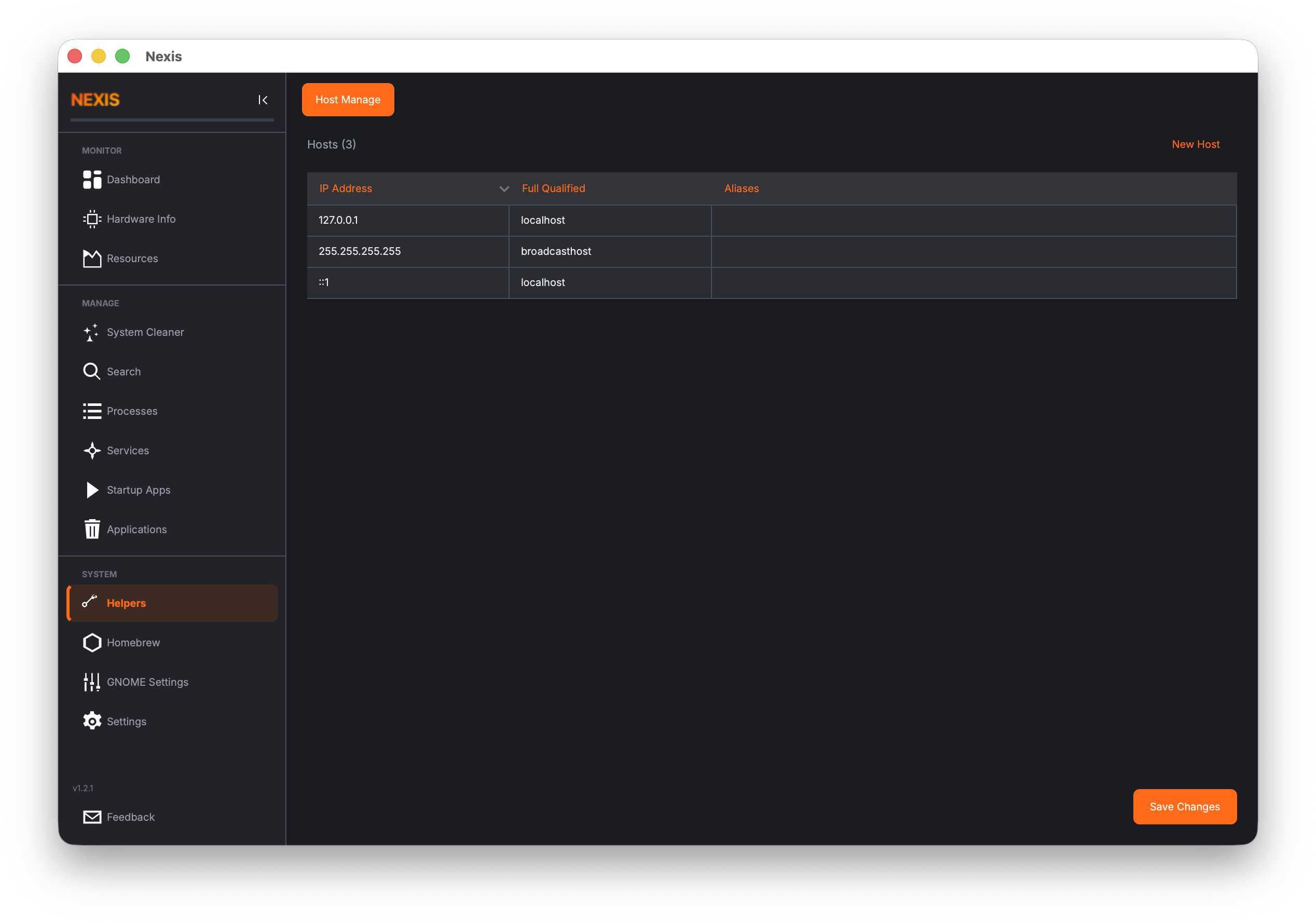 |
| APT Repository Manager | 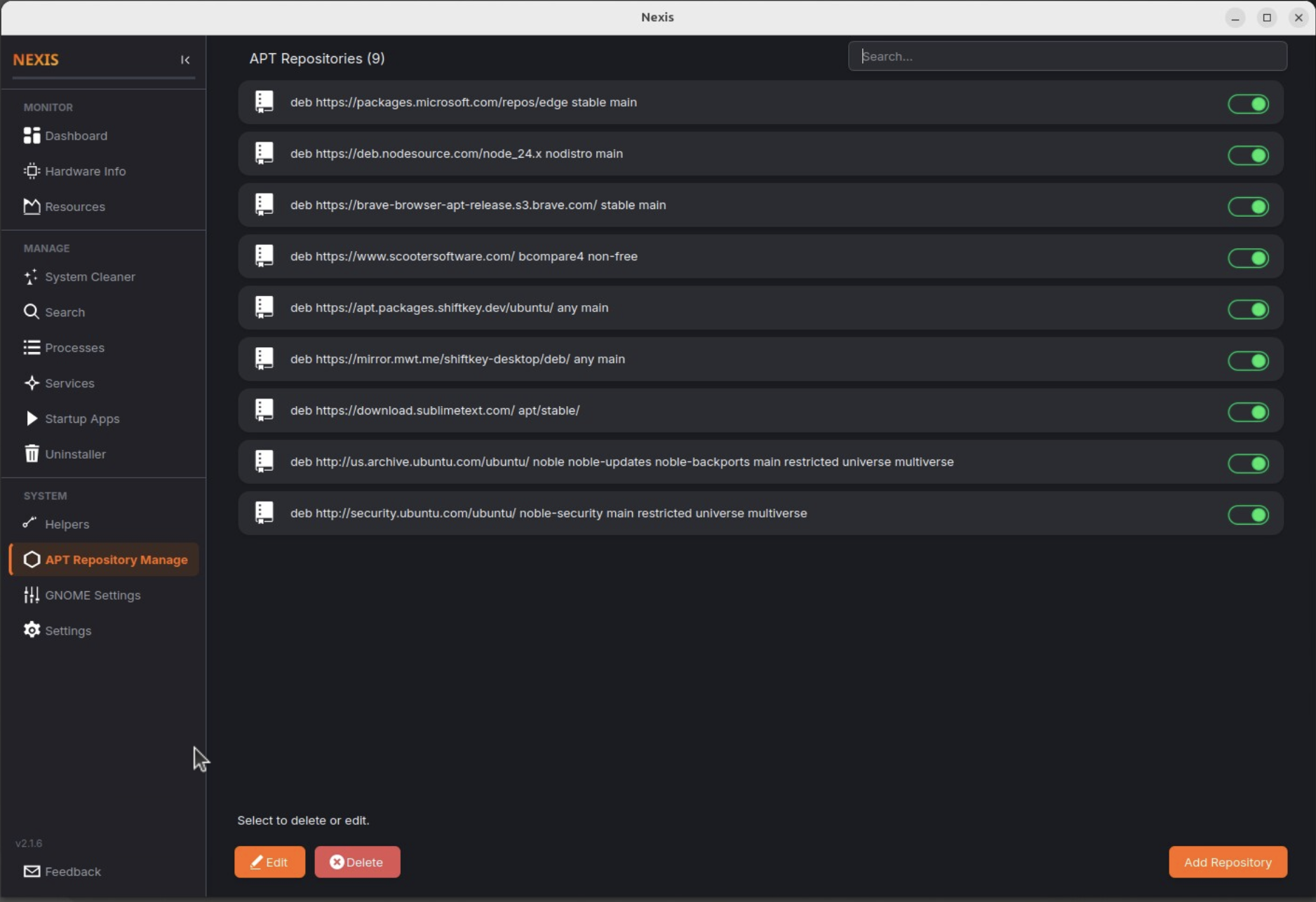 |
| GNOME Settings | 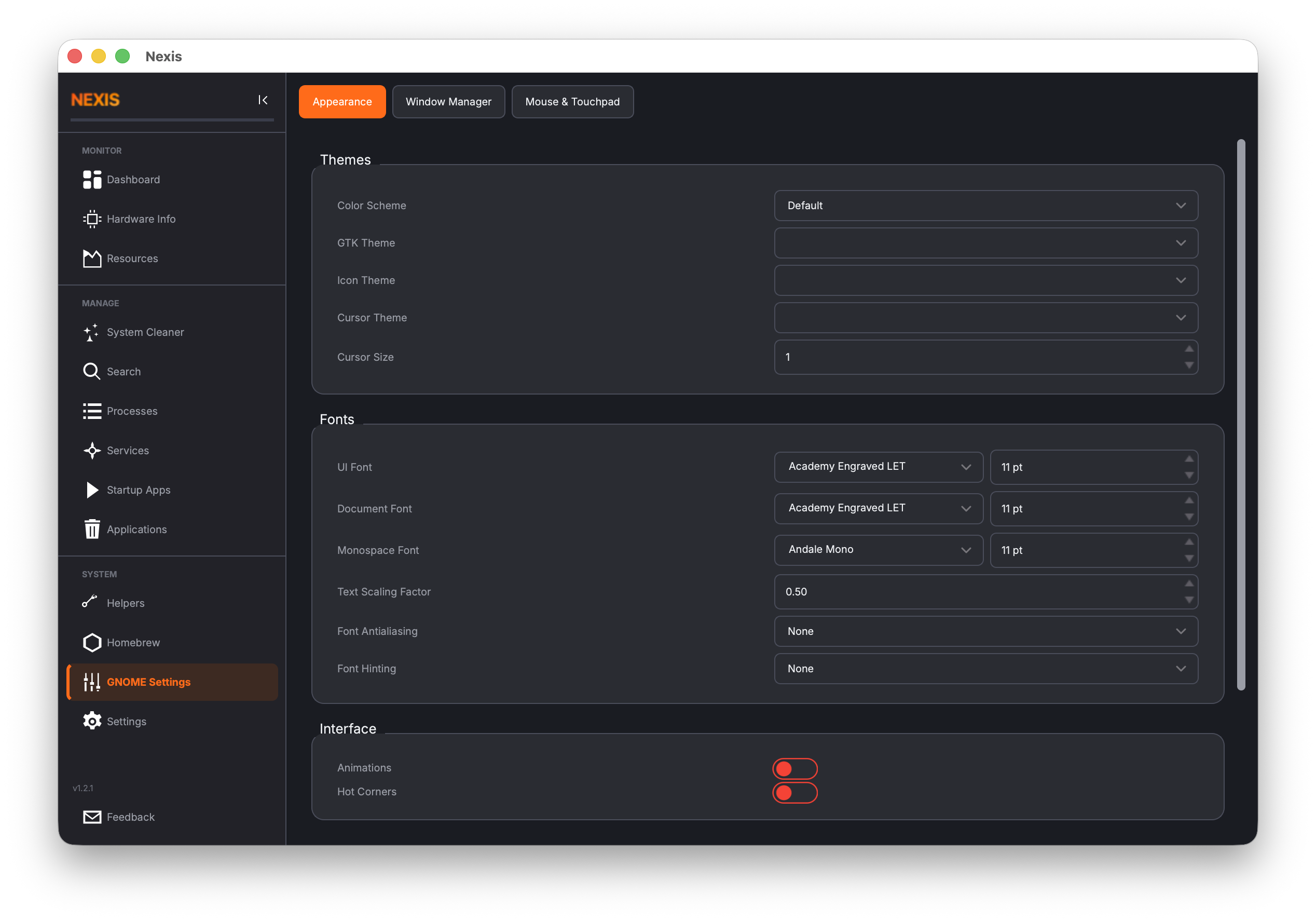 |
| GNOME Settings (Window Manager) | 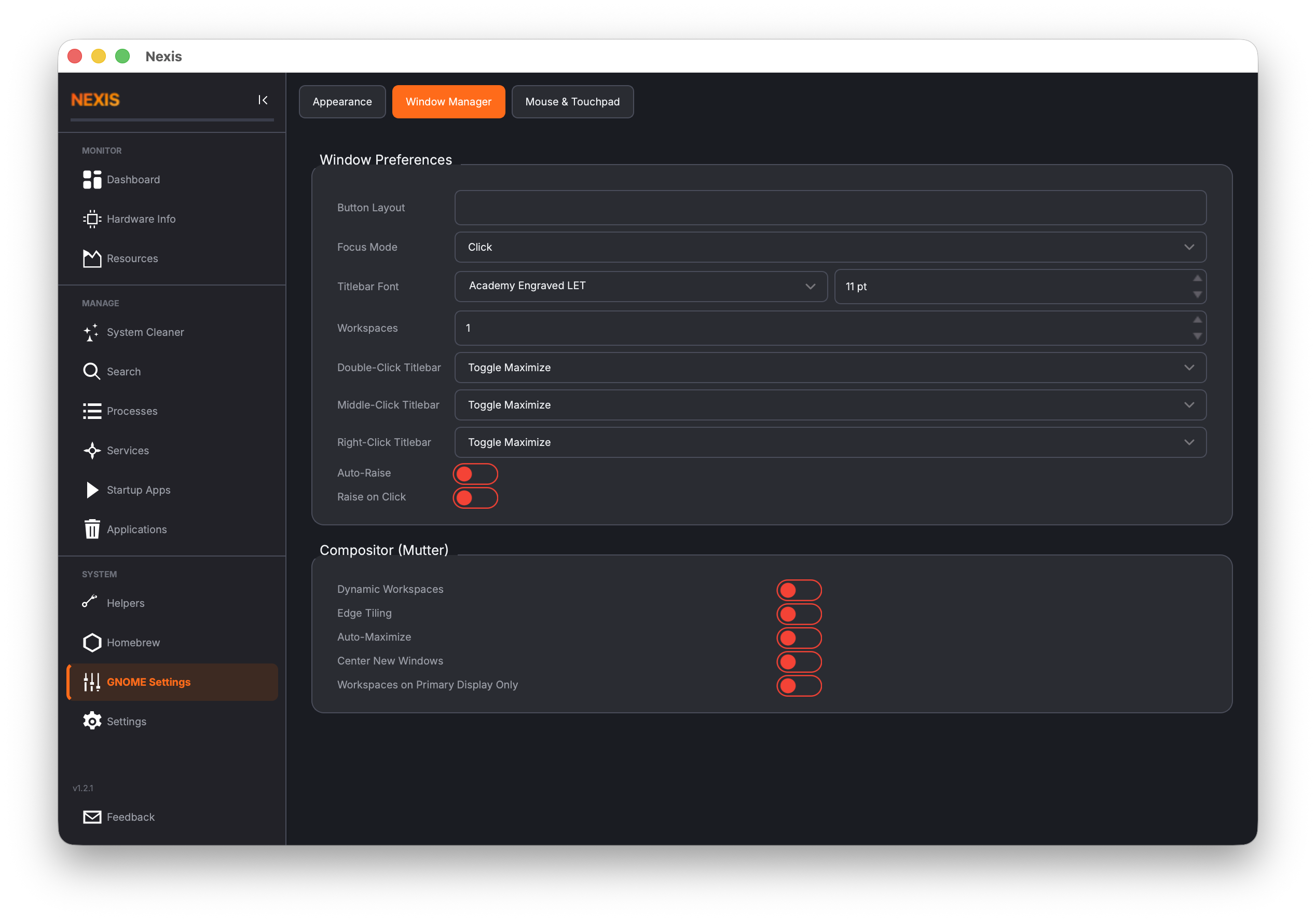 |
| GNOME Settings (Mouse/Touchpad) | 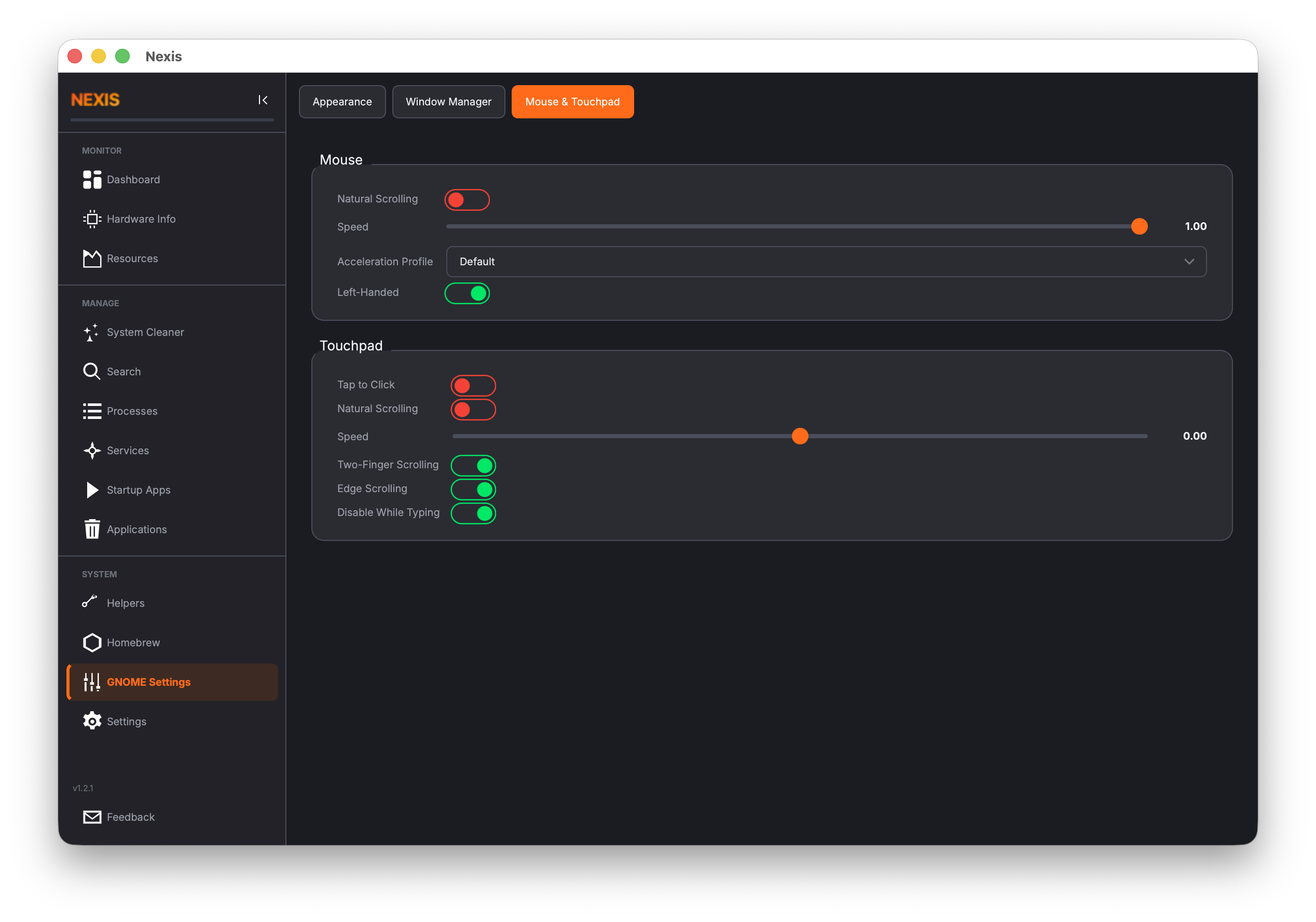 |
| Settings | 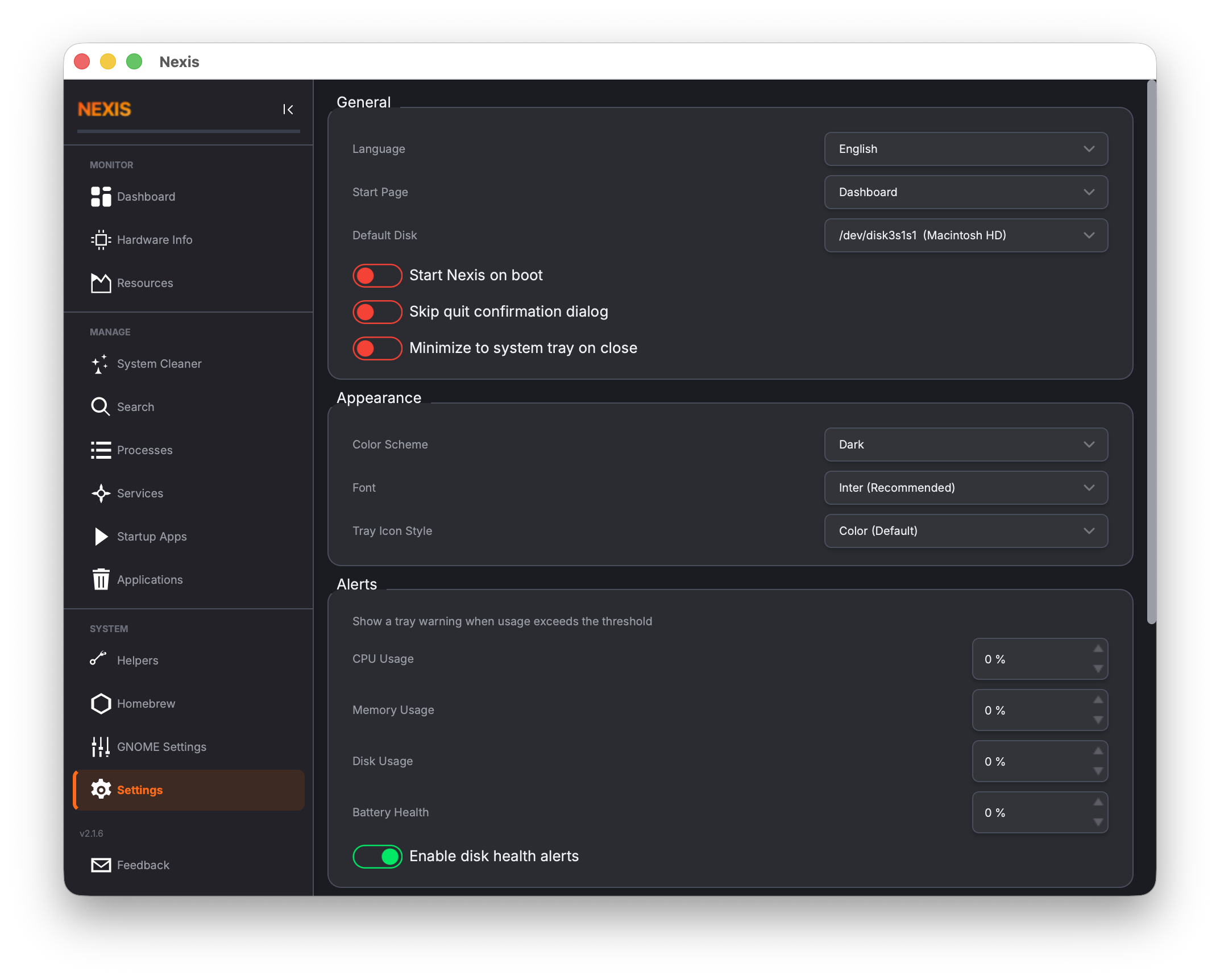 |
| Feedback | 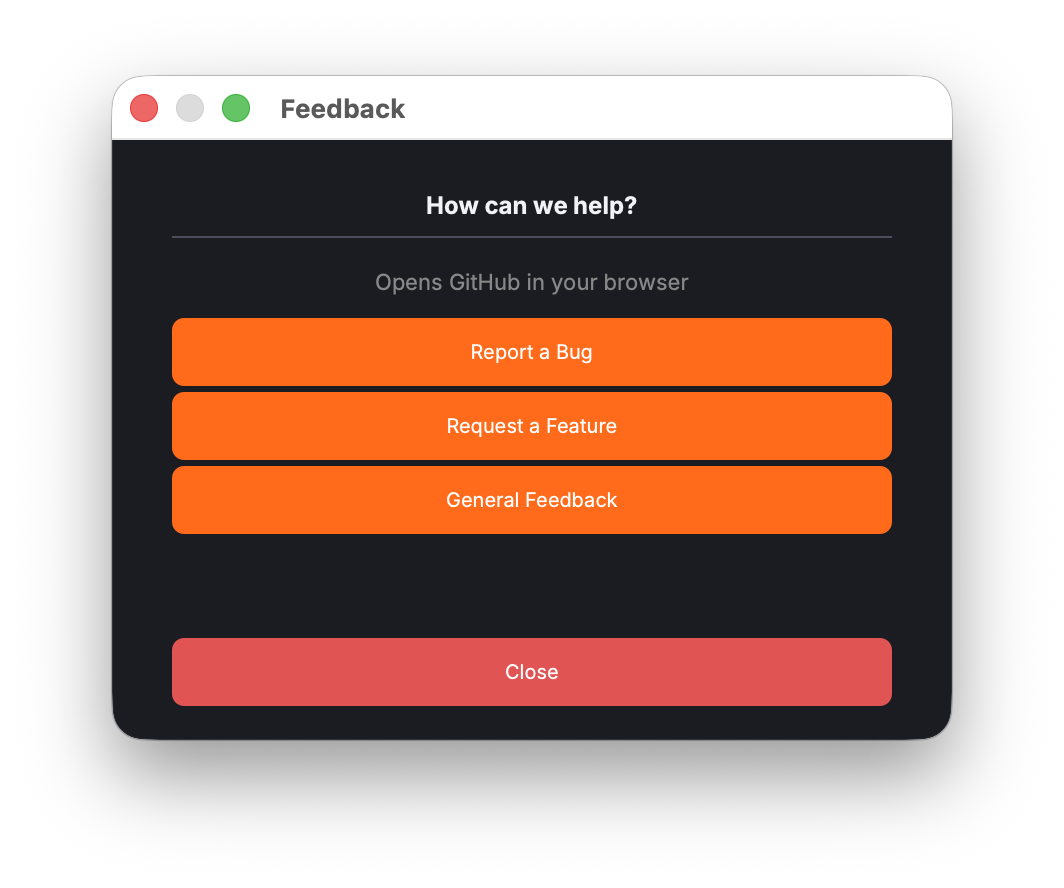 |
Install Qt 6 development libraries:
Ubuntu / Debian:
sudo apt install cmake g++ qt6-base-dev qt6-charts-dev qt6-svg-dev \
  qt6-tools-dev-tools qt6-l10n-tools
Fedora / RHEL:
sudo dnf install cmake gcc-c++ qt6-qtbase-devel qt6-qtcharts-devel \
  qt6-qtsvg-devel qt6-qttools-devel qt6-linguist
Arch Linux:
sudo pacman -S cmake qt6-base qt6-charts qt6-svg qt6-toolsNote: On minimal or headless environments you may also need
libgl1-mesa-dev(Debian/Ubuntu) or equivalent OpenGL headers.
brew install qt@6 cmake adwaita-icon-themeAfter installing, ensure Qt is in your path:
export PATH="$(brew --prefix qt@6)/bin:$PATH"mkdir -p build && cd build
cmake .. -DCMAKE_PREFIX_PATH=$(brew --prefix qt@6)
make -j$(sysctl -n hw.ncpu)Nexis is co-authored by Claude Code, Anthropic's AI coding agent. Claude Code contributes to architecture decisions, feature implementation, bug fixes, CI/CD pipelines, and release engineering -- working alongside the human maintainer as a pair-programming partner.
Nexis supports 34 languages. Translations are managed via Crowdin -- no coding required to contribute. Sign up, pick a language, and start translating in your browser.
New translations are automatically synced back to this repository via pull request.
To enable the Crowdin sync pipeline for a new fork:
- Create a project at crowdin.com (free for open source).
- Add two repository secrets in GitHub Settings > Secrets:
CROWDIN_PROJECT_ID-- numeric project ID from the Crowdin dashboard.CROWDIN_PERSONAL_TOKEN-- personal access token from Crowdin account settings.
- Seed the project with existing translations (one-time):
brew install crowdin                # macOS
export CROWDIN_PROJECT_ID=<id>
export CROWDIN_PERSONAL_TOKEN=<token>
crowdin upload sources --config crowdin.yml
crowdin upload translations --config crowdin.yml --auto-approve-imported
- The
crowdin-sync.ymlGitHub Action handles ongoing sync automatically.
Bug reports and feature requests are welcome! Please open an issue or submit a pull request. See CHANGELOG.md for release history.
Nexis is a free, GPL-3.0 reference product with a single named full-time maintainer (no capacity time-box). If you are a future maintainer (human or agent) inheriting the project, read these in order:
docs/MAINTAINER_SOP.md— ownership, time-box, on-call cadence, decision rights.RELEASE.md— end-to-end release runbook (tag, build matrix, code signing, Homebrew/AUR/PPA bumps, CVE expedited path, post-release verification, dry-run procedure).
Nexis is maintained by S4 Solutions. IT, operations and AI consulting for growing businesses. Our fee is tied to the results we deliver.