
Note
For some applications, there is no easy way to save the config in the dotfiles, so it requires a bit of manual work. Please read the README to find out about them.
What's in here?
- My Brew dependencies, including apps, fonts, LSPs, extensions, etc., see Brewfile
- My configs, see
.config/
- Minimalism in all aspects
- Consistency throughout the configuration
- Simplicity in design and configuration
- Unified style Catppuccin Mocha theme and JetBrains Mono font
I am using DotDrop to manage dotfiles.
- Fork this repository and clone it
- Run the following commands to install the necessary tooling:
brew bundle- Run the following commands to install the dotfiles:
dotdrop install -c dotdrop.config.yaml -p default --force
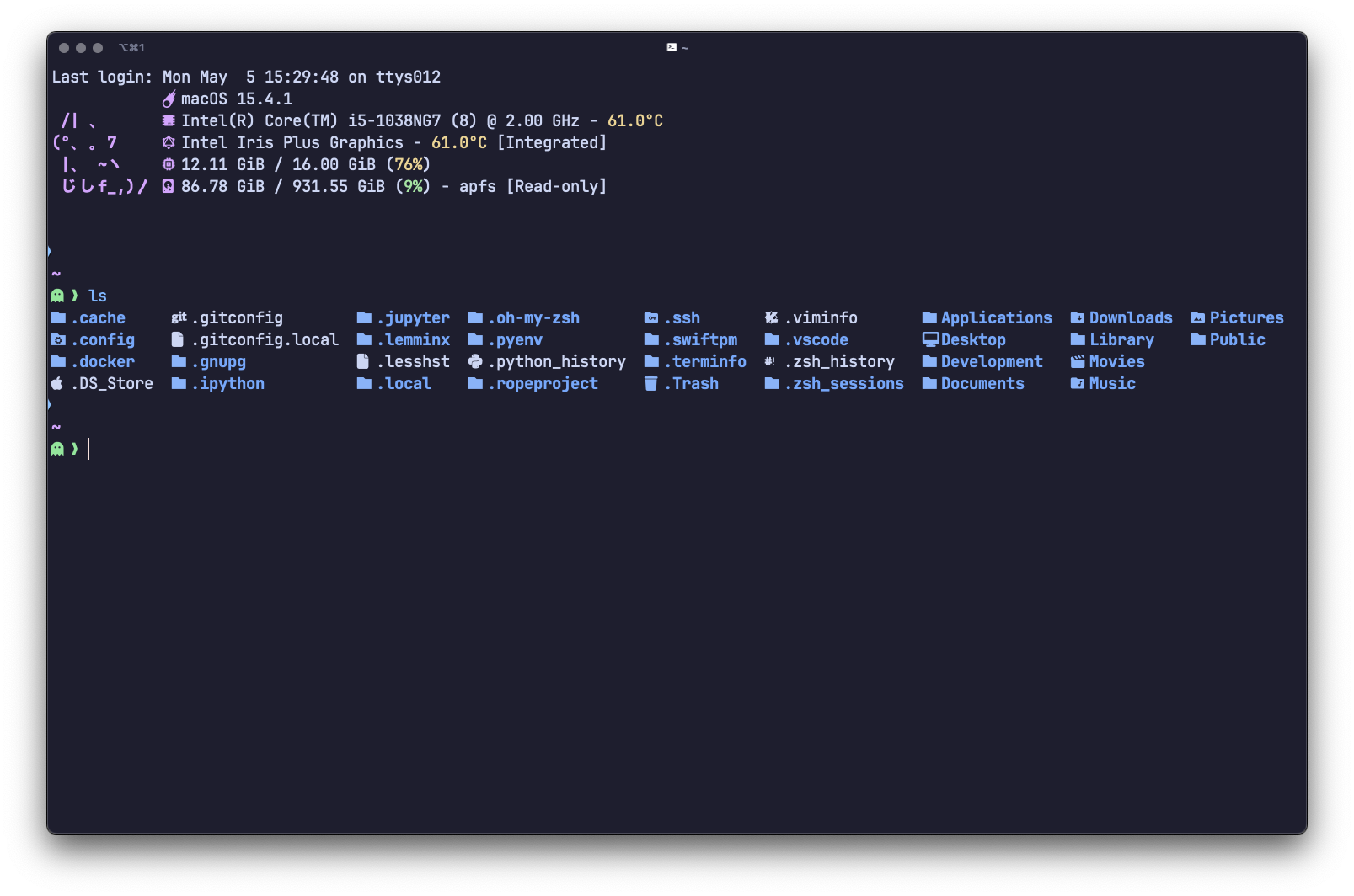
dotdrop install -c dotdrop.config.yaml -p macos --forceFor the shell, I am using Fish, as out of the box it has all batteries included. To manage shell plugins, I am using Fisher, but there are only a few installed. My complete configuration can be found here.
In terms of command-line tools, I try to keep them minimal—only the ones I use daily, such as:
A complete list of configurations for each tool can be found in the .config/ directory.
I use Helix as my main editor for CLI, and I am trying to move all my day-to-day work to it. My configuration can be found here. I want to highlight it separately, as it's a truly amazing editor with a lot of features and very handy keybindings out of the box.
I am using Homebrew to install both GUI applications and command-line tools. You can find a list of all applications, as well as LSPs and VSCode plugins, in the Brewfile.
I primarily use an external keyboard, and in most of my apps, I rely on either Vi/Kakoune motions. I find it painful to use the mouse, as it requires moving my right hand off the keyboard and distracts my "zen" state. In most of the dev apps, you can enable such modes, but in the default macOS apps or window manager, such functionality is absent. To resolve this issue, I am using Karabiner.
My configuration can be found here. The main idea is to implement home row mode using this guide.
I use Rectangle as a tiling window manager for macOS, which essentially replicates i3 functionality. My configuration can be found here.
I absolutely love VSCode - it's a simple and yet very extensible and powerful editor.
Here's a list of extensions I use daily, but I try to keep my VSCode setup as simple as possible. It was also heavily influenced by MakeVSCodeAwesome.
My VSCode configuration can be found here.
Despite my love for VSCode, it still has limitations and I like to explore new tools, so currently I am trying to move my day-to-day work to Zed, which I think, as an editor, has a bright future. I personally like how it can be configured and the way plugins are installed.
My Zed plugins and configuration can be found here.
As a browser, I am using Zen, with the following extensions installed:
My userChrome.css and userContent.css can be found here and are required to be placed in the chrome/ subfolder in your Zen profile.
To customise different websites, I am using Catppuccin User Styles and my personal configuration, which should be imported in the extension's preferences.
For note-taking, I am using Obsidian, a very flexible and extensible tool. As sync storage for the Vault (notes, settings, etc.), I am using iCloud.
My current theme is Catppuccin, which can be installed via the built-in plugin manager.
Additionally, I have a few plugins installed:
- Obsidian Copilot
- Obsidian Images in-editor
- Obsidian Tag Wrangler
- Obsidian Outliner
- Obsidian Style Settings
- Obsidian Advanced Tables
I also extended the length of readable mode (the default seems quite narrow) by adding custom CSS:
body {
  --file-line-width:1100px
}Spotify is my primary music app, and to customise it I am using Spicetify and Spicetify Marketplace.
My current theme is Catppuccin, which can be installed via Marketplace in the themes tab.
There are no other plugins installed apart from the theme.
My main messenger is Telegram with my own version of Catppuccin themes. Both themes can be installed using Telegram's theme manager:
To stay in touch with different communities, I am using Discord, but the official app lacks functionality, so instead I am using Vesktop with the Catppuccin theme installed via "Themes -> Online Themes".
/* frappe, macchiato, mocha */
@dark https://catppuccin.github.io/discord/dist/catppuccin-mocha-mauve.theme.css
@light https://catppuccin.github.io/discord/dist/catppuccin-latte-mauve.theme.cssf.lux - the best application to control the color of a computer's display, adapting to the time of day: warm at night and like sunlight during the day (supports presets based on geolocation).
NordPass and NordVPN - simply the best password manager and VPN client.
DBeaver - simple but powerful database manager.