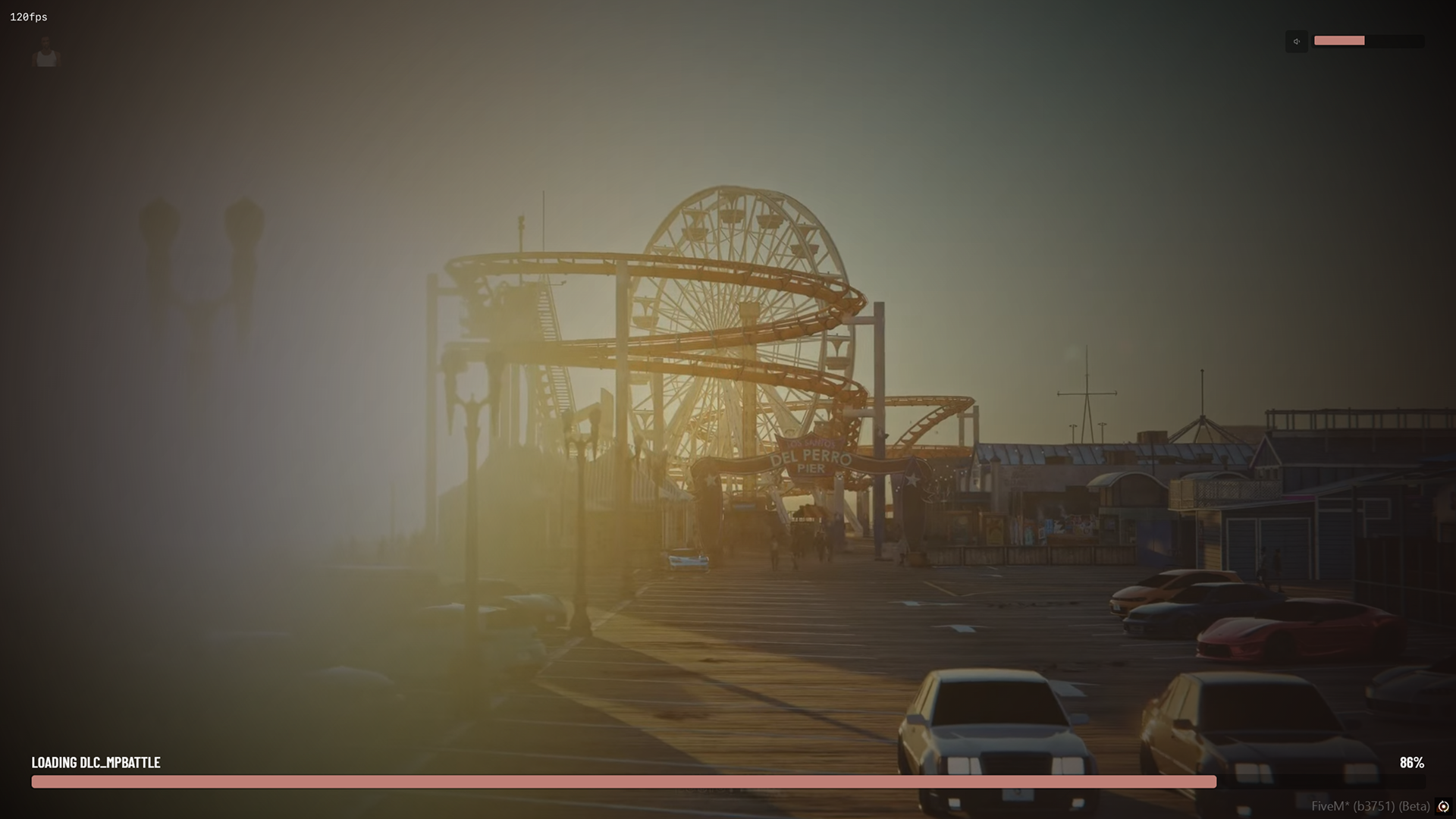
A modern, high-performance loading screen for FiveM featuring manual shutdown capabilities and full NUI integration. This script provides a seamless transition for players entering your server with support for high-quality video backgrounds and synchronized audio.
- Manual Shutdown Control: Utilizes
loadscreen_manual_shutdownfor a polished hand-off between the loading screen and the game world. - Dynamic Media Support: Support for
.webmvideo backgrounds or any standard image extension for static backgrounds. - Integrated Music Player: Built-in audio support with configurable default volume levels.
- Persistent Volume: Audio settings are saved to each player's local cache, ensuring their volume preference persists across server joins.
- Real-time Log Tracking: Features an
onLogLineevent handler to pass client loading messages directly to the UI. - Data Handover: Uses server-side deferrals to pass configuration data directly to the NUI during the connection process.
- Clean Design: Optimized for performance.
- Ensure your server is running a recent FXServer build.
- Place the
perc-loadingfolder into your resources directory. - Configure your assets, colors, and music in
shared/config.lua. - Add
ensure perc-loadingto yourserver.cfg.
The loading screen is highly customizable via the config.lua file:
- Logo: URL for your server's branding image.
- Color: RGB formatted string for UI accents.
- Background:
- Videos: Must use the
.webmextension for optimal NUI compatibility. - Images: Supports standard image extensions (e.g.,
.png,.webp,.jpg).
- Videos: Must use the
- Music: Set your preferred
.mp3source and the default volume (0.0 to 1.0).
Because this script uses manual shutdown, the loading screen will not disappear until the client explicitly triggers ShutdownLoadingScreenNui(). This ensures players don't see unfinished world textures during the initial spawn.
To improve the user experience, the NUI stores the user's volume preference in localStorage. This prevents the music from resetting to the default 0.25 every time the player connects.
The script automatically sets sv_showBusySpinnerOnLoadingScreen to false to maintain a clean, custom aesthetic during the handover.
The loading screen provides a professional first impression with smooth transitions and custom branding.