Welcome to T6 - Cyber Security - Socat! This repository contains walkthroughs for a series of boot2root challenges hosted on TryHackMe. The challenges focus mainly on privilege escalation exploiting CVEs, finding internal ports, and SSH tunneling.
The Socat project is composed of several boot2root challenges on virtual machines hosted on TryHackMe. The challenges are axed mainly around privilege escalation exploiting CVEs and finding internal ports and SSH Tunneling.
- Nmap
- Usage: Network scanning and vulnerability detection.
- Commands:
nmap -sC -sV <TARGET IP>: Runs default scripts and version detection.nmap -A <TARGET IP>: Performs OS detection, version detection, script scanning, and traceroute.nmap -p <PORTS> <TARGET IP>: Scans specific ports.
- Gobuster
- Usage: Directory brute-forcing.
- Command:
gobuster dir --wordlist /usr/share/wordlists/dirbuster/directory-list-2.3-medium.txt -u http://<TARGET IP>: Brute-forces directories with specified wordlist.- Additional flags:
-x php,txt,html,sh,cgi,bak(file extensions),-q(quiet mode).
- Dirb
- Usage: Directory brute-forcing.
- Command: Similar to Gobuster but less customizable.
- Dirbuster
- Usage: Directory brute-forcing with a GUI.
- Nikto
- Usage: Web server vulnerability scanning.
- Command:
nikto -h <TARGET IP>: Scans for vulnerabilities on the specified host.
- FFUF
- Usage: Fuzzing web applications.
- Command:
ffuf -u http://<TARGET IP>/FUZZ -w /usr/share/wordlists/rockyou.txt -o ffufoutput.txt: Fuzzes directories and saves output to a file.
- SSH
- Usage: Secure shell access.
- Commands:
ssh <USER>@<TARGET IP>: Connects to target via SSH.ssh -i id_rsa <USER>@<TARGET IP>: Uses a specified private key for SSH connection.
- Netcat
- Usage: Networking utility for reading from and writing to network connections.
- Commands:
nc -lnvp <PORT>: Listens on a specified port.nc <LOCAL MACHINE IP> <PORT>: Connects to a specified IP and port.
- LinPEAS
- Usage: Local privilege escalation enumeration script.
- Decoder
- Usage: Decoding encoded strings.
- Commands:
- Base64:
base64 -d - Hexadecimal:
xxd -r -p - Base32:
base32 -d
- Base64:
- John the Ripper
- Usage: Password cracking.
- Command:
john --wordlist=/usr/share/wordlists/rockyou.txt hashes.txt
- Steghide
- Usage: Steganography tool for hiding and extracting data within image files.
- Command:
steghide extract -sf <image>.jpg
- Stegseek
- Usage: Fast steganography brute-forcing.
- Command:
stegseek <image>.jpg /usr/share/wordlists/rockyou.txt
- GPG
- Usage: Encryption and decryption.
- Commands:
gpg --import .hidden-keygpg -d -o <file>.xlsx <file>.xlsx.gpg
- Hydra
- Usage: Brute-force attack tool for login services.
- Command:
hydra -L username.txt -P password.txt <TARGET SERVICE> - Additional flags:
-l(known username),-p(known password).
- Sqlmap
- Usage: Automated SQL injection tool.
- Command:
sqlmap -u <URL> --dbs
- Curl
- Usage: Command-line tool for transferring data with URLs.
- Command:
curl -X POST -H "Content-Type: application/json" -d '{"key":"value"}' http://<TARGET IP>:<PORT>/api/<username>
- Git
- Usage: Version control system.
- Command:
git clone <repository-url>
- WPScan
- Usage: Identify vulnerabilities and potential security issues
- Command:
wpscan -e u --url http://<TARGET IP>/wordpress -U admin -P /usr/share/wordlists/rockyou.txt - Additional flags:
-e u(users),-e p(plugins),-e t(themes),-U <username>(username for brute-forcing),-P <path to wordlist>(path to a password wordlist for brute-forcing).
- Fcrackzip
- Usage: Zip file password cracker.
- Exiftool
- Usage: Reading and writing metadata in files.
- Python
- Usage: Scripting and stabilizing reverse shells.
- Command:
python3 -c "import pty; pty.spawn('/bin/bash')"
- Sudo
- Usage: Check for sudo permissions.
- Command:
sudo -l
- Crontab
- Usage: Lists scheduled cron jobs.
- Command:
crontab -l
- Docker
- Usage: Interact with Docker containers.
- Command:
docker run -v /:/mnt --rm -it alpine chroot /mnt sh
- Getcap
- Usage: Check file capabilities.
- Command:
getcap -r / 2>/dev/null
- Rpcinfo
- Usage: Displays RPC services.
- Command:
rpcinfo -p
- Ss
- Usage: Display socket statistics.
- Command:
ss -tunpl
- Showmount
- Usage: Show NFS exports.
- Command:
showmount -e <TARGET IP>
- Ldd
Usage: Print shared object dependencies.
Command:
ldd /bin/bash
- Hashes.com
- dcode.fr
- Exploit-db.com
- Crackstation.net
- Pentestmonkey.net - Reverse Shell Cheat Sheet
- GTFO Bins
- GPG Documentation
- WordPress Reverse Shell Documentation - Hacking Articles
- Reverse Shell - Pentester Academy Blog
- Google Translate - Google Translate
- To stabilize terminal:
$ python3 -c "import pty; pty.spawn('/bin/bash')" <USER>@<TARGET MACHINE>:~# ^Z [1]+ Stopped root@<LOCAL MACHINE>:~# stty raw -echo <-- fg & enter <USER>@<TARGET MACHINE>:~# - Sudo Check:
sudo -l - Port Forwarding via SSH:
ssh -R <PORT>:127.0.0.1:<PORT> root@<LOCAL MACHINE IP>
- Extracting archive hidden in an image:
stegseek <image>.jpg /usr/share/wordlists/rockyou.txt
- Using Exploit from Exploit-DB:
Desktop/Additional\ Tools/exploitdb/exploits/<source>/...
- Best Source for Exploits:
- Hydra Usage for Forcing API:
- Parameters Needed:
URL: /<URL PARAMETERS>
USER: <USER PARAMETER>
PASS: <PASSWORD PARAMETER>
Port: <PORT>
Invalid login message: <ERROR MESSAGE>
- Example Command:
root@<LOCAL MACHINE>:~# hydra <TARGET IP> -s <PORT> -V -f http-form-post "/<URL PARAMETERS>:<USER PARAMETER>=^USER^&<PASSWORD PARAMETER>=^PASS^&from=%2F&Submit=Sign+in&Login=Login:<ERROR MESSAGE>" -l admin -P /usr/share/wordlists/rockyou.txt
- When
<name>.thmdoesn't work:- Adding Domain Entry to
/etc/hosts:
<TARGET IP> <name>.thm
- Adding Domain Entry to
Easy-Medium Boot2Root with a twist. Practice your privilege escalation skills and learn about ethical hacking.
💯 Toss a coin: Sing with me this amazing song!
💯 Yer a Wizard: Find out about the secret wizarding school!
💯 Musa Troglodytarum: Le bananier des montagnes
💯 Secrets of the Maw: Uncover the secrets of the maw, and don't get caught!
💯 The Binding of Cyber: Try not to lose yourself in this devilish room


Dig deeper into cyber security with SSH Tunneling and CVE exploits.
💯 Dalgona: 오징어 게임에 참여하여 456억의 당첨 기회를 잡으세요!
💯 Grand Line: I am going to be the pirate king!
💯 Silence: What does it take to climb the world’s first 9c?
💯 Un Pepene: Efectuați un test de penetrare
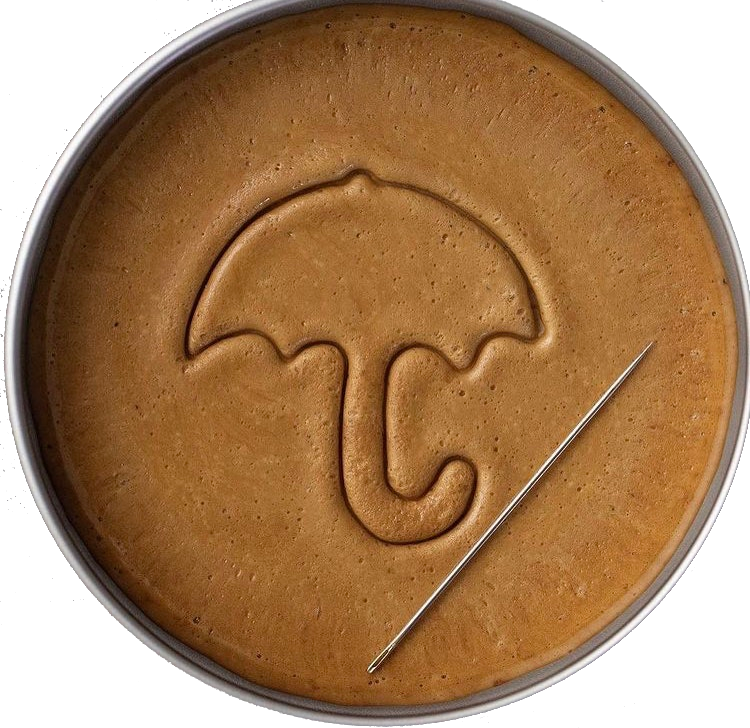


Advanced exploitation with reverse port forwarding, dockerization, and more!
🔷 Around The World: Discover the secret track of the famous duo!
⛶ Diabolical Box: Every puzzle has an answer!
⛶ Patience: Cookies are baking, wait for them to cook ... or find another way


Feel free to explore each room and enhance your skills in cyber security. Happy hacking!