


Hyprland compositor configuration for the equisdots desktop: modular Lua config, palette-driven theming and system scripts.
Previews · Quick Install · Features · Customization · Quick Reference · Structure · Documentation · Related Repos
previews
Captures served from the website previews page (hotlinked; no images are stored in this repository).
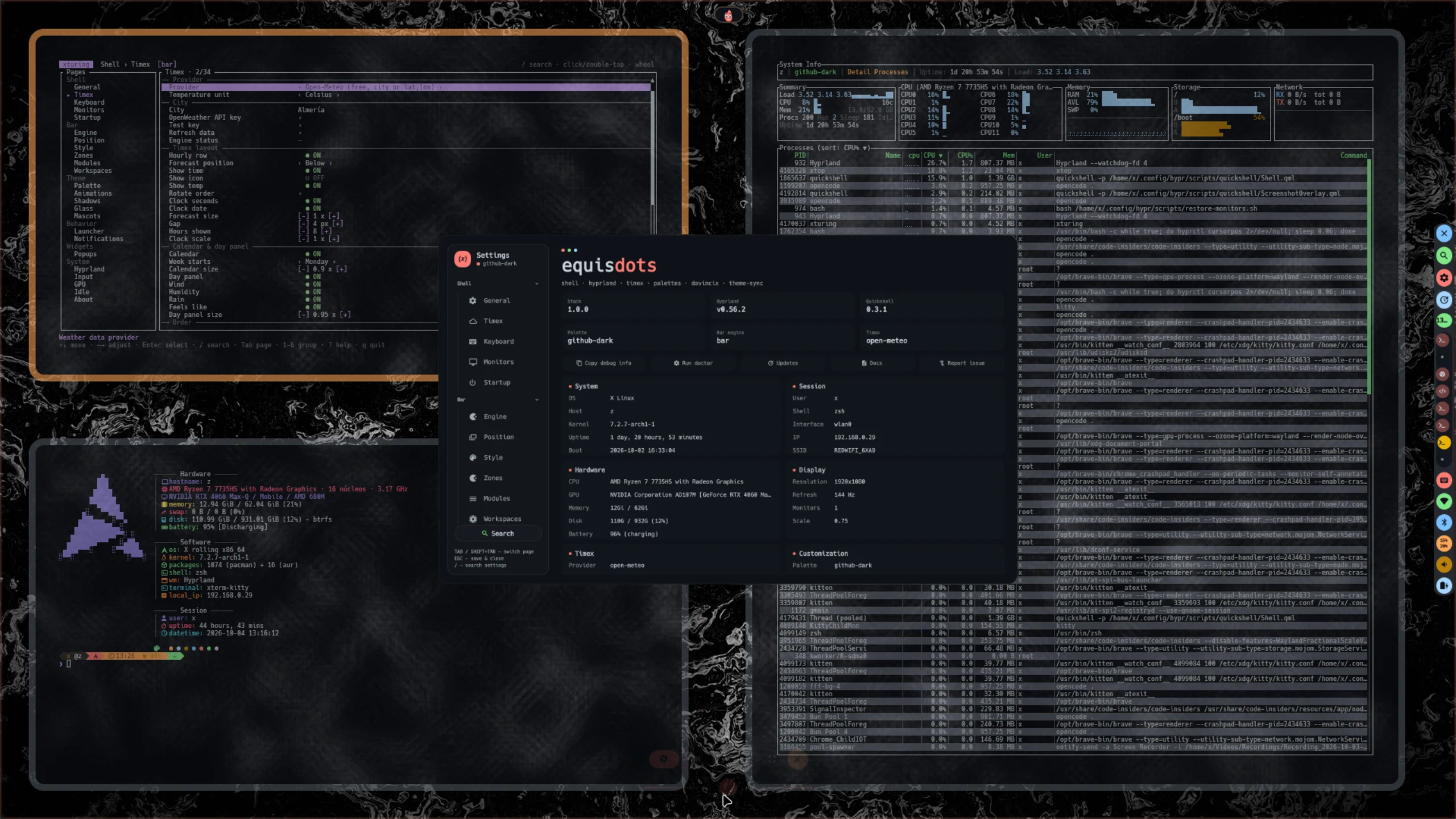
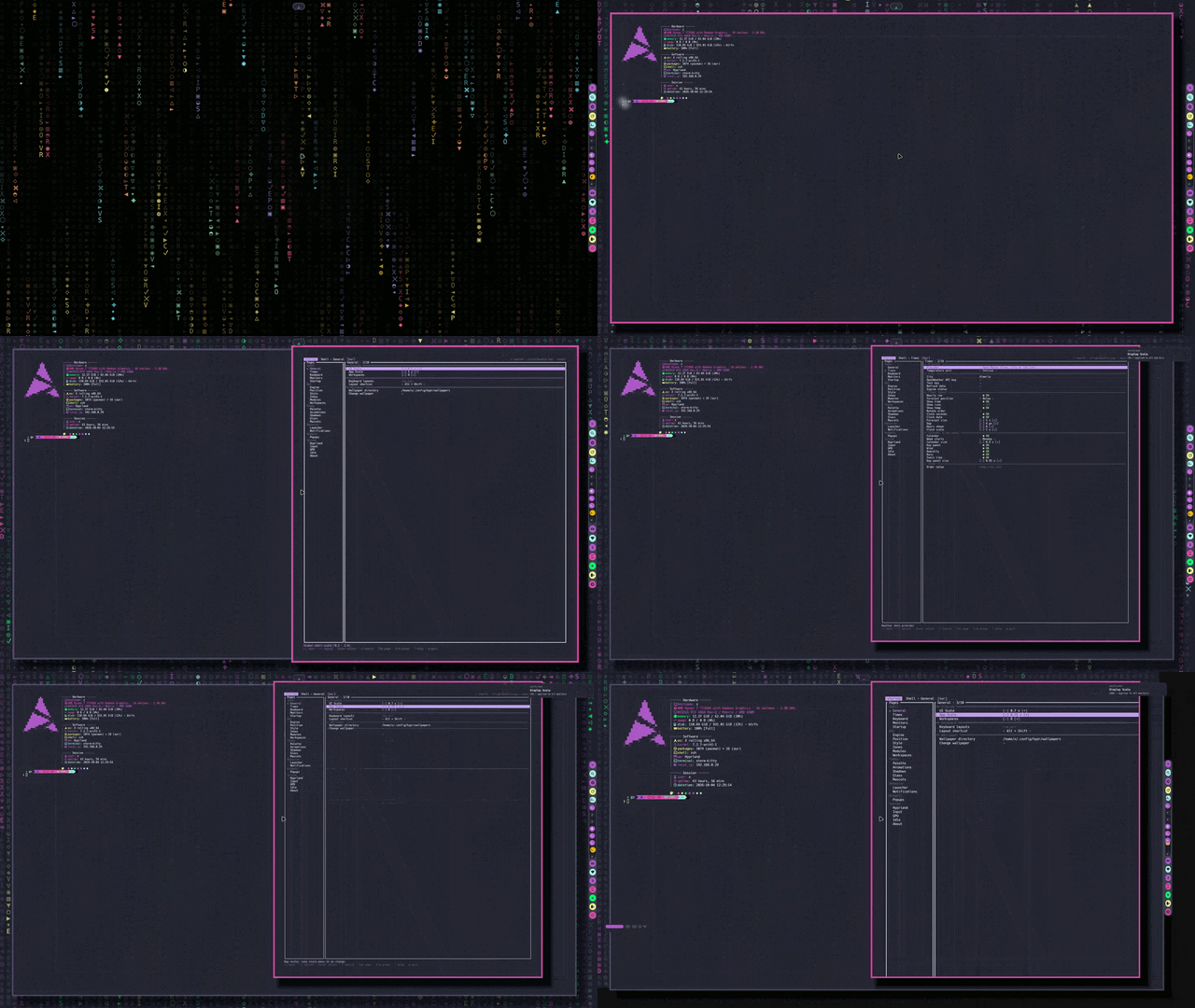
The full desktop -- equisdots doctor, the timex TUI and btop over an interactive scene.
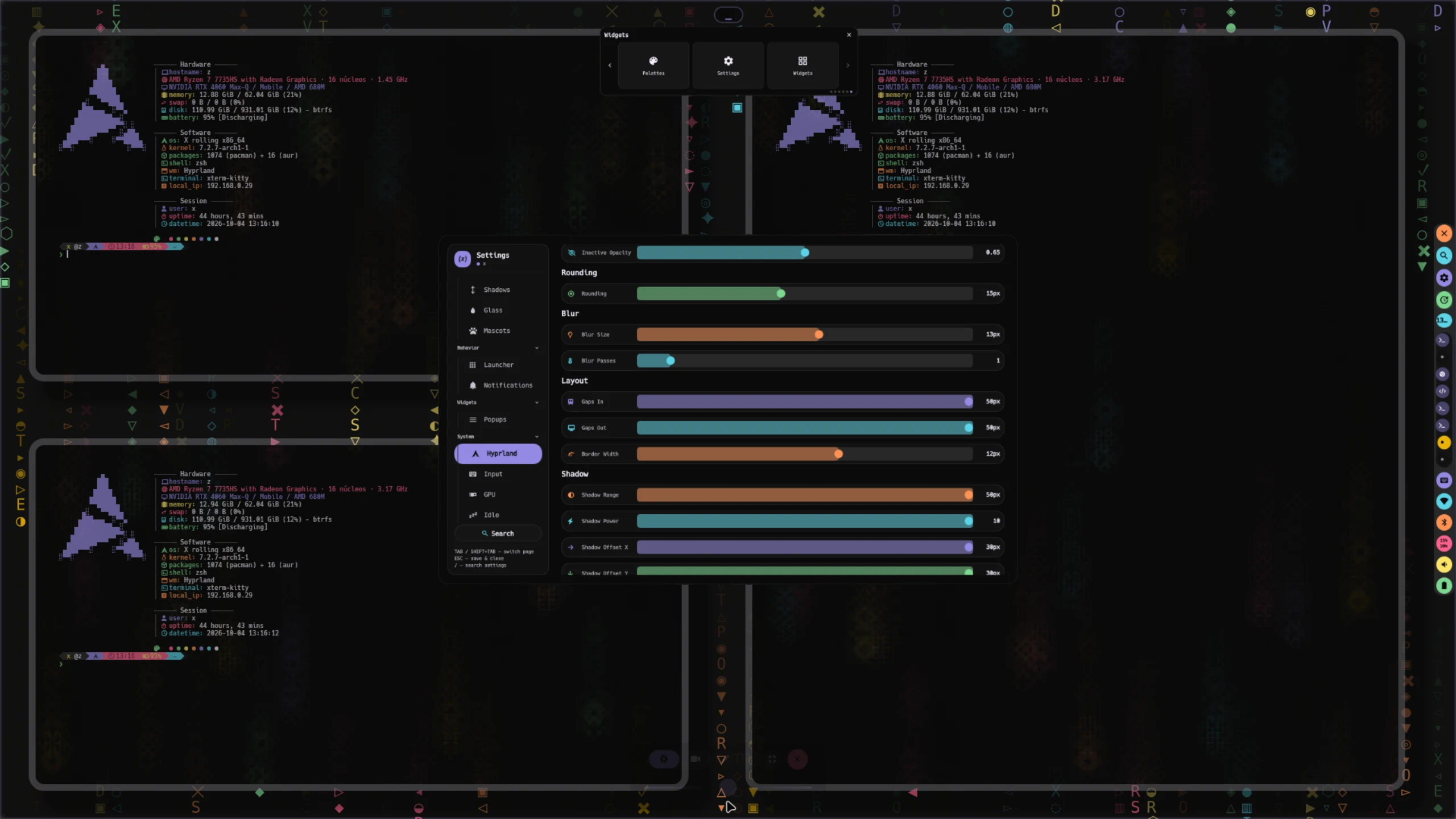
Tiling and panels -- Hyprland tiling with btop, the widgets panel and the settings editor at once.
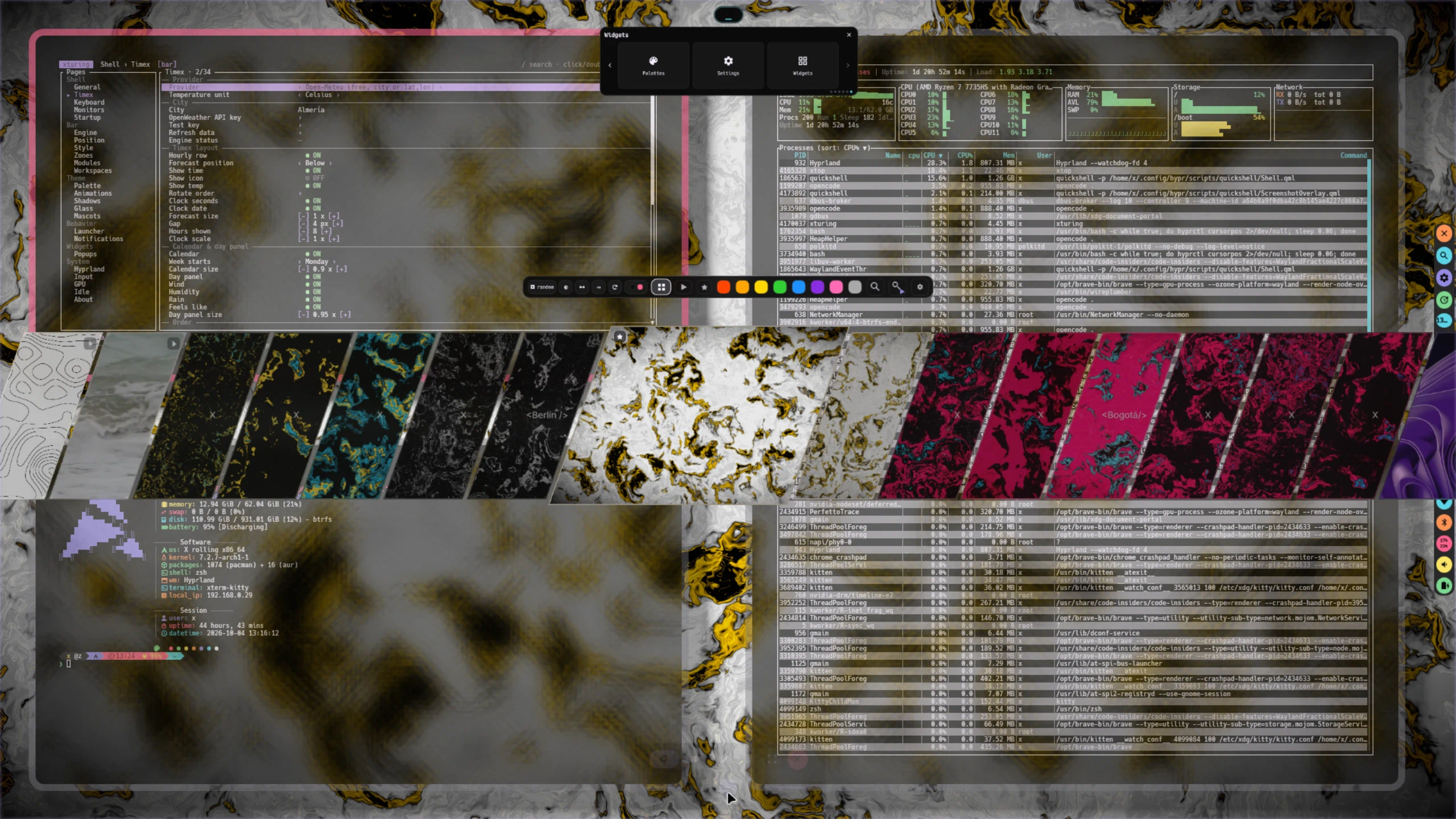
Scenes and monitors -- a scene wallpaper reacting to the palette, with the system monitor and terminal UI on top.

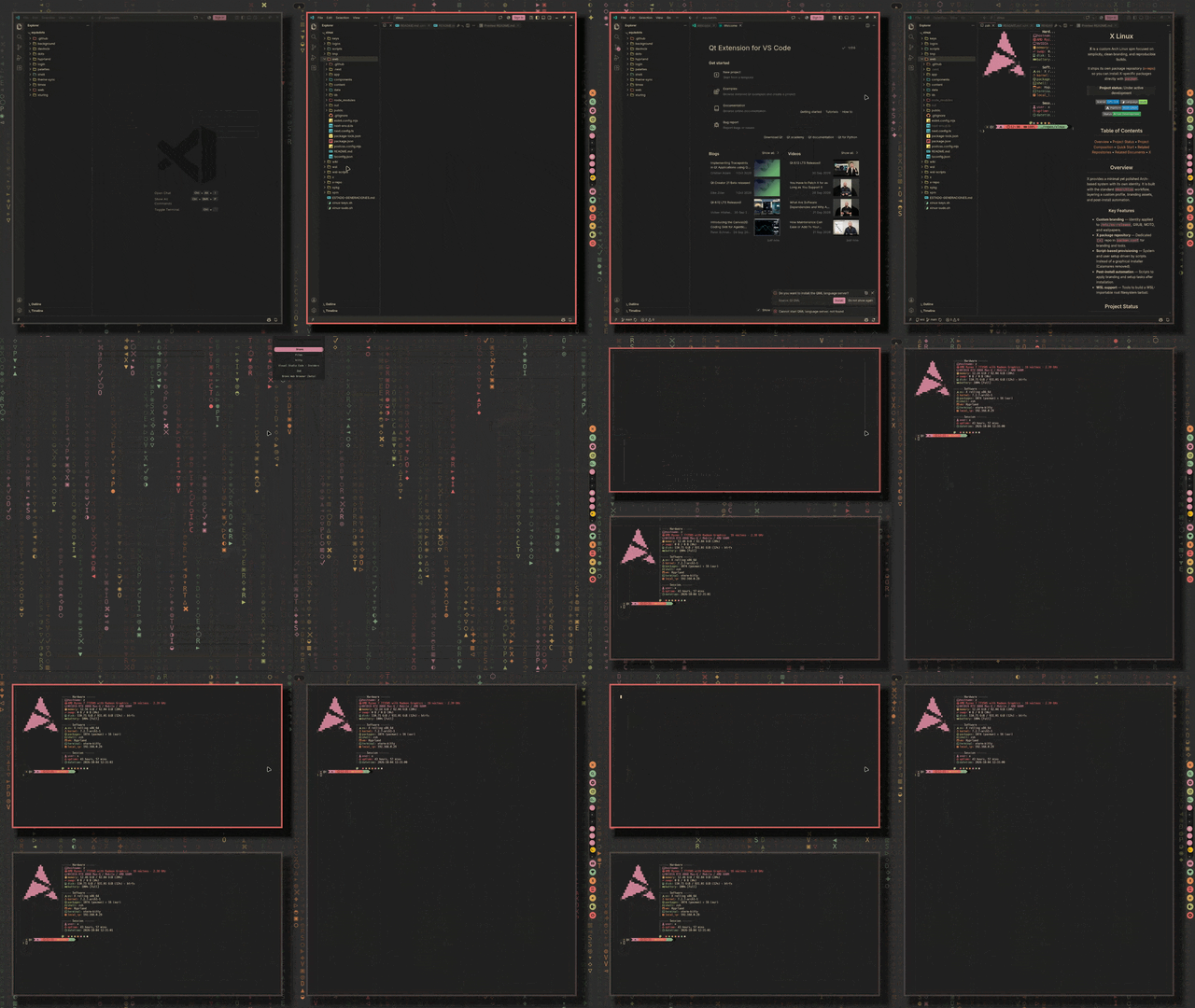
Bar islands -- workspaces, clock and status islands: palette-tinted, blur-aware and position-independent.
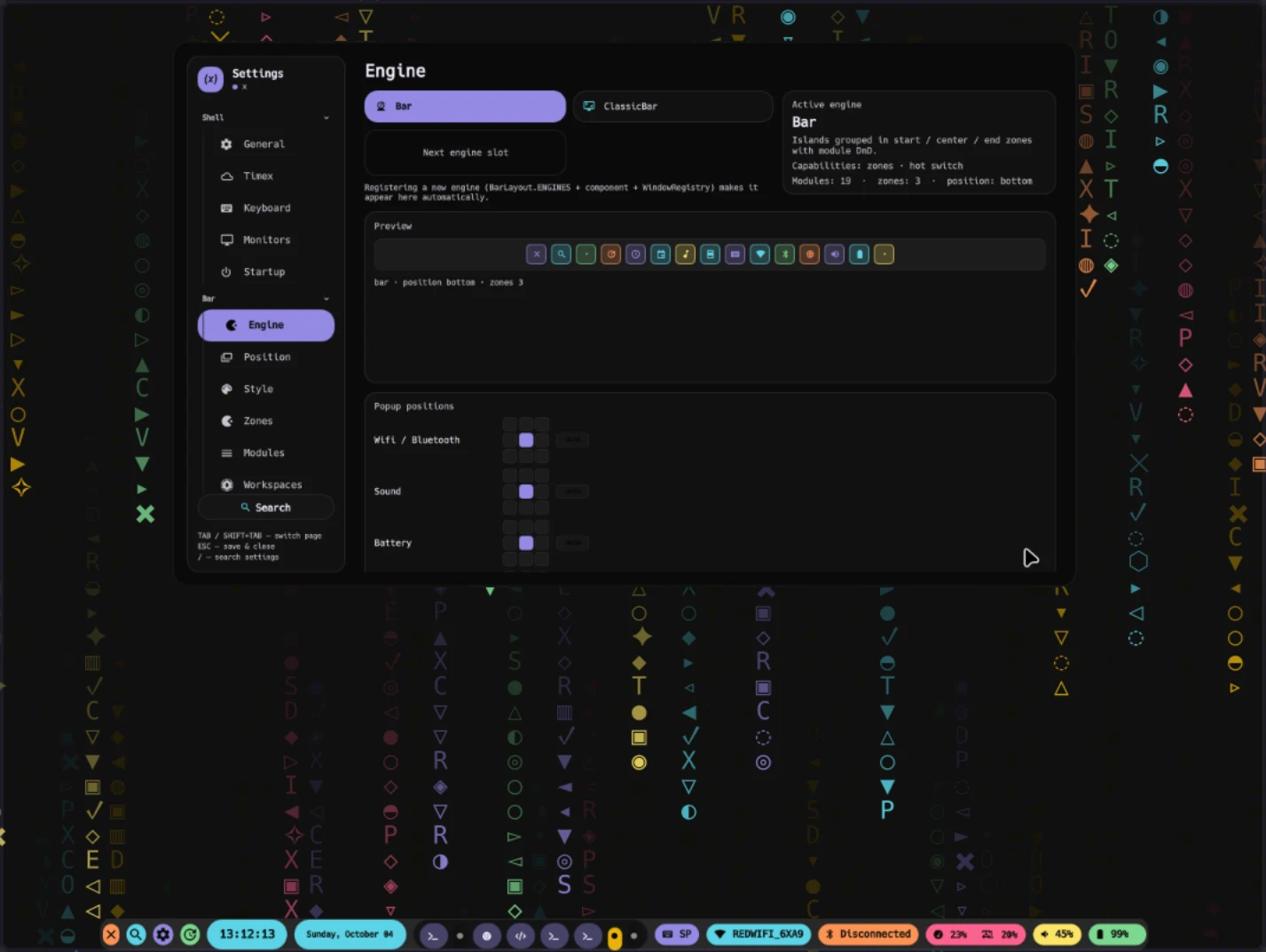
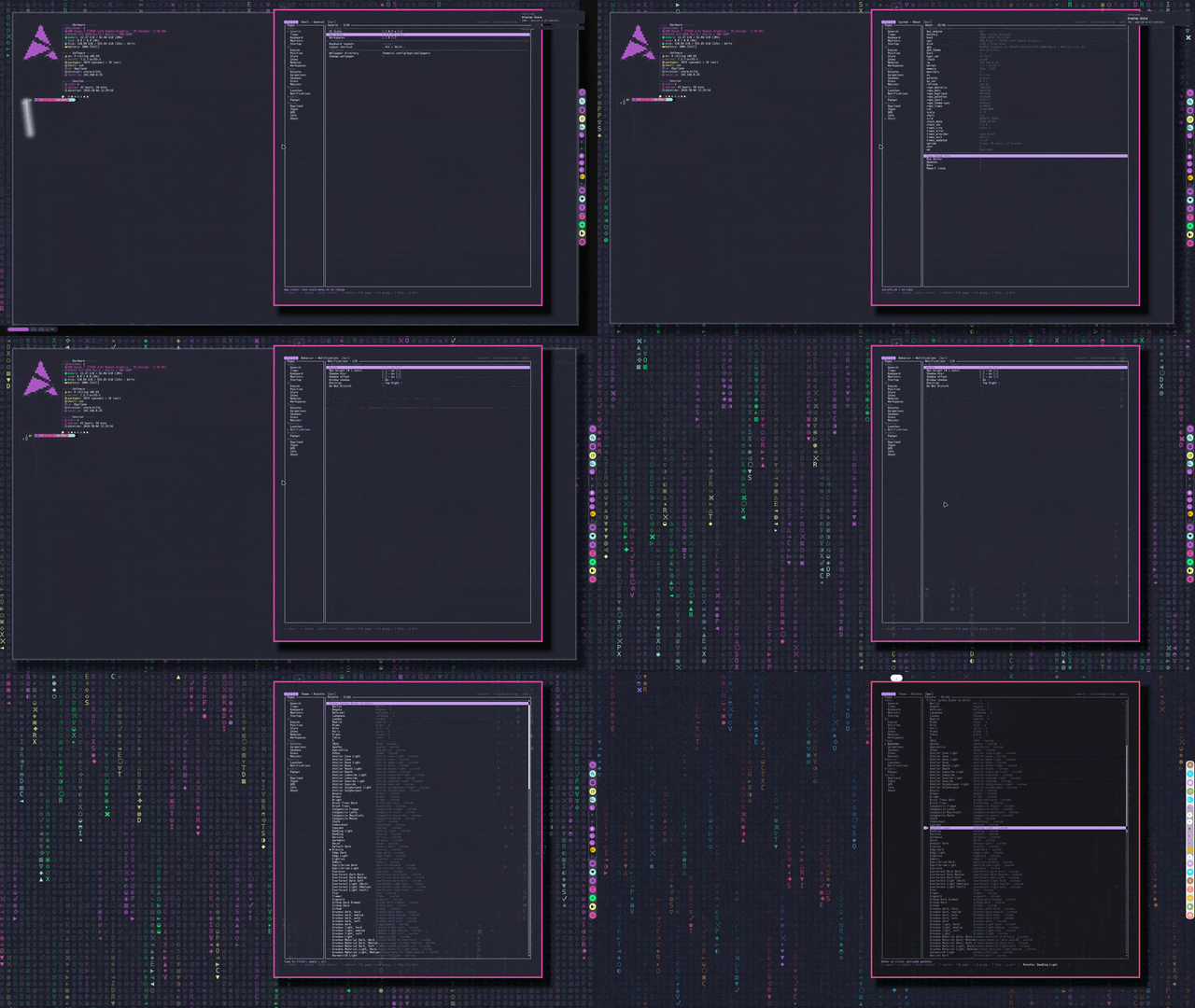
Bar -- master switch, position, zones and modules, configured live in the settings panel.
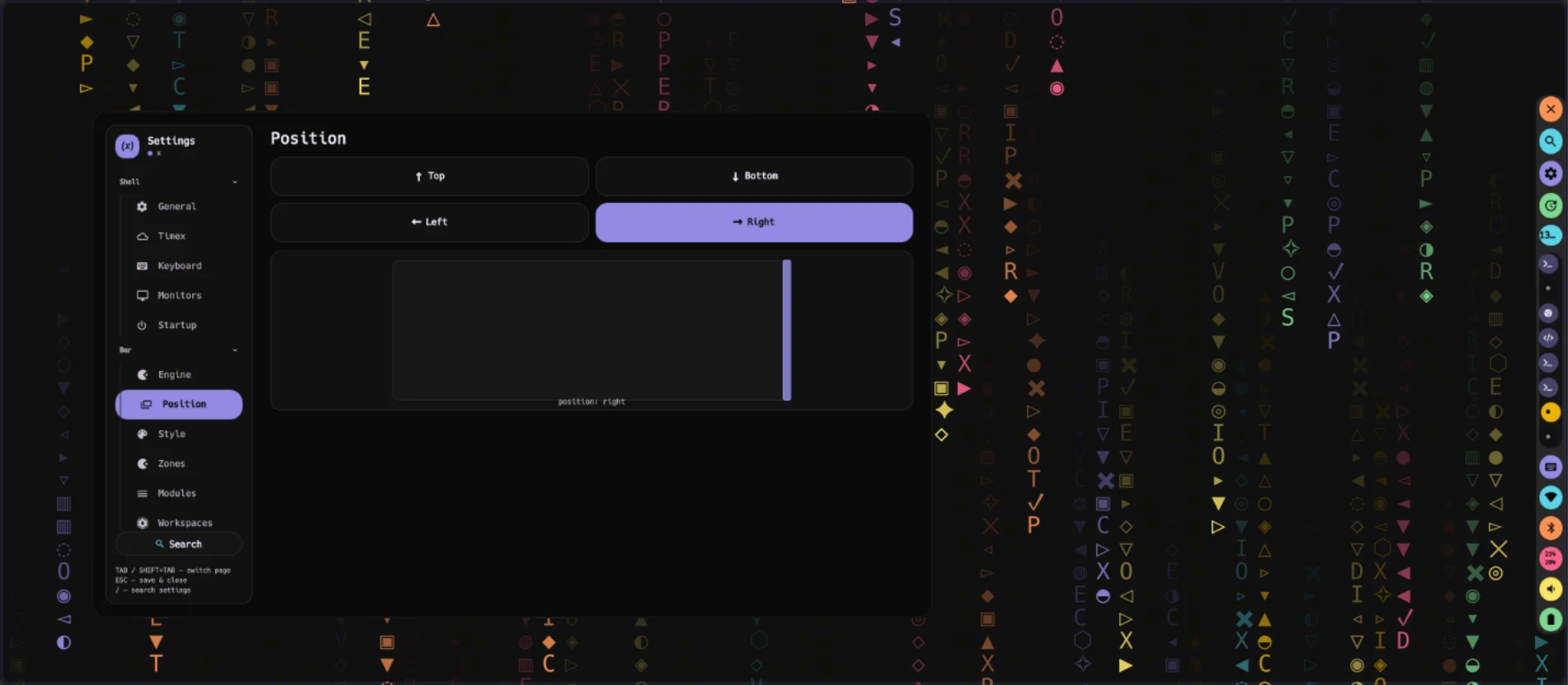
Bar position -- move the bar to any edge; the preview reflects position and zones.
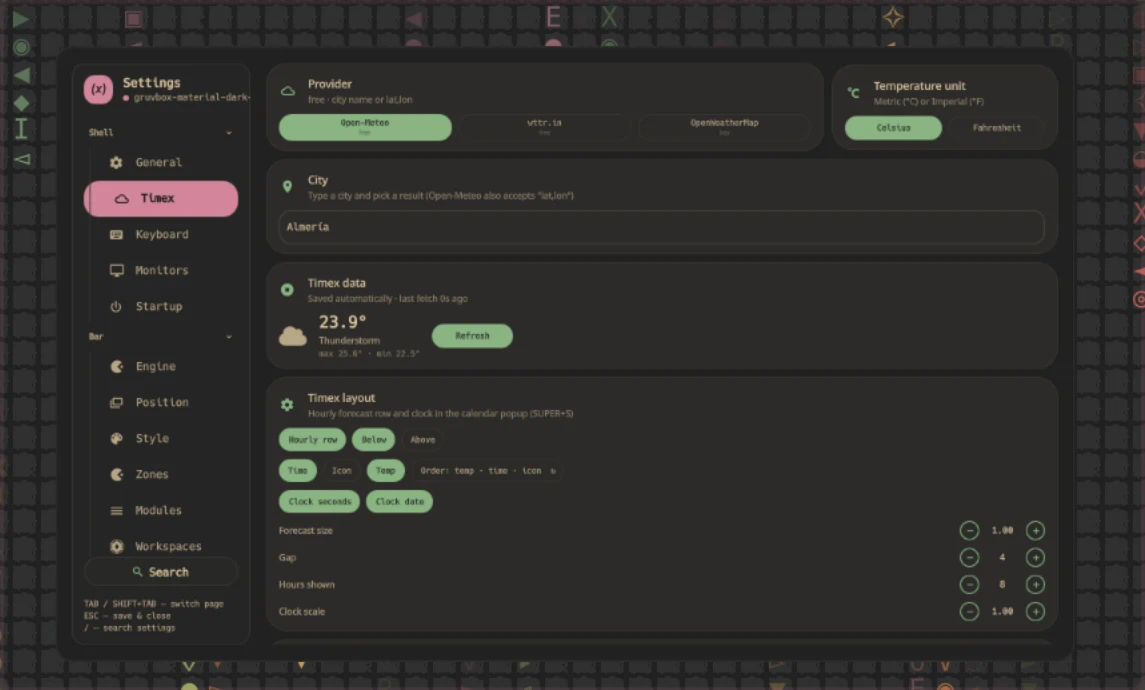
Timex -- weather provider, city, forecast layout and calendar popup options.
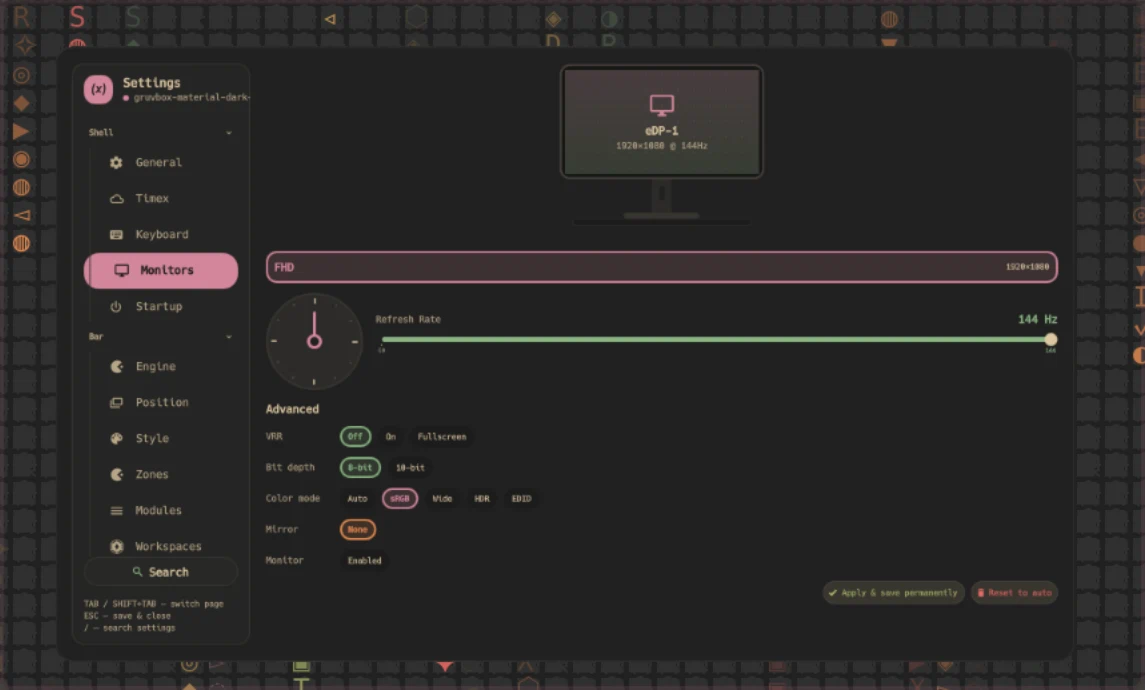
Monitors -- resolution, refresh rate, VRR, bit depth, HDR and mirroring per output.
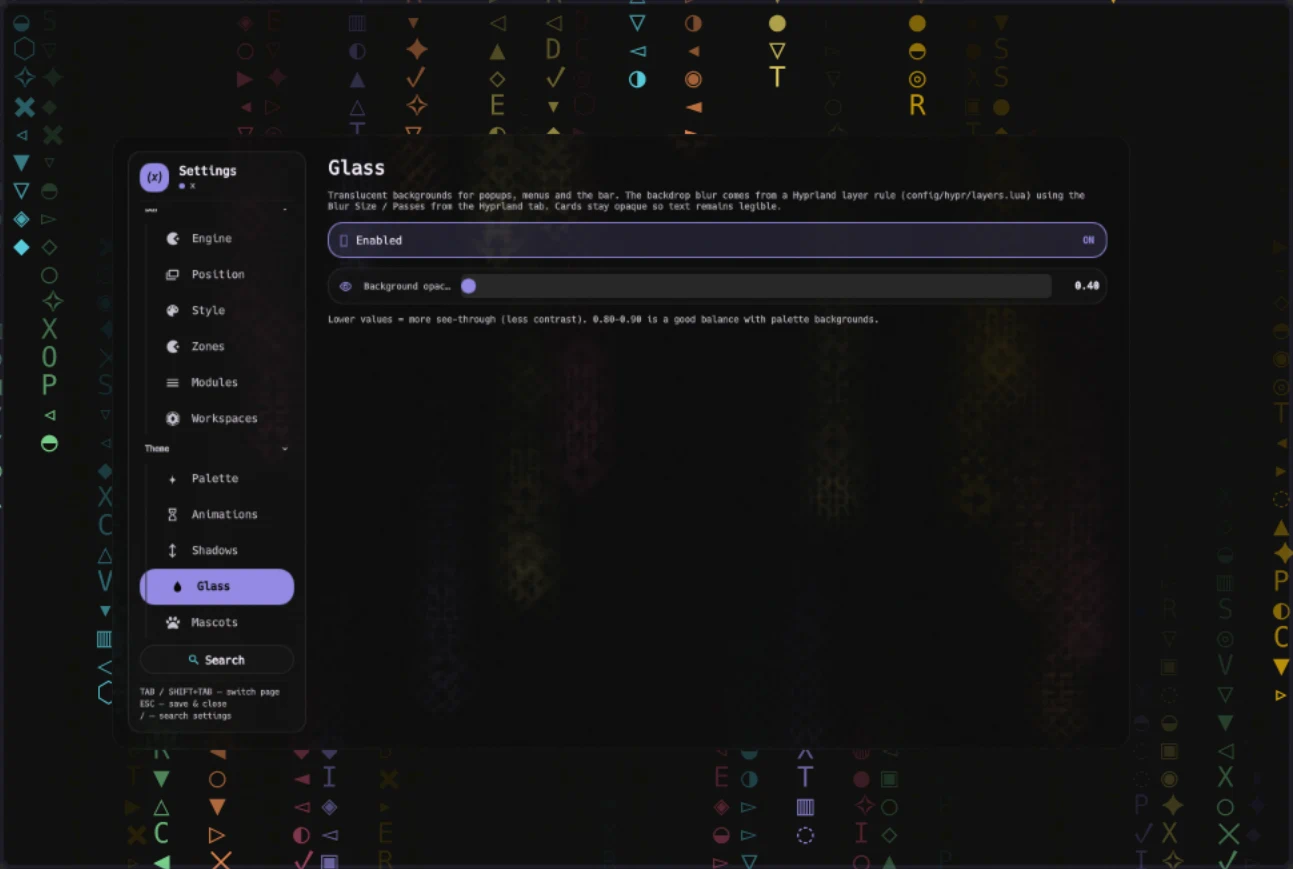
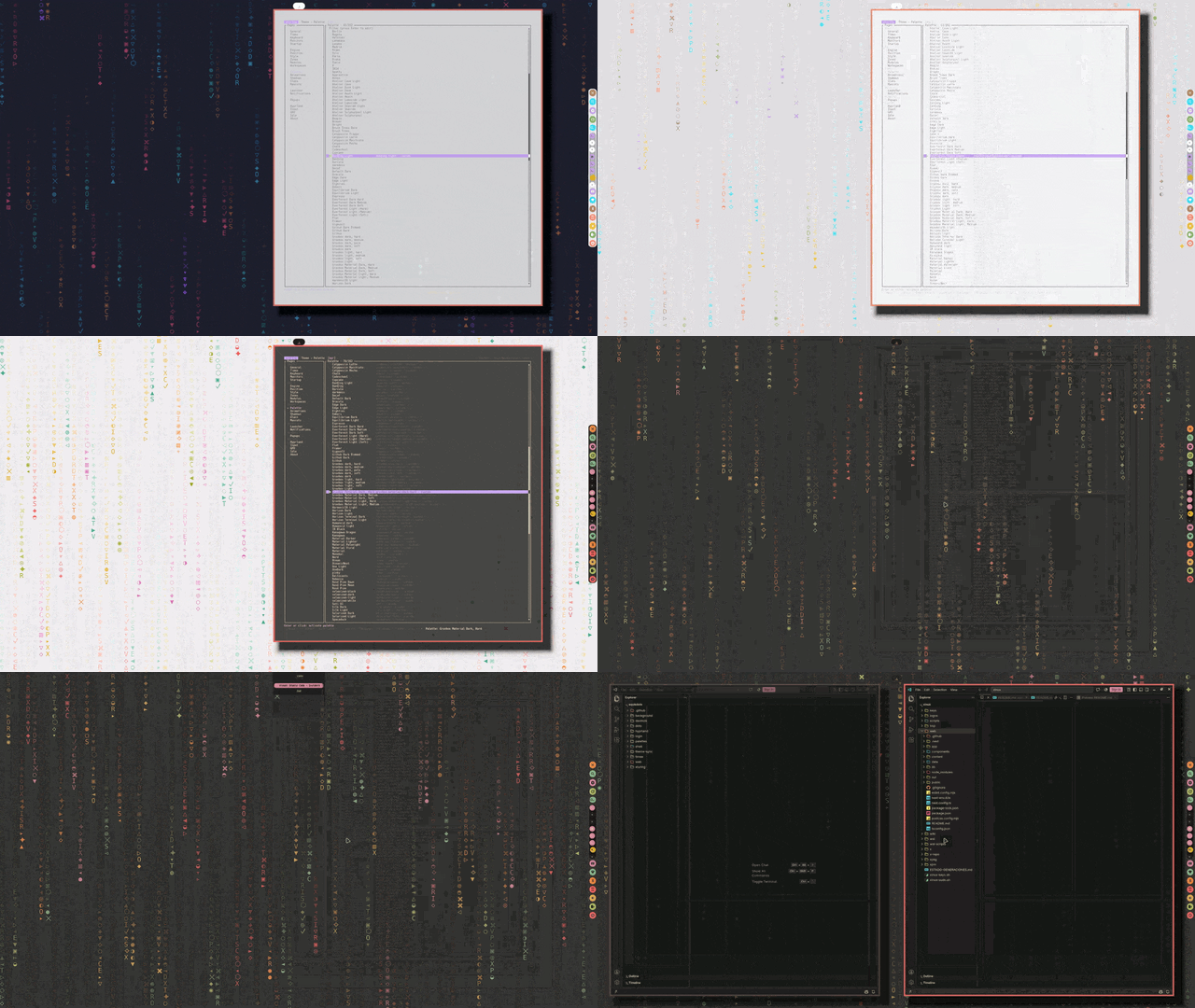
Glass and blur -- translucency for popups, menus and the bar; blur comes from a Hyprland layer rule.
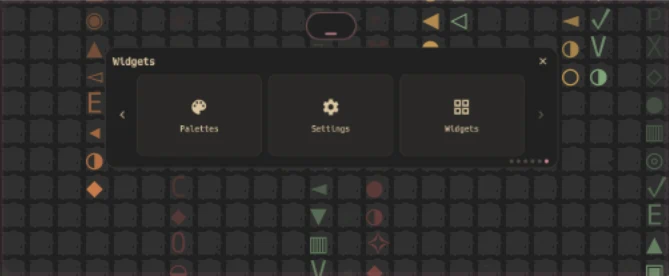
Widgets panel -- the floating hub: palettes, settings and desktop widgets one tap away.
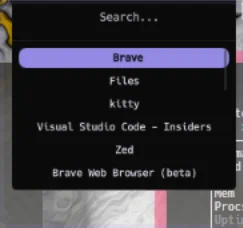
App launcher -- fuzzy search over installed applications with instant launch.
gifs previews
Clips served from the website previews page (hotlinked; no files are stored in this repository).
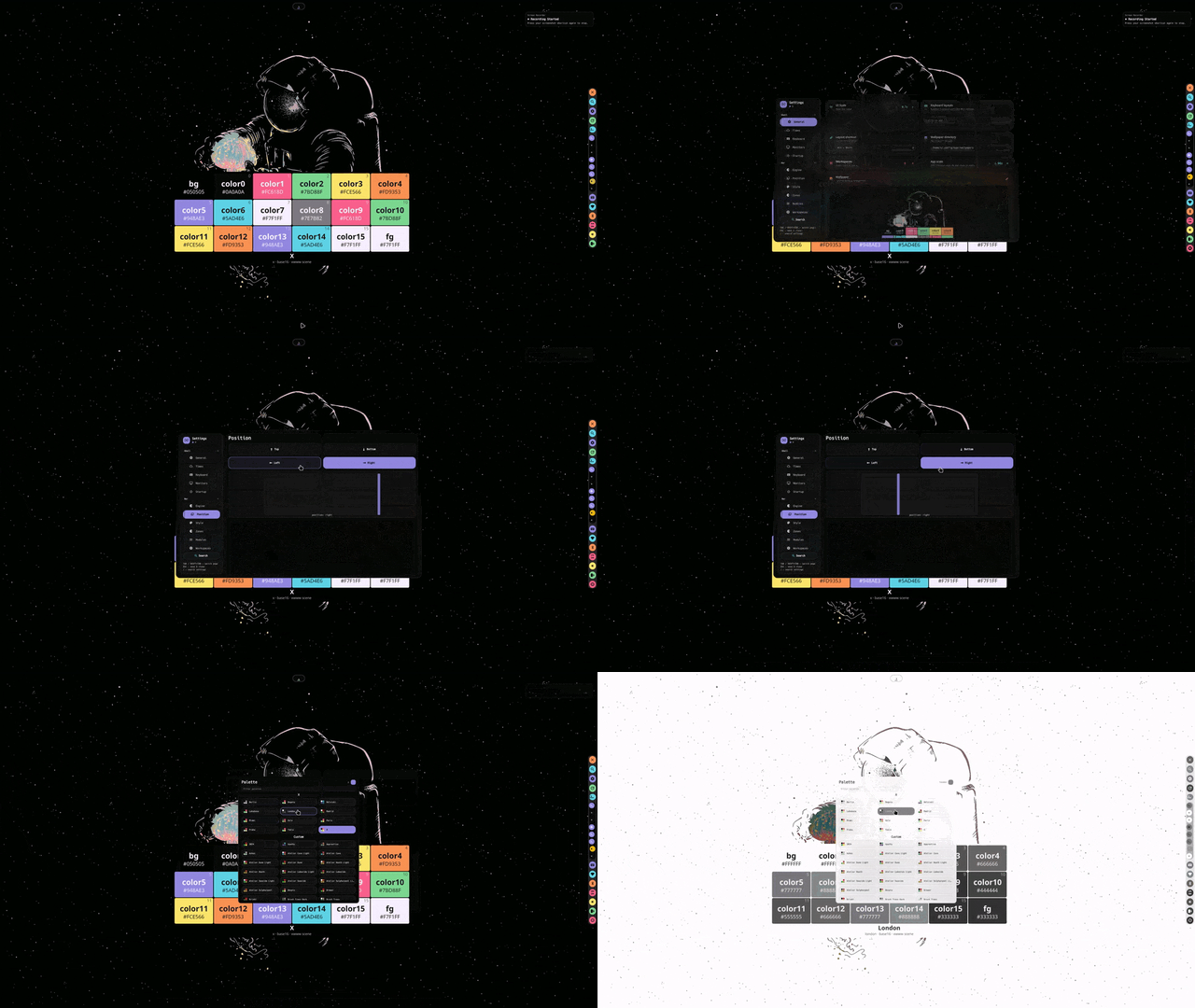
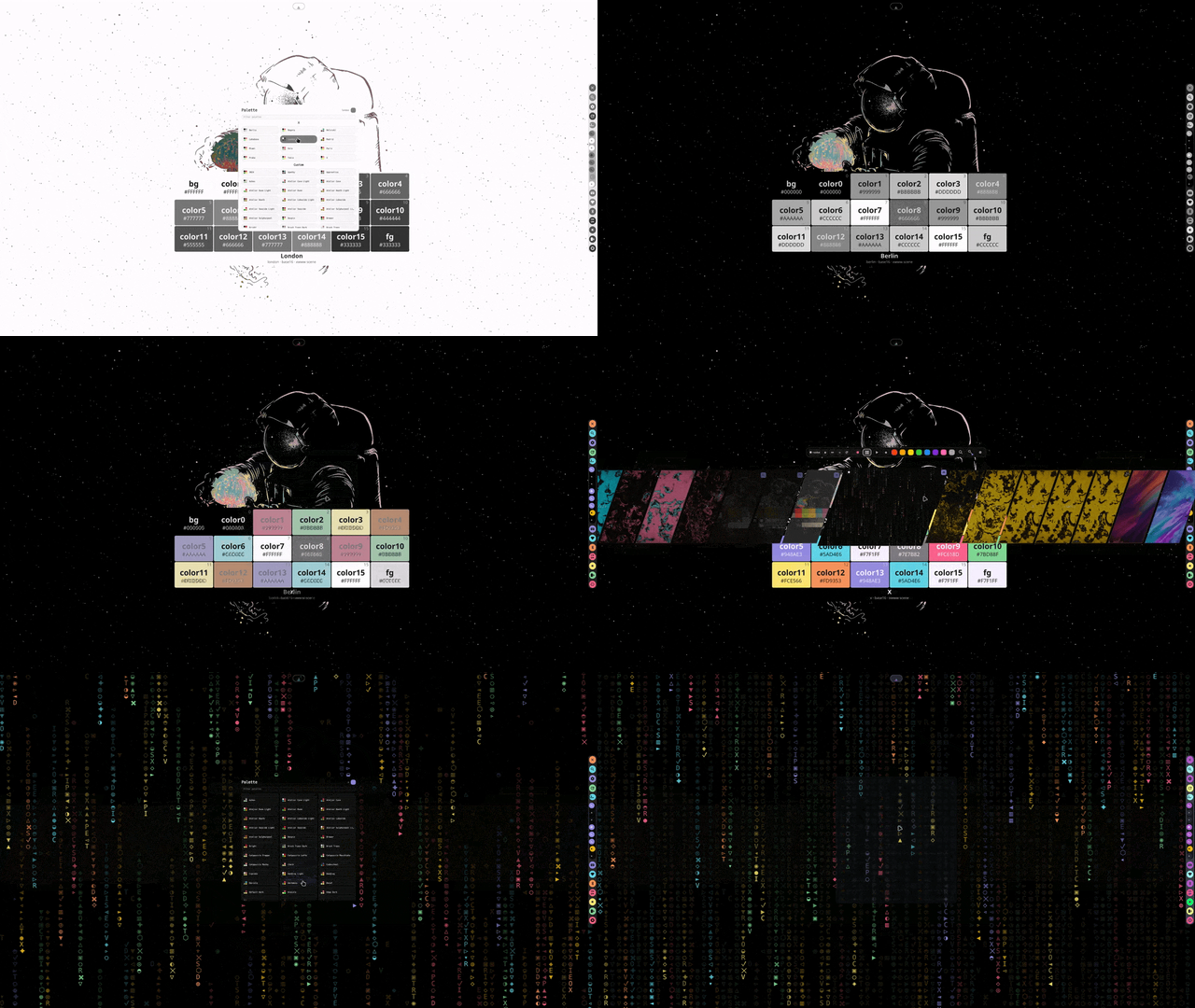
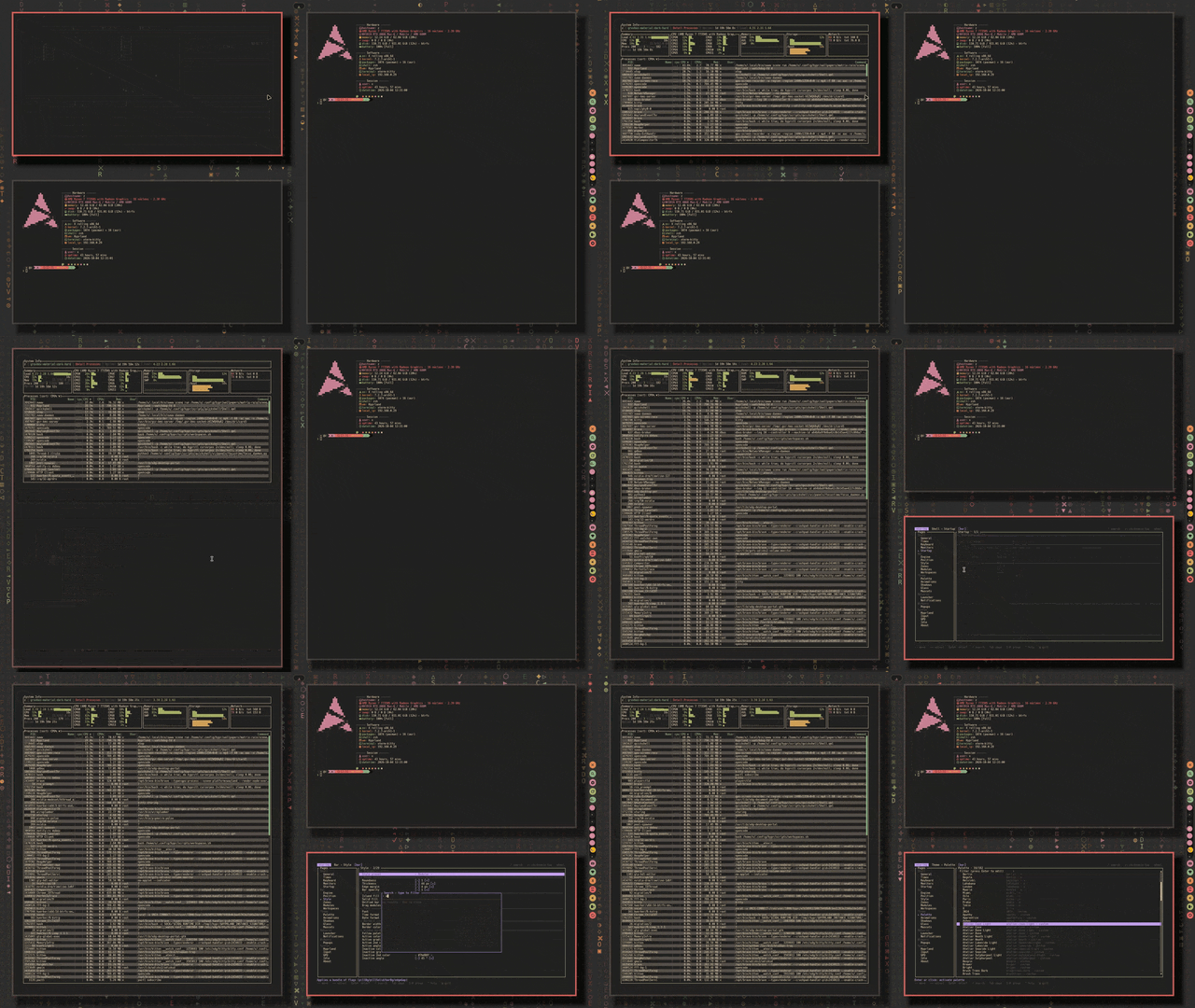
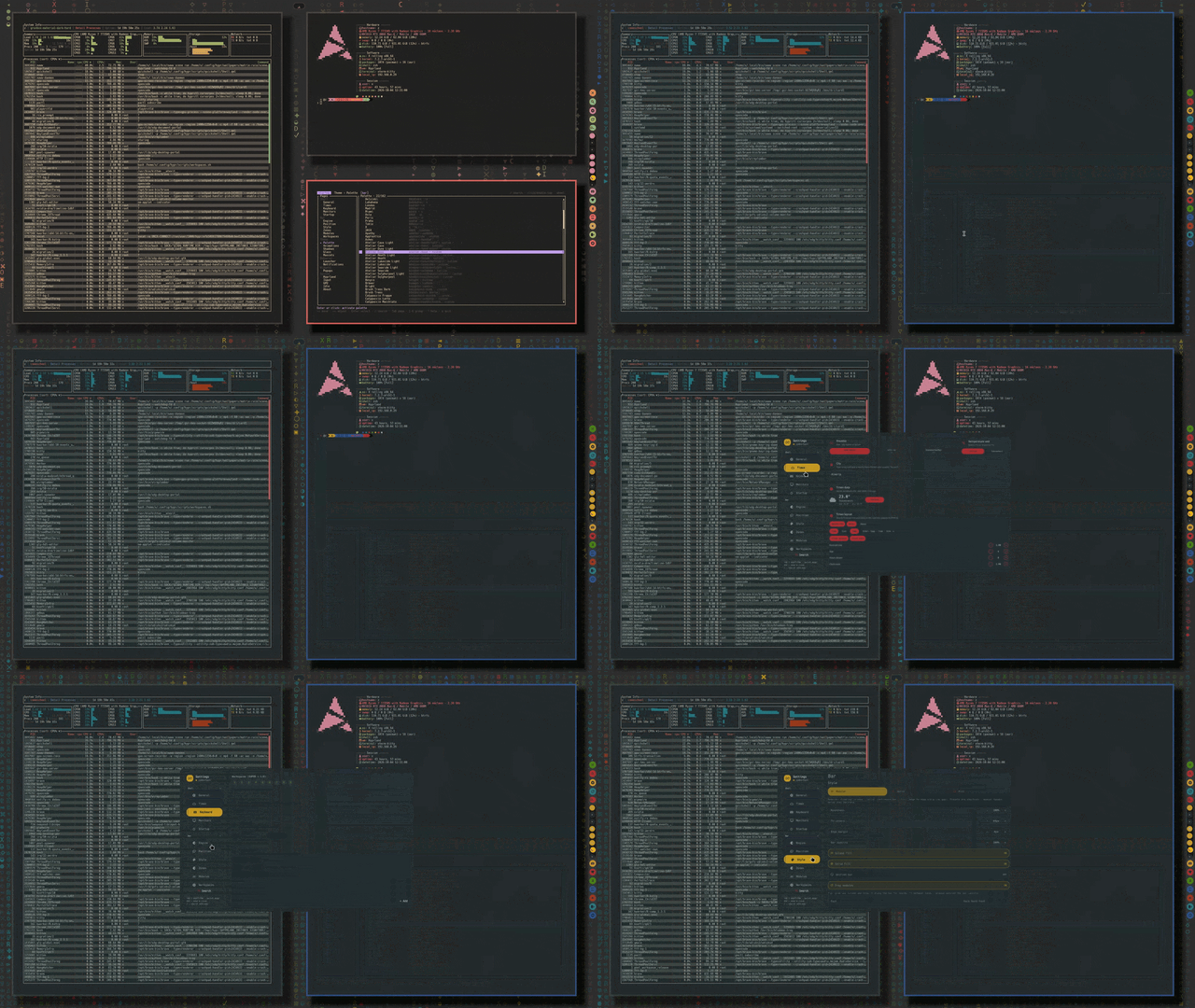
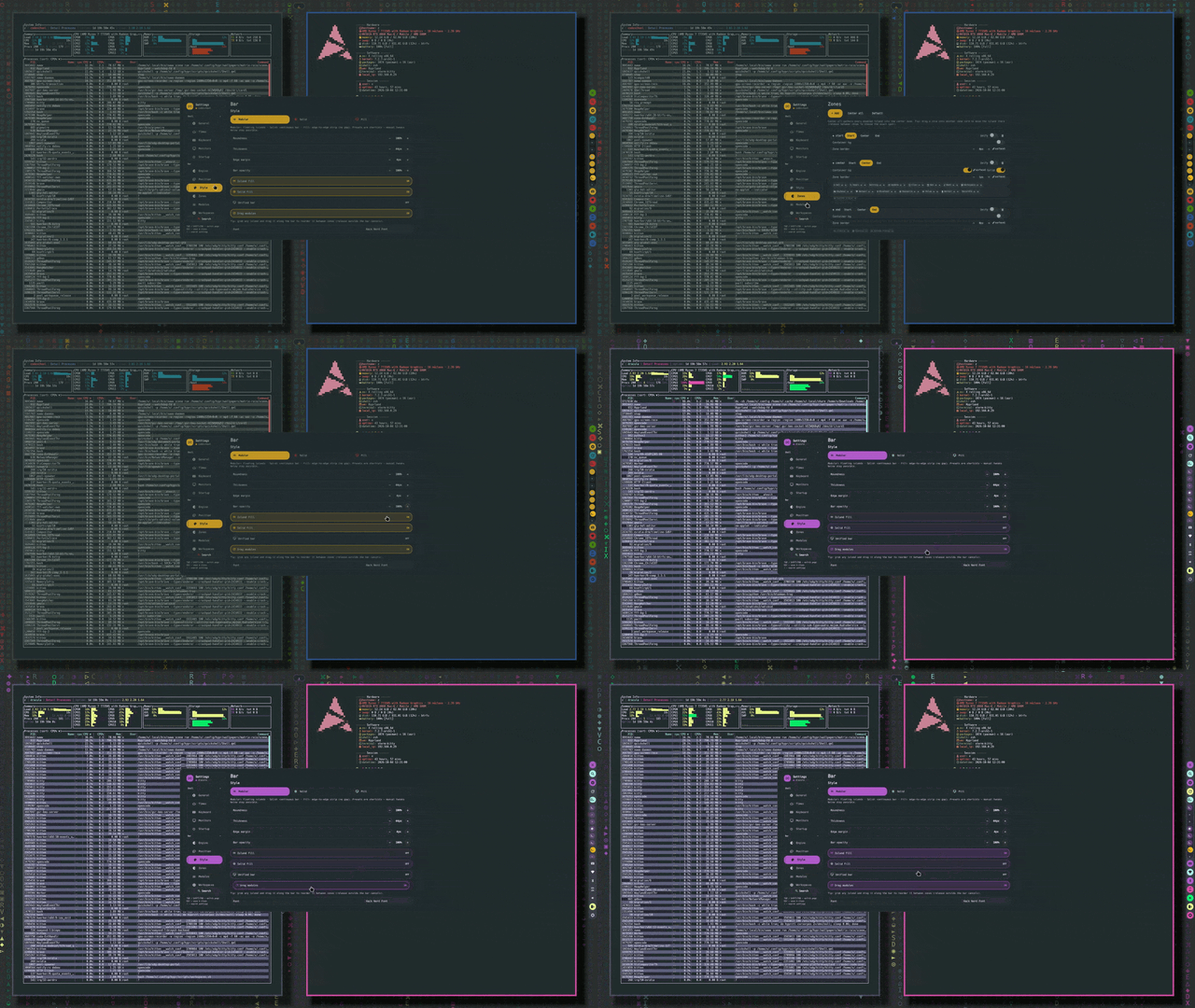
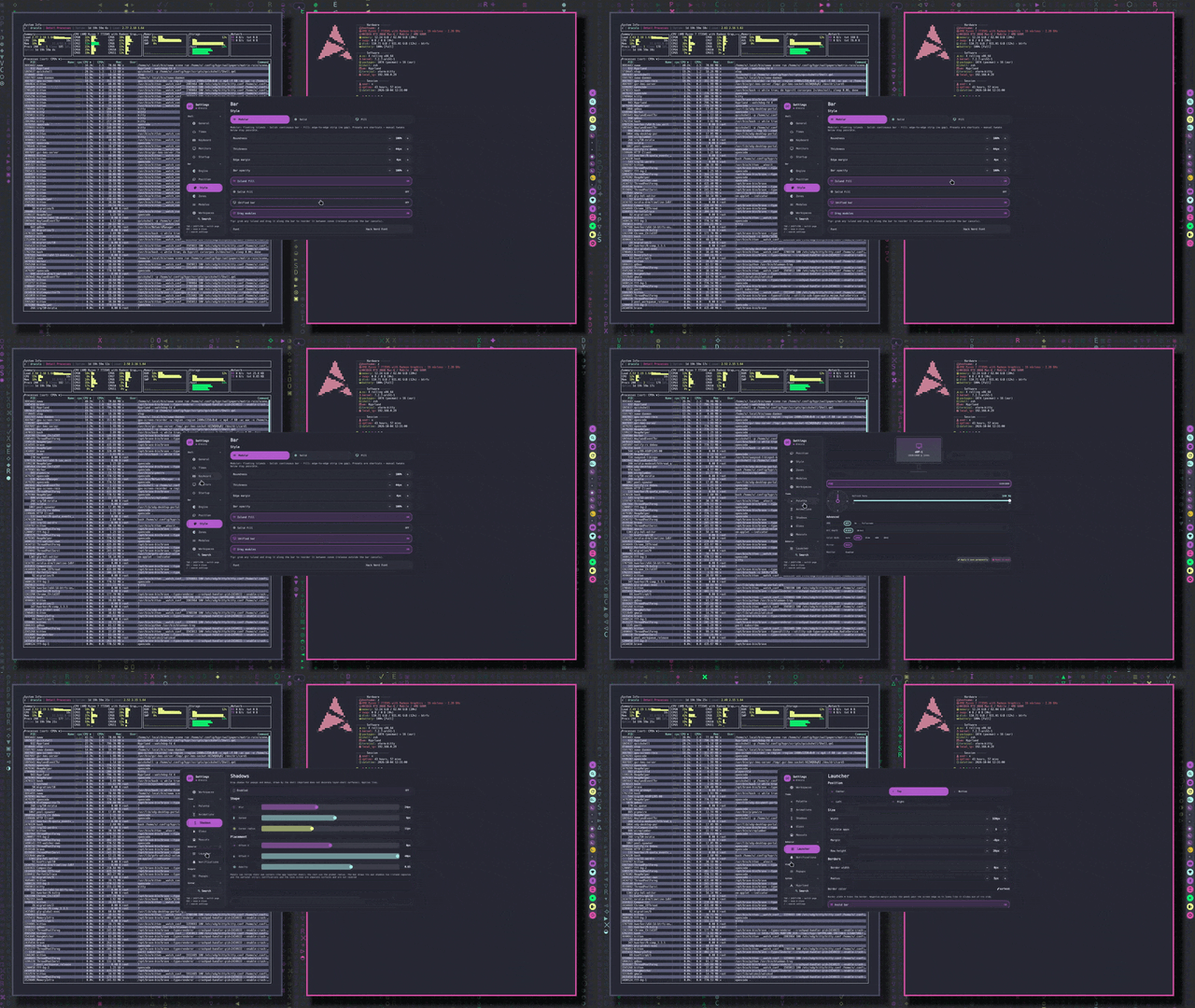
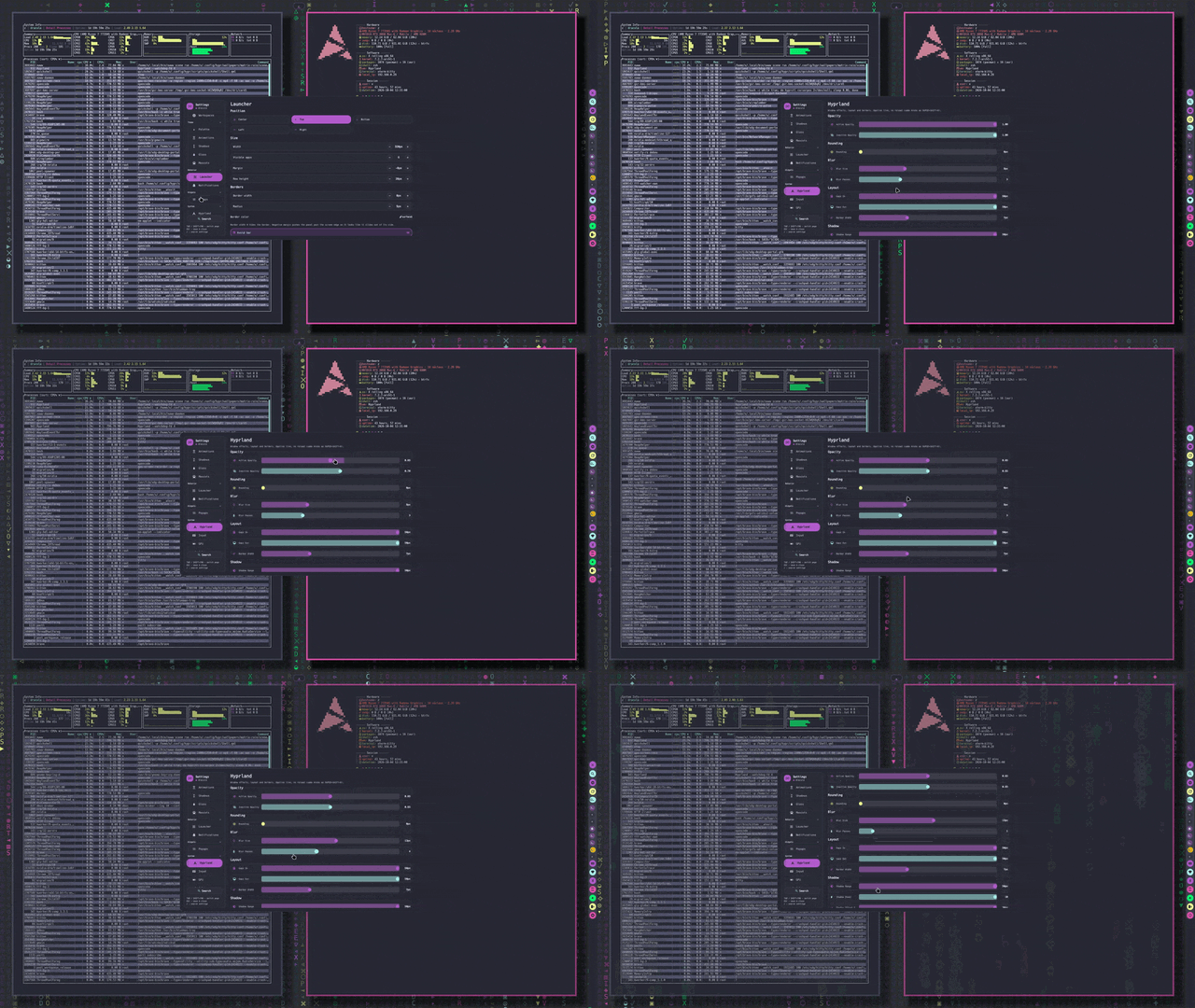
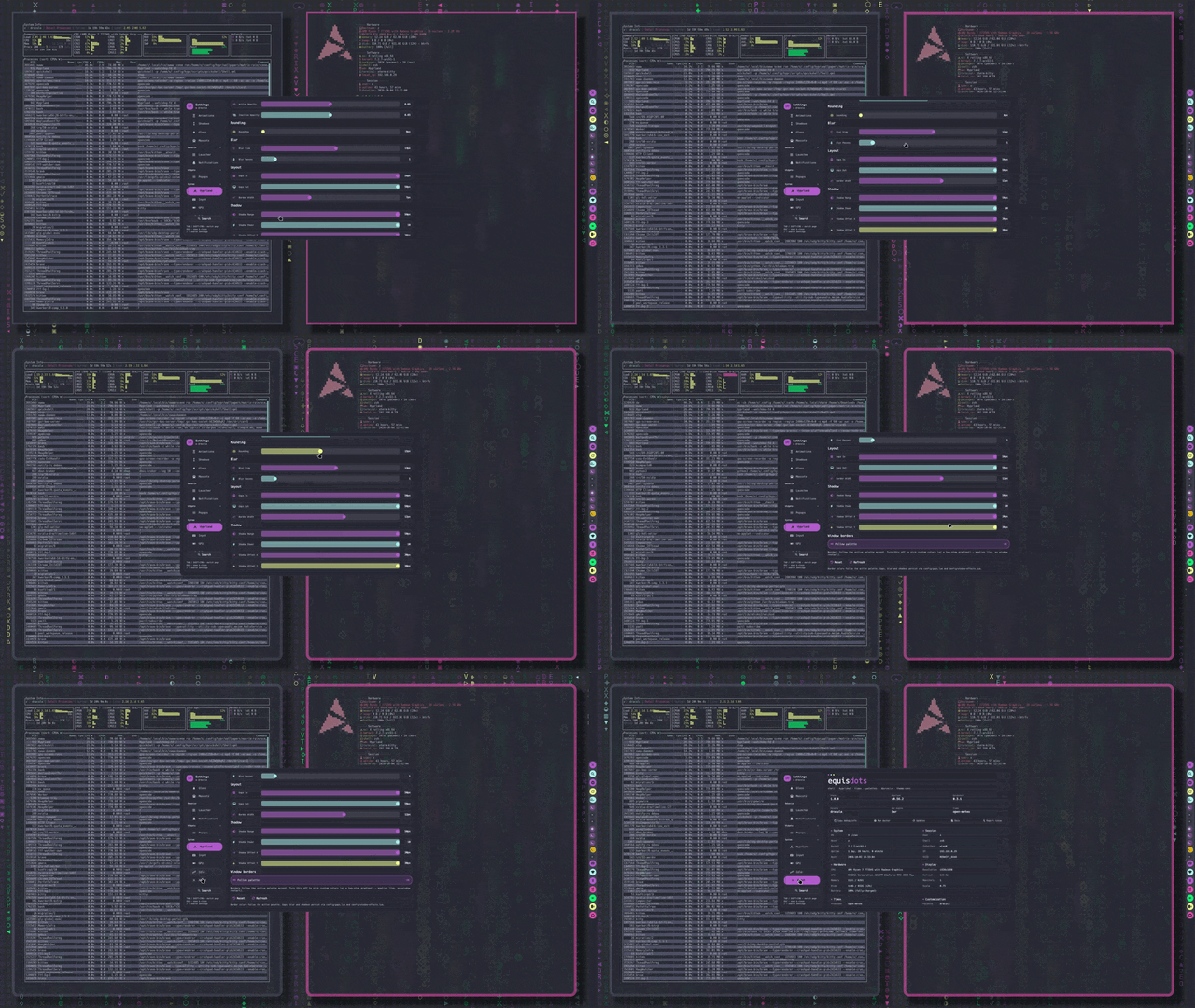
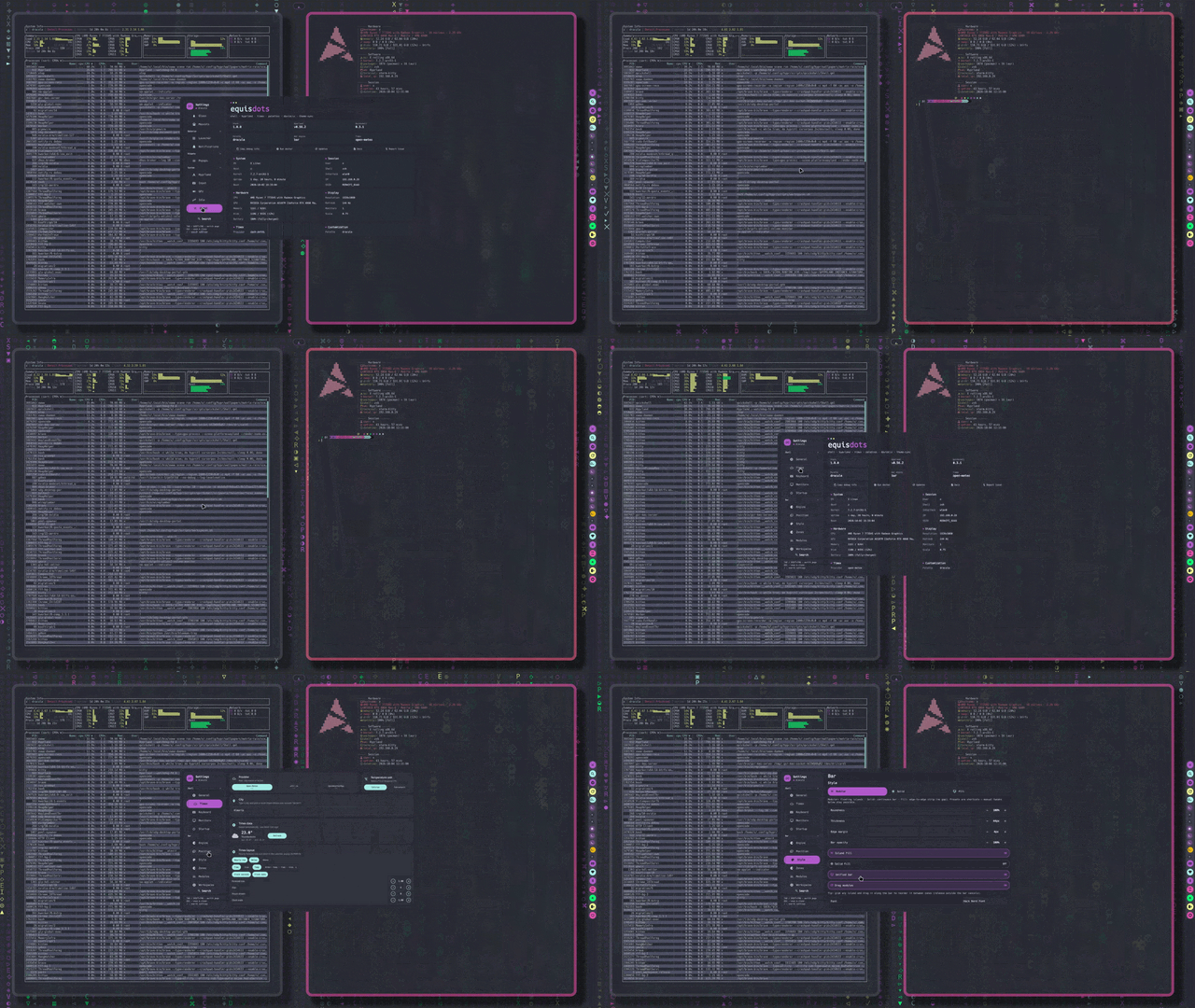
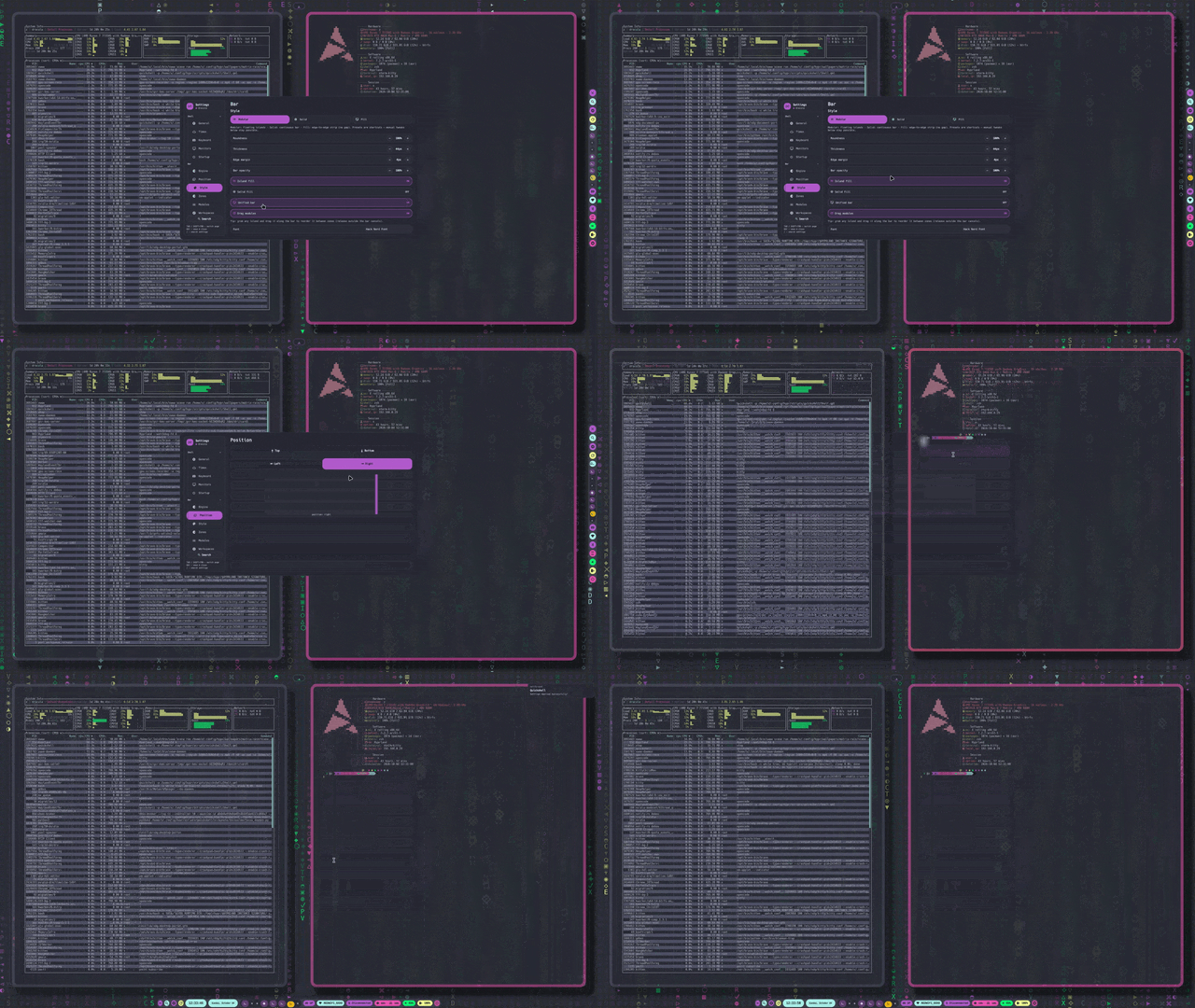
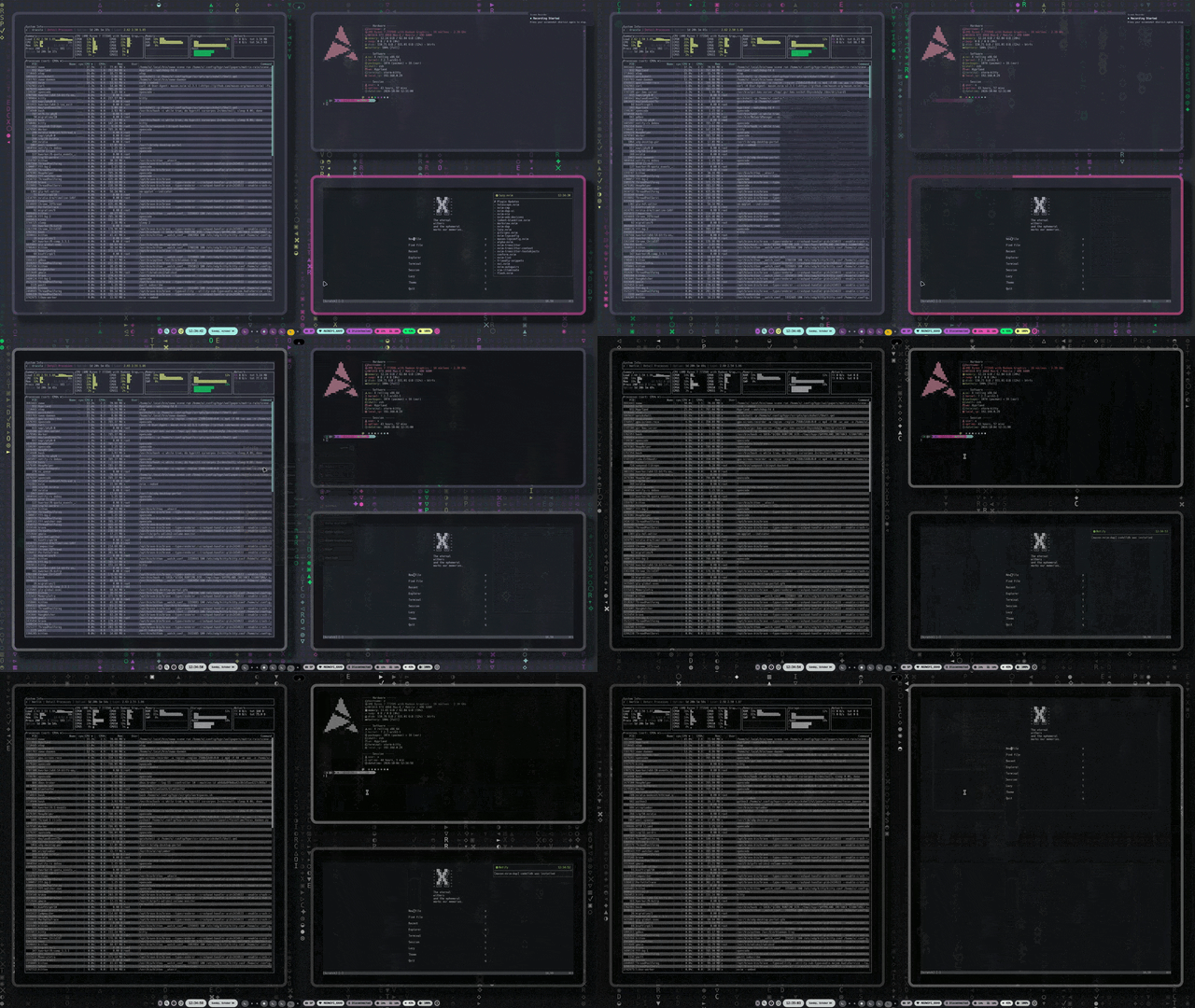
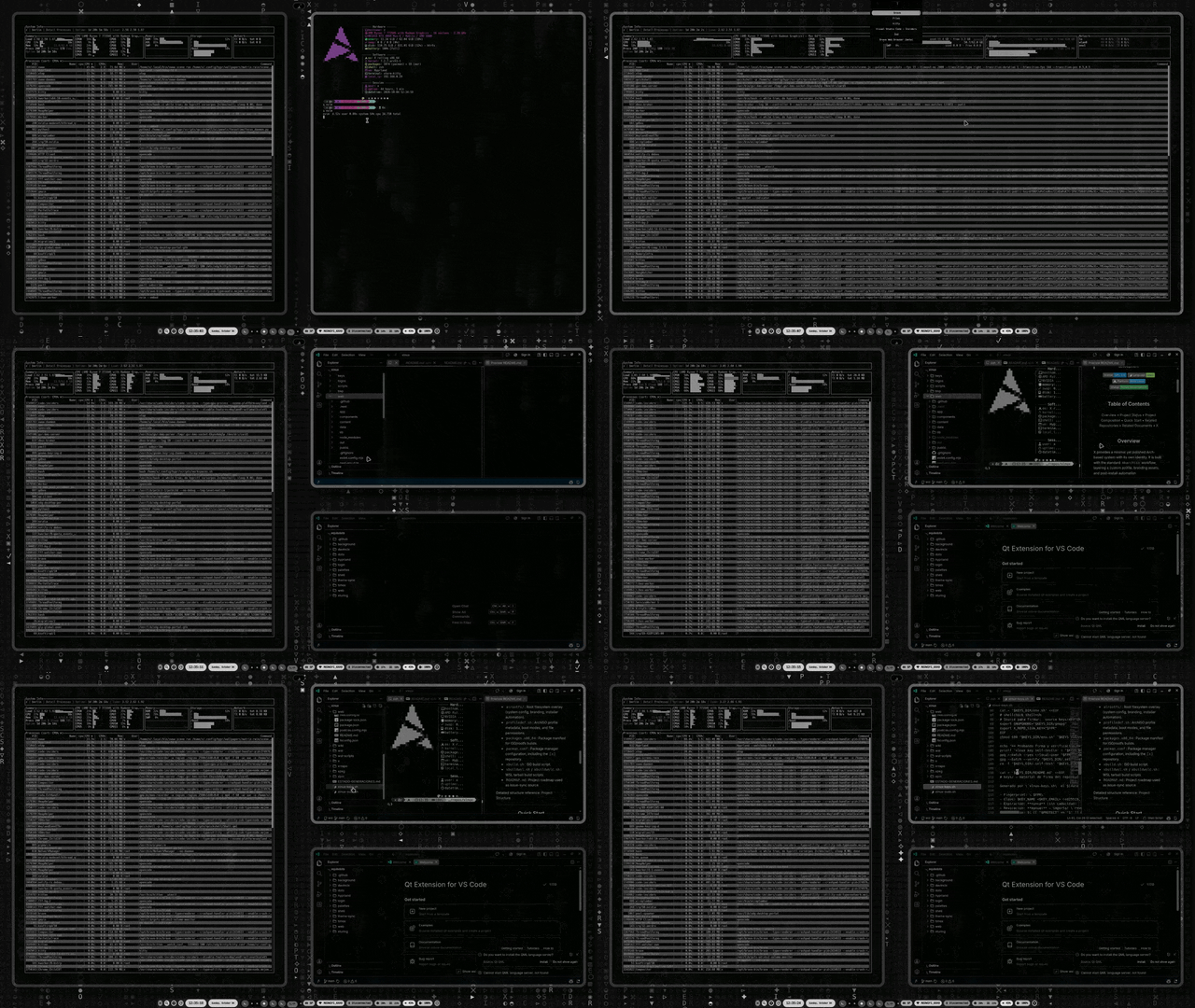
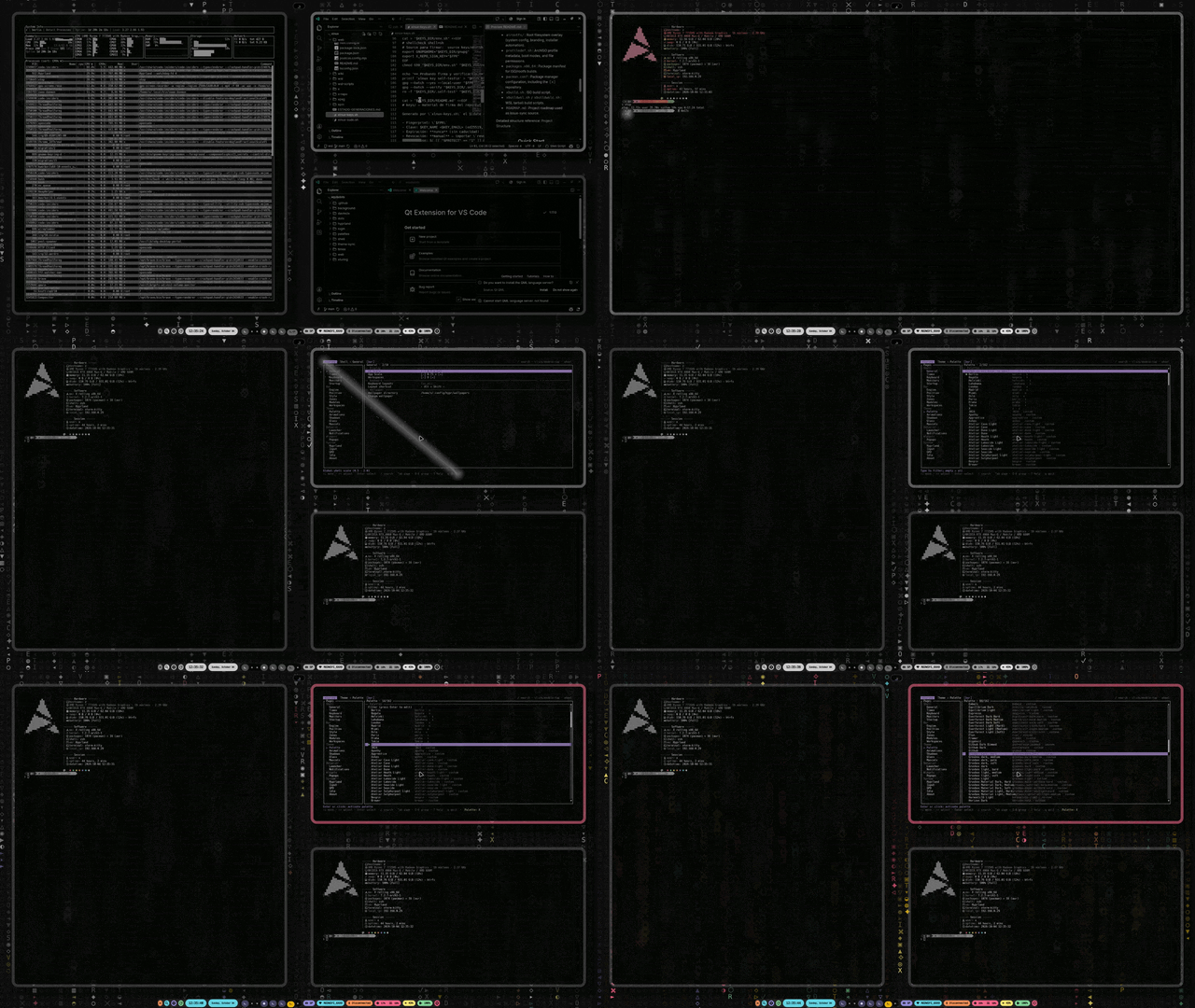
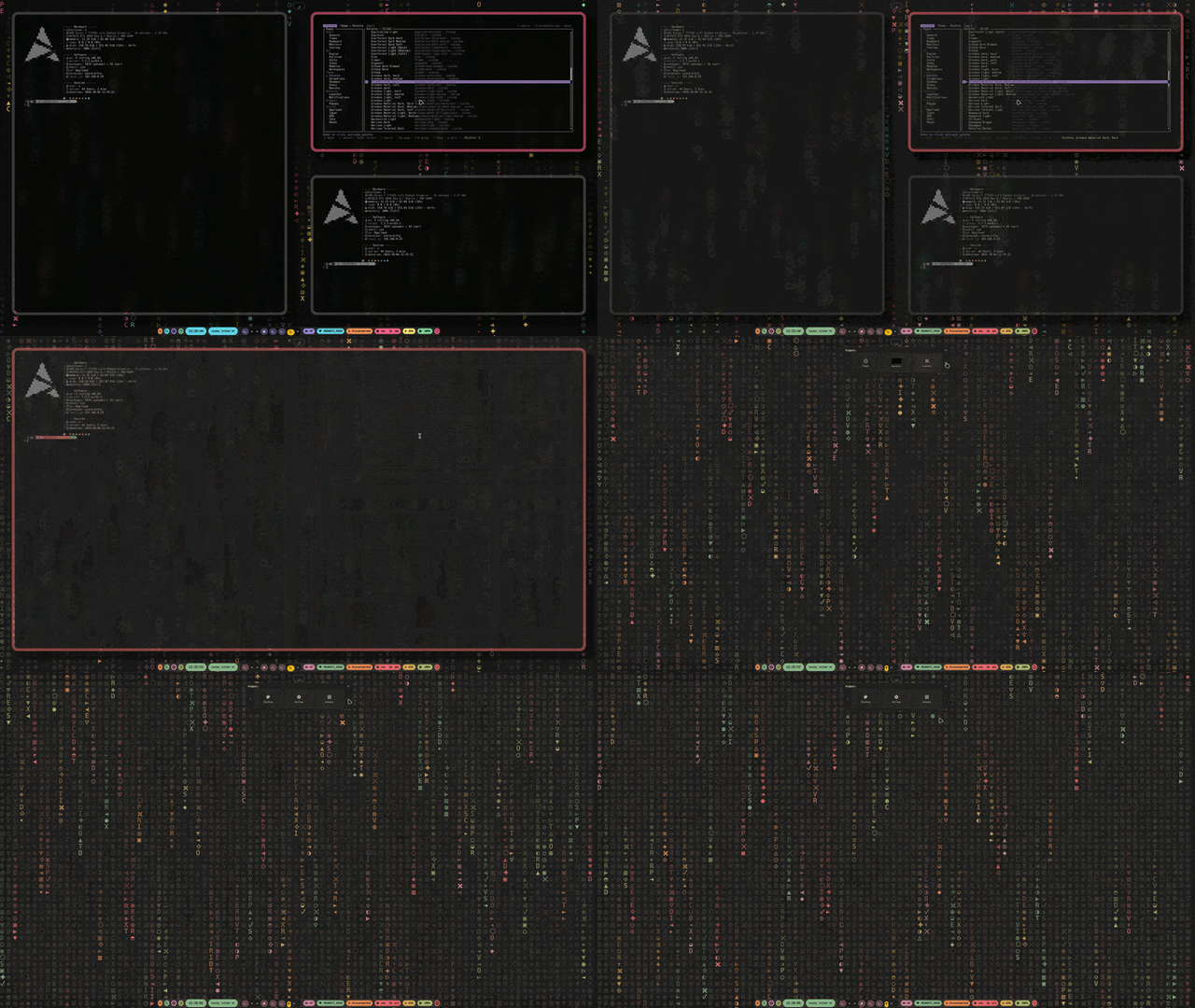
The official installer of the whole stack is
equisdots/dots (./dots install).
Standalone (this repo only):
git clone https://github.com/equisdots/hyprland.git
cd hyprland
chmod +x install.sh
./install.sh
Options: --dotfiles-only (config only), --nvidia-only (NVIDIA setup only).
The installer detects your distro and GPU, installs packages (Hyprland, kitty, rofi, and more), backs up existing configs, deploys the dotfiles, optionally configures NVIDIA Optimus and installs the SDDM theme, and installs kitty / Neovim from their own repos (`xscriptor-colors/terminal`, `xscriptor-colors/nvim`). Kitty, starship and Neovim then follow the palette through equisdots/theme-sync. The Quickshell shell, the palettes and the engines come from the org repos through equisdots/dots: the installer runs dots install for you (fetching it on demand), so a single ./install.sh leaves a complete desktop.
- Lua Config -- Hyprland 0.55+
hyprland.luamodular config (env, colors, keybinds, animations, rules, autostart) driven by the active palette. - 12-Palette Theming --
dock/palettesdrive the bar (equisdots/shell), window borders, kitty, starship, VS Code (color + icons) and Neovim in real time viatheme-sync(equisdots/theme-sync). - System Scripts -- Session helpers: scale menu, monitor manager, GPU modes, idle modes, lock, reload and the monthly updater.
- NVIDIA Optimus -- GPU mode switching (integrated/hybrid/nvidia) via keybind or Rofi.
- Multi-Monitor -- Auto-detection at max refresh rate (Lua wildcard), Rofi-based position/resolution/refresh rate manager.
- Static SDDM Login -- minimal black/white greeter from equisdots/login (no palette sync, no runtime sudo); window borders and the lock follow the palette instead.
- Screen Recording -- GPU capture with separate desktop/mic audio channels.
The Quickshell UI (bar, popups, panels, editor, lock) lives in equisdots/shell.
SUPER + W wallpaper picker · SUPER + SHIFT + S / SUPER + SHIFT + D settings panel and bar editor (equisdots/shell)
See Hyprland Config for file structure and Quick Reference for all keybinds.
SUPER + Return Terminal · SUPER + D Apps · SUPER + W Wallpaper · SUPER + S Calendar · SUPER + Space Float · SUPER + L Lock · Print Screenshot · SUPER + Escape Exit
hyprland/
  install.sh                  Automated installer (installs kitty/nvim from their repos)
  uninstall.sh                Config removal
  config/hypr/                Hyprland Lua configs (hyprland.lua + modules,
                              hypridle.conf)
  config/rofi/                Launcher themes
  config/dunst/               Notification daemon
  config/cava/                Audio visualizer
  config/pam.d/               PAM service for the quickshell lock screen
scripts/ Shell scripts and daemons (reload.sh, lock.sh)- Installation -- Full install, uninstall, and post-install guide
- Quick Reference -- All keybindings and scripts at a glance
- Scripts -- All shell scripts and daemons
- Hyprland Configuration -- Modular config structure and dynamic reload
- Screenshots & Recording -- Capture system with virtual audio
- Neovim Configuration -- Editor setup from `xscriptor-colors/nvim` (palettes from the shell panel)
- Multi-Monitor Setup -- Display configuration guide
- GPU Mode Switching -- NVIDIA Optimus control
License · Code of Conduct · Roadmap · Changelog · Security
No CI: run the checks locally before pushing.
scripts/check.shluac -pover everyconfig/**/*.luamodule.bash -nover every shell script (shellcheck, advisory, when installed).
- Shell - Quickshell UI (bar, popups, panels, editor, lock)
- Palettes - base16 palette data + schema
- theme-sync - cross-app theming engine
- davincix - wallpaper engine kernel
- dots - meta installer and updater
- timex - time, weather and calendar engine
- login - static SDDM greeter
- Terminal - Kitty + Starship synchronized dotfiles
- Nvim - synchronized dotfiles
- VSCode - synchronized dotfiles
- XFetch - terminal tool shown in the previews