


This fork adds simple authentication to Perlite, designed for Docker deployments only. It also fixes compatibility with PHP 8.2+
A web based markdown viewer optimized for Obsidian Notes
Just put your whole Obsidian vault or markdown folder/file structure in your web directory. The page builds itself.
Its an open source alternative to obsidian publish.
Read more about Perlite and staging tips on my blog post: Perlite on Secure77. If you want to discuss Perlite you can join the Perlite Discord Server
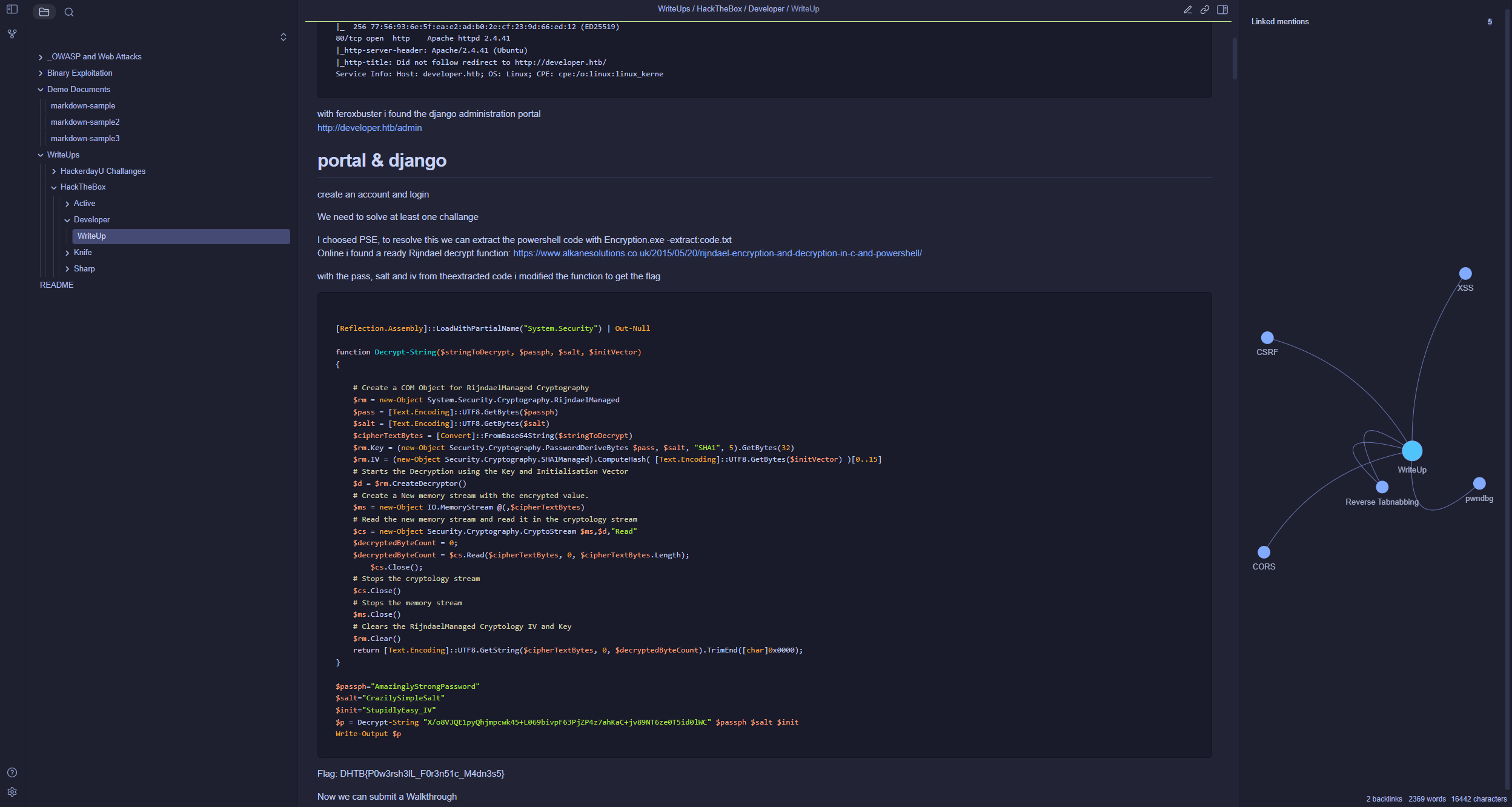
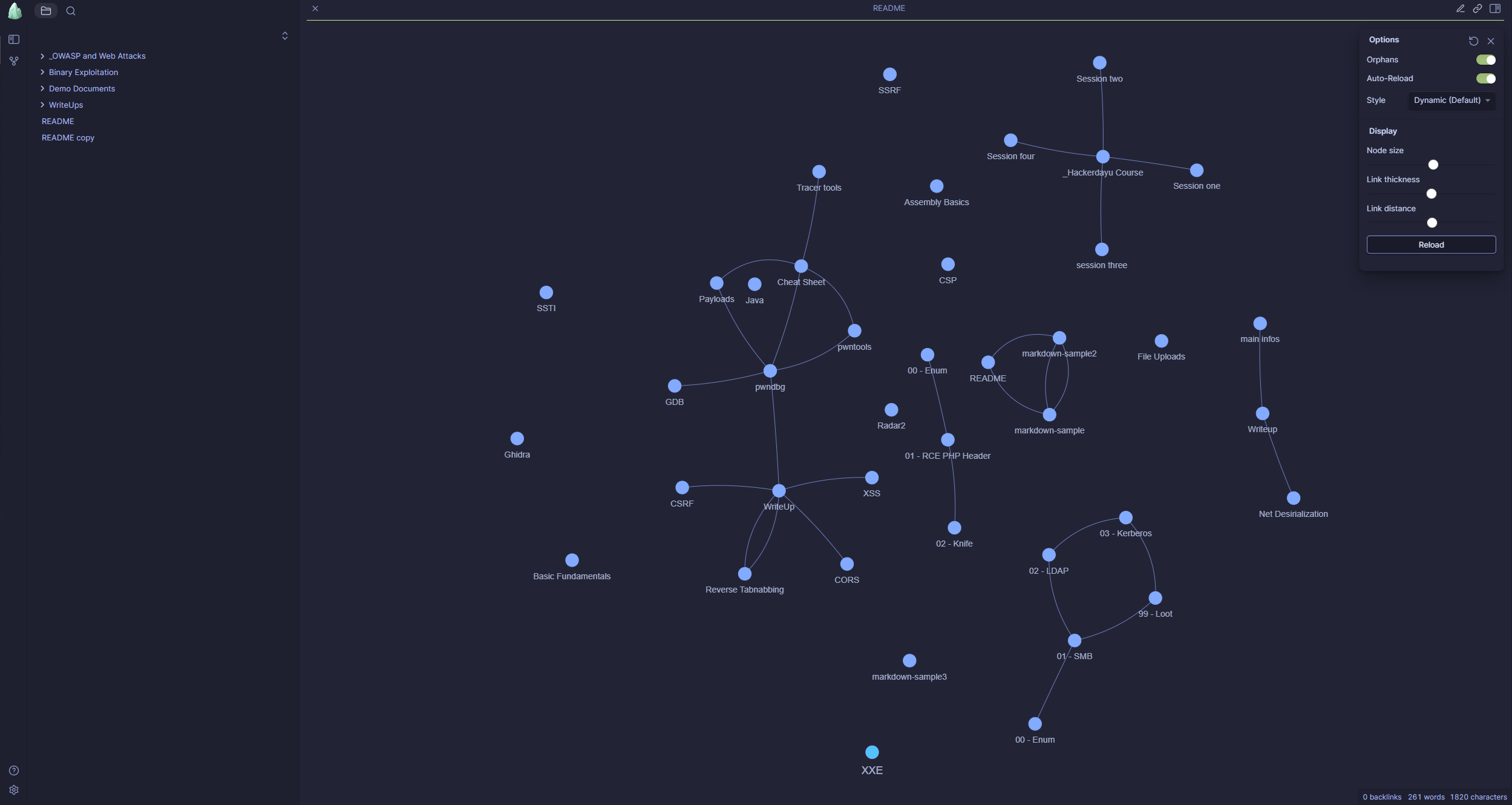
- Auto build up, based on your folder (vault) structure
- No Database required
- Obsidian Themes Support
- Fully Responsive
- No manual parsing or converting necessary
- Full interactive Graph
- LaTeX and Mermaid Support
- Link to Obsidian Vault
- Search
- Obsidian tags, links, images and preview Support
- Dark and Light Mode
This fork adds simple authentication on top of Perlite and is intended for Docker deployment only. Non-Docker setups are not tested.
-
Clone this repository:
git clone https://github.com/dewillepl/Perlite-auth.git
-
Build the Docker image:
docker build -t perlite-auth-app . -
Create a folder for the vault
mkdir perlite/Obsidian
(If you use a different folder name than "Obsidian", you must update the
Image Mappingblock in theperlite.conffile accordingly.) -
Configure via
docker-compose.yml:environment: - PERLITE_USERNAME=admin - PERLITE_PASSWORD=admin
For the rest of the configuration, please refer to the original Docker Setup documentation.
-
Start the container:
docker compose up -d
Please check the wiki, here you will find further information, for example:
- The Safemode from Parsedown is active, but I would not recommend to allow untrusted user input.
- You should prevent that the .md files are direct accessible via the browser (only the php engine need access to it) or at least make sure that the md files will be downloaded and not be rendered by browser
- You should prevent that the metadata.json file is direct accessible via the browser (only the php engine need access to it). The extracted metadata.json contains the whole obsidian structure, so this file could be sensitive if you plan to exclude some files or folders from Perlite. However, the parsing is done by the php engine and it checks for every path if the file really exists in the provided vault, so files you excluded from the vault will also not be visible in the graph, but they are still present in the metadata.json. This is why you should prevent access to it.
Want to contribute? Awesome! Please use the dev branch for pull requests.
Wiki: Perlite is an amorphous volcanic glass ... typically formed by the hydration of obsidian.