
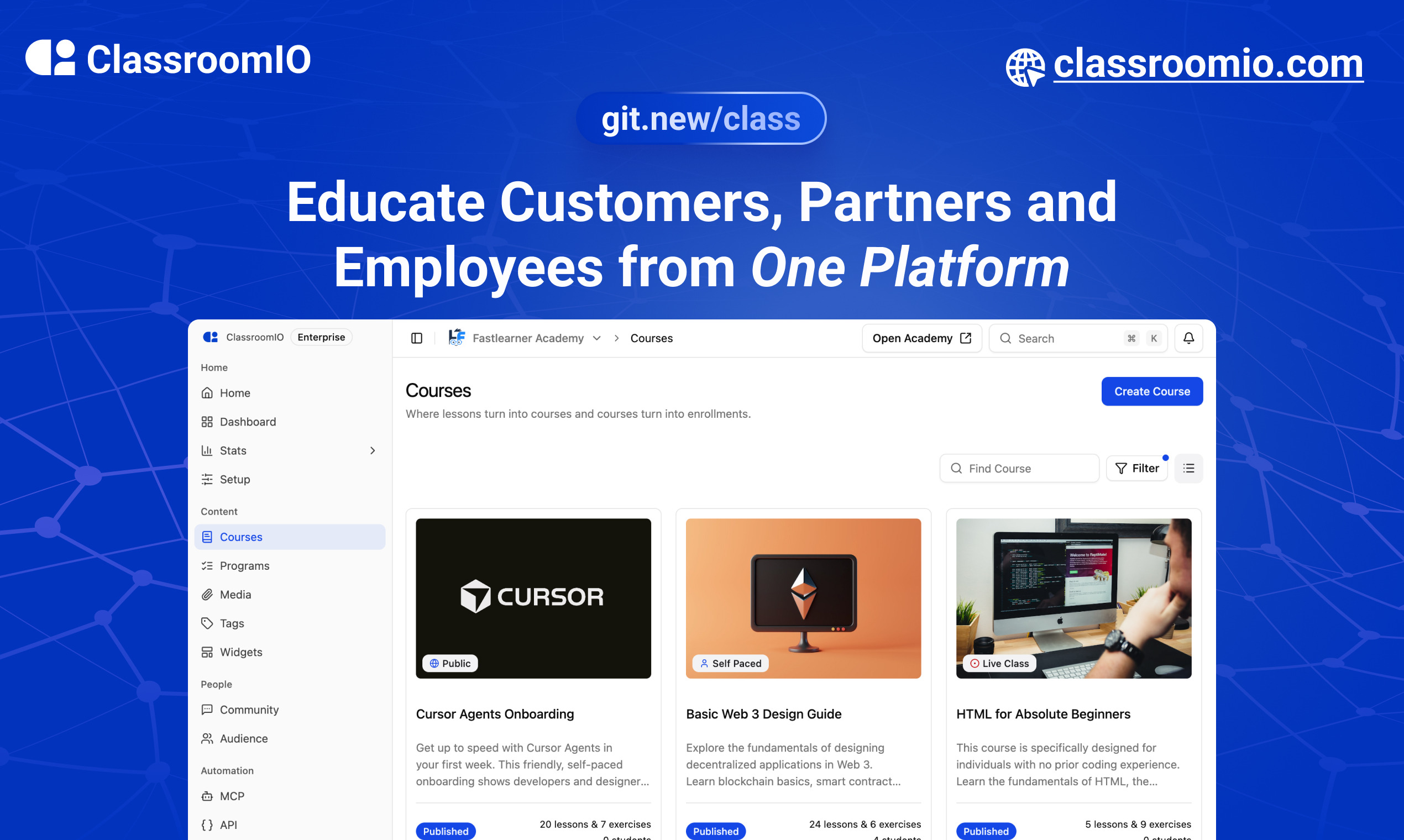
The Customer Training Platform Built for Business Growth.
Website | Join Discord community
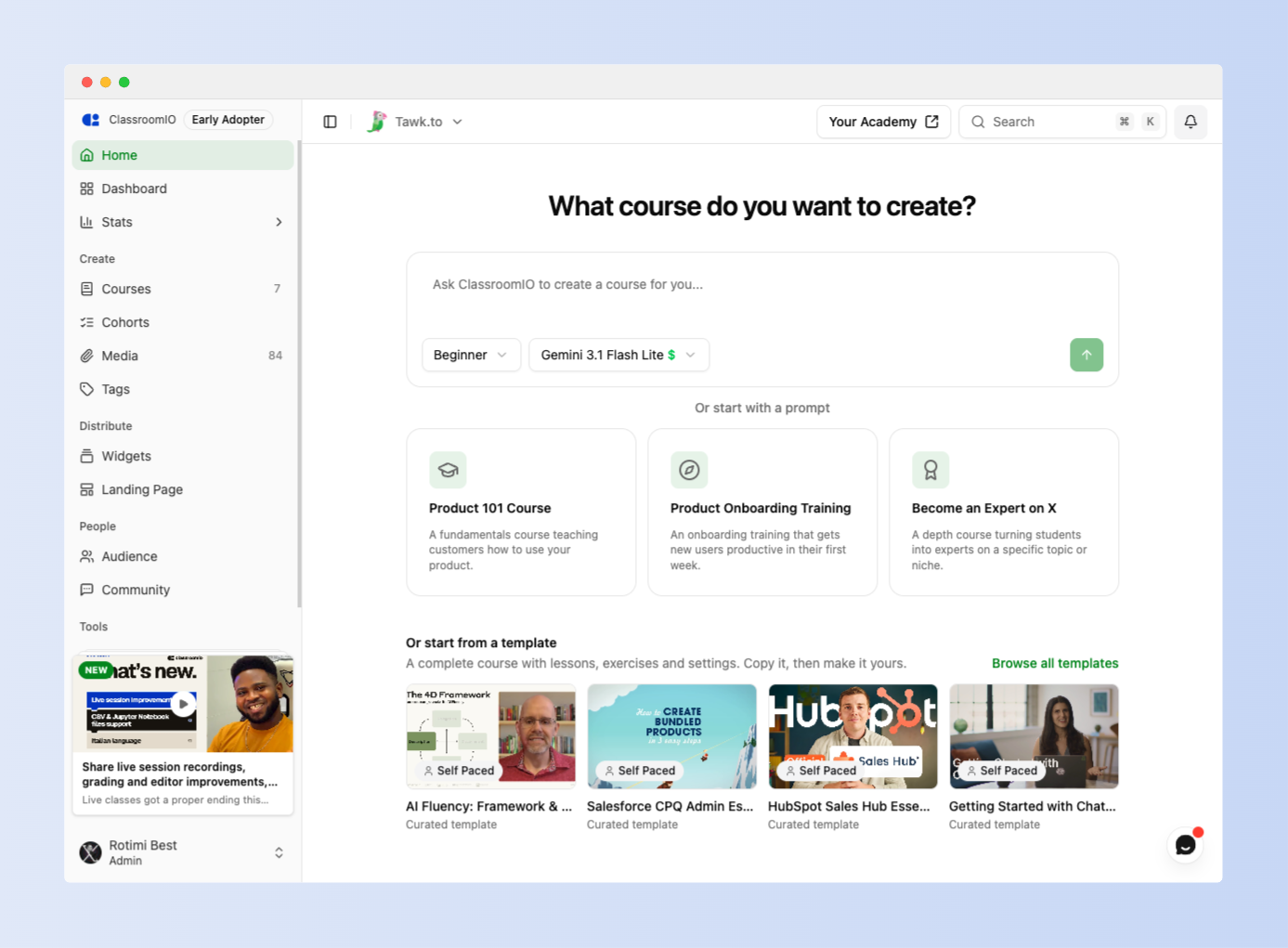
ClassroomIO is an intelligent customer training platform that helps SaaS companies use education to grow their business. Create high-quality learning experiences faster, deliver them across your customer journey, and use AI to scale customer education.
| Use Case | What You Can Do |
|---|---|
| Customer Education | Help customers understand your product, learn key features, complete onboarding, and get more value from your platform. |
| Partner Training | Train resellers, implementation partners, and distributors on your products, processes, and standards. |
| Employee Training | Onboard employees, deliver internal training, and manage compliance and certification programs. |
- Build Courses: Create courses faster with AI-powered course creation tools.
- Cohorts: Group learners into organized learning groups and track their progress through training programs.
- Certifications: Issue branded certificates to recognize learners who complete courses or meet training requirements.
- Team Collaboration: Add team members to your academy and work together to manage learners, assign courses, and coordinate training.
- Multiple Languages: Deliver learning experiences in 10+ languages for learners globally.
-
Branded Customer Academies: Launch branded learning academies on custom domains.
-
Manage Organizations: Manage multiple organizations and their learning environments.
-
Learner Dashboard: Give learners one place to access courses, assignments, and track progress.
-
Learning Paths: Guide learners through structured learning experiences.
-
Embedded Learning: Embed videos, slides, and documents directly into your courses to give learners a seamless learning experience.
-
REST API & Webhooks: Connect ClassroomIO to your existing systems, access learning data, and trigger workflows across your tools.
-
Zapier Integration (Coming Soon): Connect ClassroomIO with your favourite tools and automate workflows across your existing apps.
AI Lesson Tutor: Learners get access to an AI assistant that explains concepts, answers questions, and summarizes course material to help them learn with confidence.
MCP Server: Connect ClassroomIO with your favourite AI tools and coding agents to create courses and interact with your learning platform.
AI-Powered Workflows: Use AI integrations to streamline course creation and learning operations.
For what's coming next, see the public roadmap.
You can book a quick 15 min demo to see if ClassroomIO is a good fit for you

To get a local copy up and running, please follow these simple steps.
Here is what you need to be able to run ClassroomIO.com
- Node.js (Version: >=20.19.3) — required
- pnpm (v10) — required; the package scripts call
pnpmdirectly, so npm/yarn are not substitutes - Docker — required; runs Postgres + Redis (no local install of those needed)
This repo is a monorepo that consists of these primary apps:
website: The landing page of ClassroomIO hosted hereapi: The api service that handles PDF, video processing, Emailing and Notifications.dashboard: The web application that runs the learning management system hosted here.docs: Official documentation of ClassroomIO hosted here
The repository also contains shared packages under packages/ (for example packages/db, packages/utils, and packages/ui).
Before you start: make sure pnpm and Docker are installed (see Prerequisites). New to the project? Read
DEV_SETUP_NOTES.mdfirst — it's a full step-by-step walkthrough with a troubleshooting reference for the errors you're likely to hit.
-
Fork the repo, then clone it:
git clone https://github.com/classroomio/classroomio.git
-
Go to project folder:
cd classroomio -
Set up Node (using
nvm):nvm use
You first might need to install the specific version and then use it:
nvm install && nvm useYou can install nvm from here.
-
Install dependencies:
pnpm i
-
Set up your
.envfiles:Each app reads its own
.env. Inapps/api,apps/jobsandapps/dashboard, duplicate.env.exampleto.envand fill the values below (host ports). The secret values are placeholders — generate each one withopenssl rand -hex 32rather than copying the example text. The twoPRIVATE_SERVER_KEYvalues must match — they authenticate the dashboard's server-to-server calls to the API, so generate it once and paste the same value into both files.-
apps/api/.env:DATABASE_URL="postgresql://postgres:postgres@localhost:5432/classroomio" REDIS_URL="redis://localhost:6379" PUBLIC_SERVER_URL="http://localhost:3002" TRUSTED_ORIGINS="http://localhost:5173" # the dashboard dev origin BETTER_AUTH_SECRET="<generate-with-openssl-rand-hex-32>" PRIVATE_SERVER_KEY="<generate-with-openssl-rand-hex-32>" # generate once; use the SAME value in the dashboard DASHBOARD_ORIGIN="http://localhost:5173" # optional; used for invite/email links back to the dashboard
-
apps/jobs/.env: The jobs service handles background tasks (emails, media processing, analytics rollups, etc.).Recommended setup (simplest):
cd apps/jobs ln -s ../../apps/api/.env .env -
apps/dashboard/.env:PUBLIC_SERVER_URL="http://localhost:3002" PRIVATE_SERVER_URL="http://localhost:3002" # used by the SSR auth proxy — required, or login returns "API upstream not configured" PRIVATE_SERVER_KEY="<generate-with-openssl-rand-hex-32>" # must match the API (paste the value generated above) PUBLIC_IS_SELFHOSTED=false
-
Running the background workers? Also create
apps/jobs/.env(e.g.cp apps/api/.env apps/jobs/.env); it needsREDIS_URL. Thepackages/db/.envused by the DB scripts is set up in step 6. -
Optional for self-hosted Enterprise-only features (SSO, token-auth, no-tracking): set
LICENSE_KEYinapps/api/.env. -
Optional upload size limits: set matching
UPLOAD_MAX_*_MBvalues in bothapps/api/.envandapps/dashboard/.env(seeapps/api/.env.example). Defaults are 5 MB documents, 2 MB assignment files, 800 MB videos.
-
-
Start local infrastructure for API (Postgres + Redis) and seed the DB:
docker compose -f docker-compose.yaml up -d postgres redis cp packages/db/.env.example packages/db/.env # one-time (Windows: Copy-Item) pnpm --filter @cio/db db:setup:seed- Connect with
DATABASE_URL=postgresql://postgres:postgres@localhost:5432/classroomio - Connect with
REDIS_URL=redis://localhost:6379 db:setup:seedcreates the schema and seeds demo data once Postgres is up. The db scripts run with their own working directory, so they readDATABASE_URLfrompackages/db/.env(notapps/api/.env).
- Connect with
-
(Optional) Start the bundled S3-compatible storage (SeaweedFS) locally for media/documents:
docker compose -f docker-compose.yaml --profile storage up -d storage storage-init
- S3 endpoint: http://localhost:9000 (there is no web console; browse buckets with any S3 client such as
rcloneor the AWS CLI) - Buckets created by
storage-init:videos,documents,media(mediais public-read) - Browser presigned uploads work out of the box: the store allows all CORS origins.
- Add to
apps/api/.envwhen using it locally:OBJECT_STORAGE_ENDPOINT=http://localhost:9000OBJECT_STORAGE_PUBLIC_ENDPOINT=http://localhost:9000OBJECT_STORAGE_ACCESS_KEY_ID=classroomioOBJECT_STORAGE_SECRET_ACCESS_KEY=classroomio-local-dev-secretOBJECT_STORAGE_FORCE_PATH_STYLE=trueOBJECT_STORAGE_MEDIA_PUBLIC_BASE_URL=http://localhost:9000/media
- S3 endpoint: http://localhost:9000 (there is no web console; browse buckets with any S3 client such as
-
Run the local app services in separate terminals:
pnpm api:dev
pnpm dashboard:dev
- If you see
Failed to resolve entry for package "@cio/...", the shared workspace packages haven't been built yet (theirdist/is missing). Build them once withpnpm build, then re-run the dev commands. - To test over HTTPS (e.g. from a mobile device on your local network), run
pnpm dashboard:dev:https(orpnpm dashboard:dev:https:fresh). This provisions local certificates and automatically binds to0.0.0.0(on seperate mobile or LAN devices, bypass the browser's certificate warning if you have the option).
- If you see
-
Default local URLs:
api: http://localhost:3002dashboard: http://localhost:5173
-
Optional: run other apps:
-
website:
pnpm website:dev -
docs:
CHOKIDAR_USEPOLLING=true pnpm dev --filter=@cio/docs(Requires Node ≥ 22.12:nvm use 22.12first. The polling flag prevents anEMFILEerror on macOS when other dev servers are already consuming file descriptors.)On Windows,
nvm(nvm-windows) switches the Node version globally rather than per-shell, so run this from a separate terminal window than the one runningapi/dashboard— switching versions there won't affect processes already started in other terminals.The docs' API reference is built from a static OpenAPI spec fetched at dev-server startup from the deployed production API (
apps/docs/scripts/fetch-openapi.mjs), not from your localapi. If you're working on public API routes and want to preview unmerged changes in the docs before they're deployed, generate the spec from your local code instead:# from apps/api, with local Redis running (same as normal api dev setup) OPENAPI_SKIP_CDN_PURGE=1 npx tsx scripts/upload-openapi-spec.ts cp dist/openapi/public-api/openapi.json ../docs/openapi/public-api.jsonThen start the docs server with
pnpm exec blume devfromapps/docsinstead ofpnpm dev --filter=@cio/docs— the latter re-runsfetch-openapi.mjsas a prestep on every start and will overwrite your local copy with the stale remote spec again.
-
Login into
dashboard:- Visit http://localhost:5173/login
- Enter email:
admin@test.com - Enter password:
123456
To learn more about how to login with a dummy account, go here.
The in-course AI chat (course authoring, plan generation, lesson edits) is disabled by default. Enable it by setting at least one provider API key in apps/api/.env (or the root .env for the Docker stack):
# Pick one or more — the dashboard model picker exposes Gemini 2.5 Flash and GPT-4o.
OPENAI_API_KEY=sk-...        # enables GPT-4o
GOOGLE_API_KEY=AIza...       # enables Gemini 2.5 Flash (default model in the picker)
ANTHROPIC_API_KEY=sk-ant-... # supported in code; not currently in the picker UI
Notes:
- The
GET /agent/statusendpoint flips toenabled: trueas soon as any of those keys is set, which is what the dashboard checks before showing the AI button on a course. - Each chat request sends the user-selected
model(persisted inlocalStorageasclassroomio-ai-chat-model). The API resolves the provider for that model (packages/utils/src/agent-models) and returns 503AI_NOT_CONFIGUREDif that provider's key is missing. - Optional Tinybird observability: set
TINYBIRD_TOKEN(and optionallyTINYBIRD_BASE_URL) inapps/api/.env. Events are silently skipped when the token is absent. - More detail on architecture, tools, and routes lives in
prd/ai-course-assistant [DONE]/README.md.
cp .env.example .env   # copy env template, edit for your domain
./classroomio.sh start           # pulls pre-built images; use --build to build from source
The script reads root .env via docker compose --env-file .env and auto-generates a secure PRIVATE_SERVER_KEY (and BETTER_AUTH_SECRET) when missing. Run ./classroomio.sh with no arguments for the full lifecycle menu (install, start, stop, restart, upgrade, logs, backup).
See .env.example for the full list of environment variables with required/optional grouping, and docker/docs/SELF_HOST.md for the complete Docker self-hosting guide. To raise upload caps (documents, videos, assignment files), set the UPLOAD_MAX_*_MB vars in .env — see the docs.
When cutting releases for hosted assets or the npm MCP package, run:
- Storybook —
pnpm --filter @cio/storybook storybook:publish - Course widget embed —
pnpm --filter @cio/embeds embeds:publish - Question type picker —
pnpm --filter @cio/embeds embeds:publish(same script builds and uploads both embeds) - MCP (
@classroomio/mcp) — bump the version inpackages/mcp/package.json, thenpnpm mcp:buildandpnpm --filter @classroomio/mcp publish