



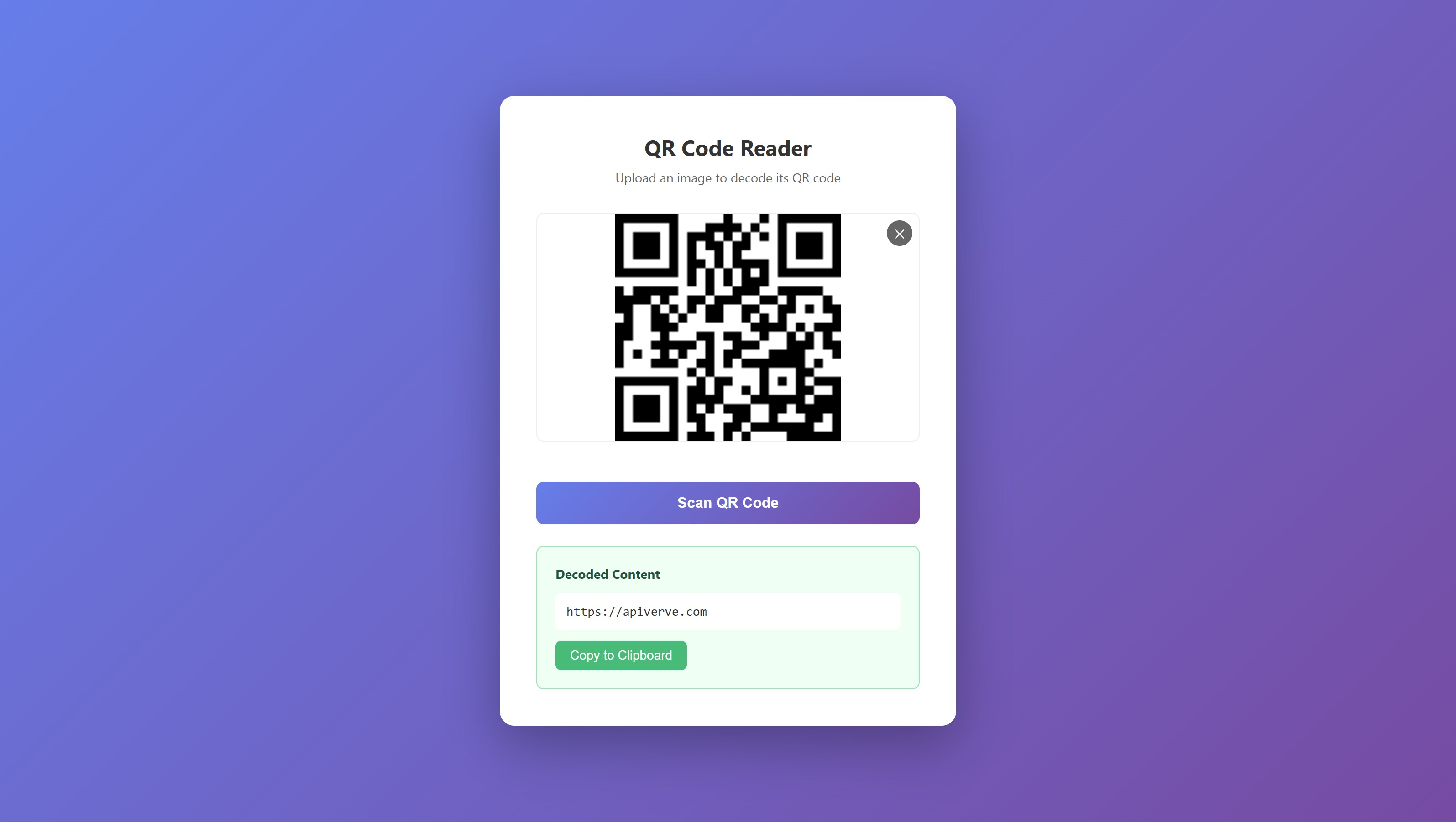
A simple, browser-based QR code scanner built with vanilla HTML, CSS, and JavaScript. Upload any image containing a QR code and instantly decode its contents.
This tutorial requires an APIVerve API key. Sign up free - no credit card required.
- Decode QR codes from any image file
- Drag and drop or click to upload
- Supports JPG, PNG, and GIF formats
- Image preview before scanning
- One-click copy to clipboard
- Clean, responsive UI
- Zero dependencies - pure HTML, CSS, and JavaScript
- No build step required
-
Clone this repository
git clone https://github.com/apiverve/qr-reader-html-tutorial.git cd qr-reader-html-tutorial -
Add your API key
Open
js/app.jsand replace the placeholder with your API key:const API_KEY = 'your-api-key-here';
-
Open in browser
Double-click
index.htmlor run a local server:npx serve . # or python -m http.server 8000
-
Scan a QR code
Upload an image containing a QR code and click "Scan QR Code".
qr-reader-html-tutorial/
├── css/
│   └── styles.css      # Styling and layout
├── js/
│   └── app.js          # API integration and application logic
├── index.html          # Main HTML file
├── screenshot.jpg      # Preview image
├── LICENSE             # MIT license
├── .gitignore          # Git ignore rules
└── README.md           # This file
- User uploads an image - Drag & drop or click to select
- Image preview - Shows the selected image before scanning
- API request - Sends image as multipart/form-data to APIVerve
- Response handling - Extracts decoded text from QR code
- Display result - Shows decoded content with copy button
const formData = new FormData();
formData.append('image', selectedFile);

const response = await fetch(API_URL, {
  method: 'POST',
  headers: {
    'x-api-key': API_KEY
  },
  body: formData
});Endpoint: POST https://api.apiverve.com/v1/qrcodereader
Headers:
| Header | Value |
|---|---|
x-api-key |
Your API key |
Request Body: multipart/form-data
| Field | Type | Required | Description |
|---|---|---|---|
image |
file | Yes | Image file (JPG, PNG, GIF, max 5MB) |
Example Response:
{
  "status": "ok",
  "error": null,
  "data": {
    "text": "https://example.com",
    "location": {
      "topLeft": { "x": 10, "y": 10 },
      "topRight": { "x": 215, "y": 10 },
      "bottomLeft": { "x": 10, "y": 215 },
      "bottomRight": { "x": 215, "y": 215 }
    }
  }
}QR code reading is useful for:
- Inventory Management - Scan product codes
- Event Check-in - Verify ticket QR codes
- Document Processing - Extract data from scanned documents
- Mobile Payments - Verify payment QR codes
- URL Extraction - Get links from printed materials
- Contact Import - Read vCard QR codes
- Authentication - Process 2FA setup codes
- Add webcam/camera capture for real-time scanning
- Support multiple QR codes in one image
- Add barcode support (use Barcode Reader API)
- Store scan history in localStorage
- Add URL auto-detection with clickable links
- Export scan results to CSV
Explore more APIs at APIVerve:
- QR Code Generator - Generate QR codes
- Barcode Generator - Generate barcodes
- Image to Text (OCR) - Extract text from images
MIT - see LICENSE
- Get API Key - Sign up free
- APIVerve Marketplace - Browse 300+ APIs
- QR Code Reader API - API details