-
-
Notifications
You must be signed in to change notification settings - Fork 3k
en use knowledge base
Tip
Requires AstrBot version >= 4.5.0.
Open Providers (/providers), switch to the Embedding tab, click Add, and select a provider type.
Currently, AstrBot supports embedding vector services compatible with OpenAI API and Gemini API.
Select the provider in the left panel and fill in its API endpoint, API key, model name, and other settings in the right panel.
After completing the configuration, click Save.
A reranker model can improve the precision of final retrieval results to some extent.
Similar to configuring the embedding model, open Providers, switch to the Rerank tab, click Add, select a provider type, and save its configuration.
AstrBot supports multiple knowledge base management. During chat, you can freely specify which knowledge base to use.
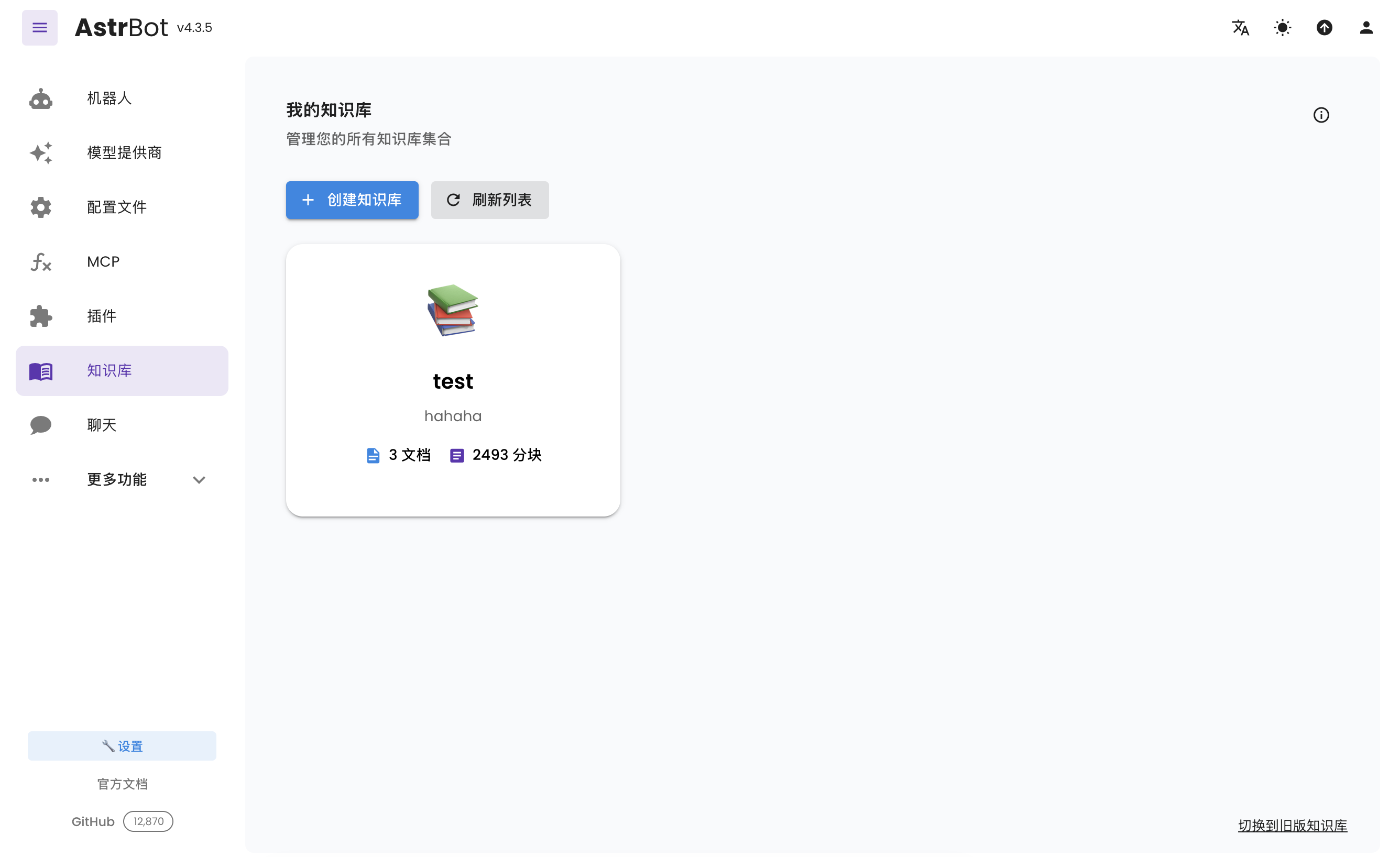
Open Knowledge Base (/knowledge-base) from the sidebar and click Create Knowledge Base.
Fill in the name and other details. Select the embedding model under Embedding Model and, optionally, select a reranker in the separate Rerank Model (Optional) field. Then click Create.
Tip
Once you've selected an embedding model for a knowledge base, do not modify the model or vector dimension information of that provider, as this will seriously affect the retrieval accuracy of the knowledge base or even cause errors.
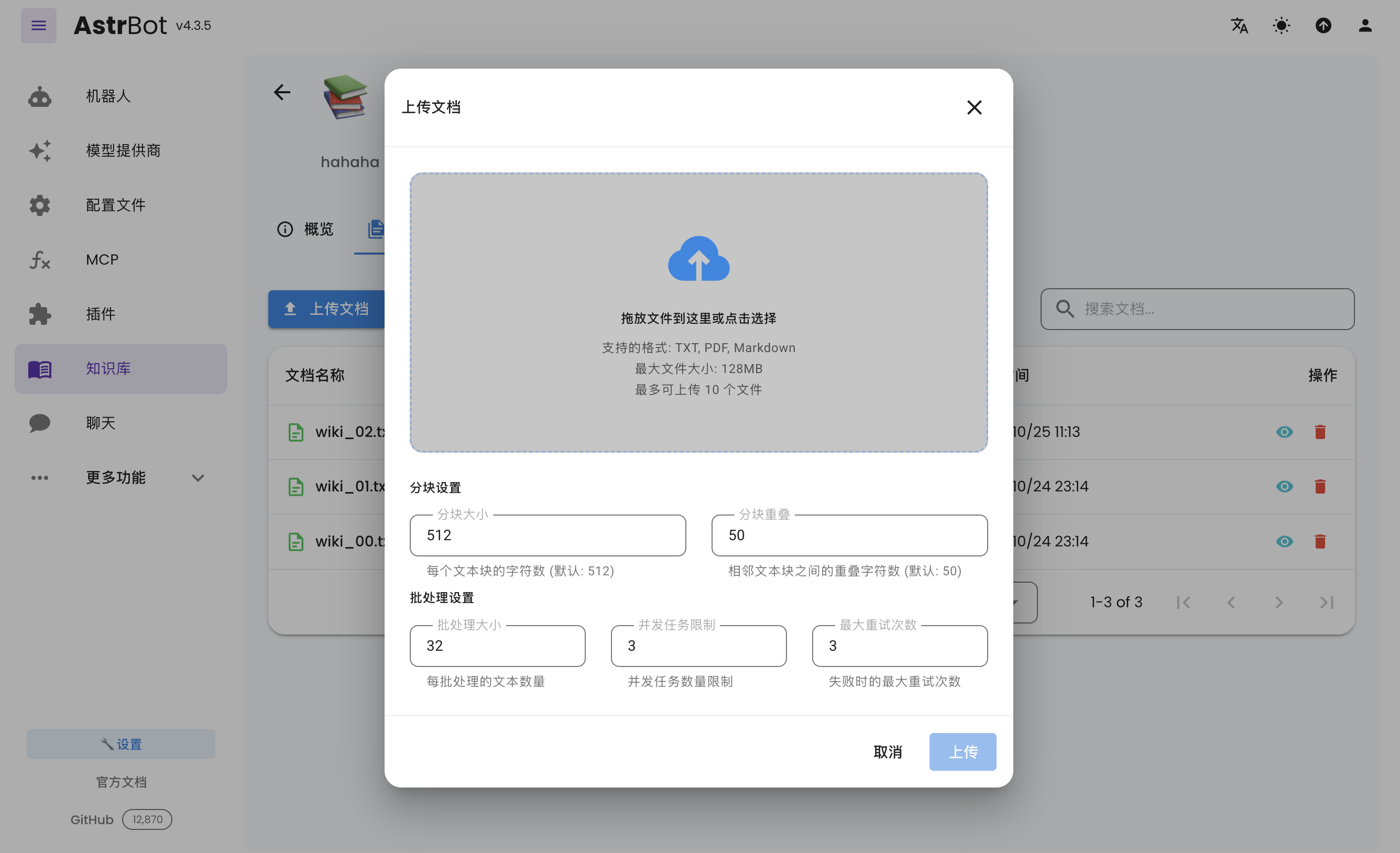
After creating a knowledge base, you can upload documents to it. Up to 10 files can be uploaded simultaneously, with a maximum size of 128 MB per file.
Open Config, select the profile to edit, choose the knowledge bases under AI → Capabilities → Knowledge Base, and click Save Configuration at the bottom right. Each profile can use different knowledge bases.
- 首页
- 文档入口
- Top Level
- community events
- deploy
- dev
- others
- platform
- 接入 OneBot v11 协议实现
- 接入钉钉 DingTalk
- 接入 Discord
- 接入 Kook
- 接入飞书
- 接入 LINE
- 接入 Matrix
- 接入 Mattermost
- 接入 Misskey 平台
- 接入 QQ 官方机器人平台
- 通过 QQ官方机器人 接入 QQ (Webhook)
- 通过 QQ官方机器人 接入 QQ (Websockets)
- 接入 Satori 协议
- 接入 server-satori (基于 Koishi)
- 接入 Slack
- 接入消息平台
- 接入 Telegram
- 接入 VoceChat
- AstrBot 接入企业微信
- 接入企业微信智能机器人平台
- AstrBot 接入微信公众平台
- 接入个人微信
- providers
- use
- Home
- Docs Entry
- Top Level
- config
- deploy
- Deploy AstrBot on 1Panel
- Deploy AstrBot on BT Panel
- Deploy AstrBot on CasaOS
- Deploy AstrBot from Source Code
- Community-Provided Deployment Methods
- Deploy via Compshare
- Deploy with AstrBot Desktop Client
- Deploy AstrBot with Docker
- Deploy AstrBot with Kubernetes
- Deploy AstrBot with AstrBot Launcher
- Other Deployments
- Package Manager Deployment (uv)
- Installation via System Package Manager
- Preface
- dev
- AstrBot Configuration File
- API Scope–Endpoint Reference
- AstrBot HTTP API
- AstrBot Plugin Market JSON Specification
- Developing a Platform Adapter
- plugin
- AI
- Text to Image
- Handling Message Events
- Plugin Configuration
- Plugin Internationalization
- Plugin Views
- Sending Messages
- Session Control
- Minimal Example
- Plugin Storage
- AstrBot Plugin Development Guide 🌠
- Publishing Plugins to the Plugin Marketplace
- ospp
- others
- platform
- Connect OneBot v11 Protocol Implementations
- Connect to DingTalk
- Connecting to Discord
- Connect to KOOK
- Connecting to Lark
- Connecting to LINE
- Connecting to Matrix
- Connecting to Mattermost
- Connecting to Misskey Platform
- Connect QQ Official Bot
- Connect QQ via QQ Official Bot (Webhook)
- Connect QQ via QQ Official Bot (Websockets)
- Connect to Satori Protocol
- Connect server-satori (Koishi)
- Connecting to Slack
- Messaging Platforms
- Connecting to Telegram
- Connect to VoceChat
- Connect AstrBot to WeCom
- Connect to WeCom AI Bot Platform
- Connect AstrBot to WeChat Official Account Platform
- Connect Personal WeChat
- providers
- Connect 302.AI
- Agent Runners
- Built-in Agent Runner
- Connect to Coze
- Connect to Alibaba Cloud Bailian Application
- Connect to DeerFlow
- Connect to Dify
- Connect AIHubMix
- coze
- dashscope
- dify
- Model input images
- Large Language Model Providers
- Connect MiraRouter
- NewAPI
- Connect PPIO Cloud
- Connect LM Studio to Use DeepSeek-R1 and Other Models
- Integrating Ollama
- Connect ShengSuanYun
- Connecting to SiliconFlow
- Connecting Model Services
- Connecting to TokenPony
- use
- Agent Runner
- Agent Sandbox Environment ⛵️
- astrbot sandbox
- CLI Commands
- Docker-based Code Interpreter
- Built-in Commands
- Computer Use
- Context Compression
- Custom Rules
- Function Calling
- AstrBot Knowledge Base
- MCP
- AstrBot Star
- Proactive Capabilities
- Anthropic Skills
- Agent Handoff and SubAgent
- Unified Webhook Mode
- Web Search
- WebUI

