Repository navigation
Conversation


Theme previewRendered from Linux — no visual changeNothing rendered differently. Current appearance: 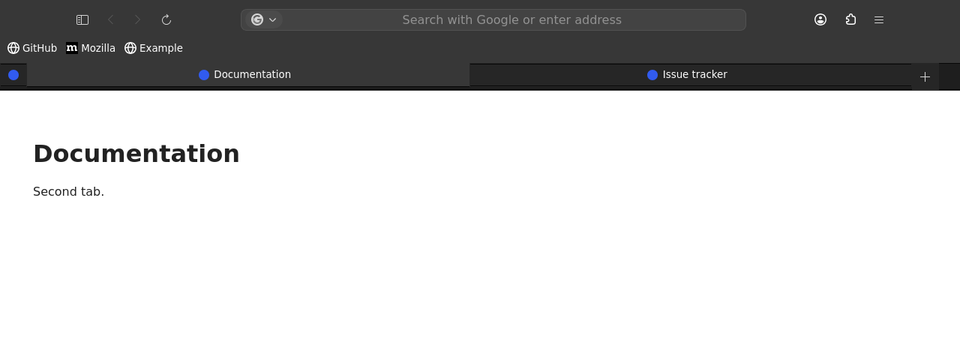
macOS — no visual changeNothing rendered differently. Current appearance: 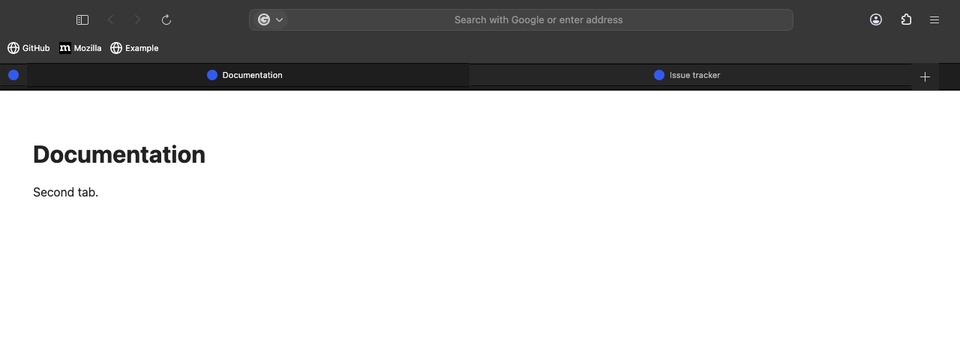
Windows — no visual changeNothing rendered differently. Current appearance: 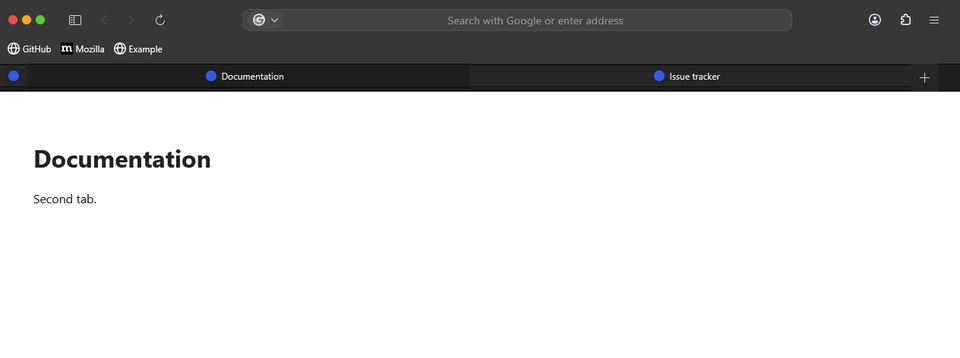
No pixel differences on any platform — this PR does not change how the browser chrome renders in these views. Views: browser window, focused address bar, find bar, modal dialog — each in light and dark. Native popups (app menu, context menus) are OS-level windows and cannot be captured. Workflow run |

This file contains hidden or bidirectional Unicode text that may be interpreted or compiled differently than what appears below. To review, open the file in an editor that reveals hidden Unicode characters.
Learn more about bidirectional Unicode characters
Sign up for free
to join this conversation on GitHub.
Already have an account?
Sign in to comment
1 participant

Add this suggestion to a batch that can be applied as a single commit.This suggestion is invalid because no changes were made to the code.Suggestions cannot be applied while the pull request is closed.Suggestions cannot be applied while viewing a subset of changes.Only one suggestion per line can be applied in a batch.Add this suggestion to a batch that can be applied as a single commit.Applying suggestions on deleted lines is not supported.You must change the existing code in this line in order to create a valid suggestion.Outdated suggestions cannot be applied.This suggestion has been applied or marked resolved.Suggestions cannot be applied from pending reviews.Suggestions cannot be applied on multi-line comments.Suggestions cannot be applied while the pull request is queued to merge.Suggestion cannot be applied right now. Please check back later.
Selecting
singletabhidden.csshid the entire#TabsToolbarwith one tab open. Its window controls and New Tab buttons inheritedvisibility: collapse, causing the missing buttons reported in #227.Hide only the single-tab strip and let the toolbar size itself around its remaining widgets. Window controls stay available, and Firefox's standalone New Tab button replaces the copy inside the hidden strip. Moving New Tab into the address toolbar removes the empty row entirely; keeping it in the tab toolbar retains a row for that button. The README now explains both placements.
The option stays inactive for pinned tabs, groups, vertical tabs and toolbar customization. Default fxcss installs still omit this optional sheet.
Validation:
visibility: collapse.Fixes #227.