





Control JupyterLab from Python.
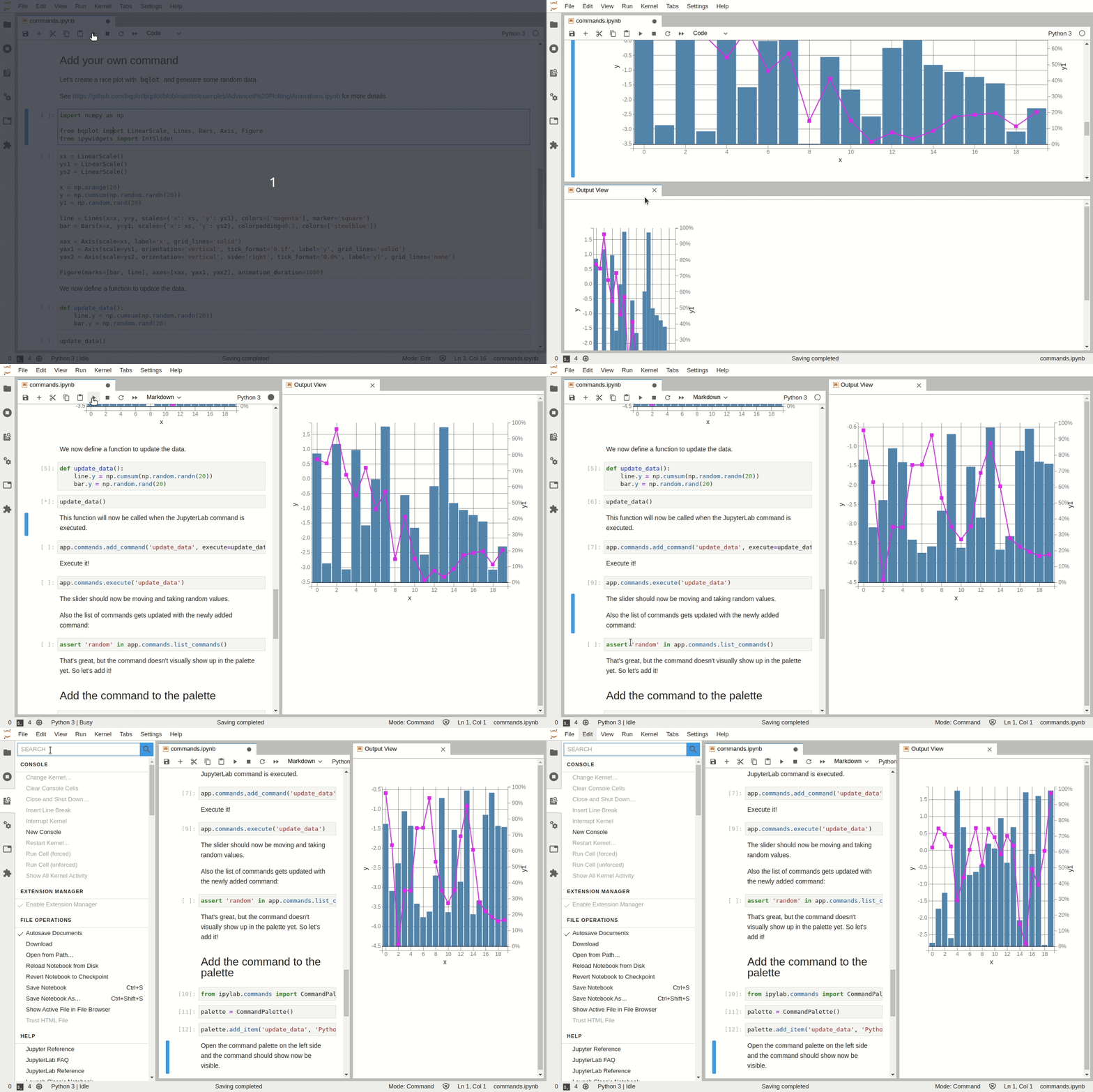
The goal is to provide access to most of the JupyterLab environment from the Python kernel. For example:
- Adding widgets to the main area
DockPanel, left, right or top area - Build more advanced interfaces leveraging
SplitPanel,Toolbarand other Lumino widgets - Launch arbitrary commands (new terminal, change theme, open file and so on)
- Open a workspace with a specific layout
- Listen to JupyterLab signals (notebook opened, console closed) and trigger Python callbacks
Try it in your browser with Binder:
Or with JupyterLite:



You can install using pip:
pip install ipylabThe following dependencies are provided as wheels in the pkg directory which include patches to improved the functionality.
| Name | Pull request | Status | Modification |
|---|---|---|---|
| traitlets | #918 | Accepted - pending release | Improved type hints |
| ipywidgets, jupyterlab-widgets, widgetsnbextension | #3922 + #3921 | Pending review | Provides for widgets comms without needing a notebook or console to be open. Plus fixes for proper garbage collection and widget tooltips |
| jupyter_client | #1064 | Pending review | Faster message serialization |
Example files can be downloaded directly from github here.
ipylab can be seen as a proxy from Python to JupyterLab over Jupyter Widgets:

The development environment is provided by uv.
If you are working on a pull request, [make a fork] of the project and install from your fork.
git clone <repository>
cd ipylab
uv venv -p python@311 # or whichever environment you are targeting.
uv sync
# Activate the uv environment# Activate the uv environment
# compile the extension
jlpm clean
jlpm build
# **Frontend/typescript development only** link the extension files
jupyter labextension develop . --overwrite
# At this point you can run and debug. vscode configs are provided for Firefox and Chrome.
# "Debug Ipylab with Firefox | Chrome"# pre-commit (optional)
pre-commit run
# or, to install the git hook
pre-commit install
# Use jlpm script to lint the JS
jlpm lint
#or
jlpm lint:check
!!! note
If you're developing the fronted on Windows you need to [enable developer mode](https://learn.microsoft.com/en-us/windows/apps/get-started/enable-your-device-for-development#activate-developer-mode) for symlinks to work.

[see also](https://discuss.python.org/t/add-os-junction-pathlib-path-junction-to/50394).
=== "Python files"
```bash
uv sync -U
```
=== "Frontend"
TODO
Type checking is performed using basedpyright.
basedpyrightA config file is included to debug ipylab with Firefox or Chrome.
There are a couple of projects that also enable interacting with the JupyterLab environment from Python notebooks:
- wxyz: experimental widgets (including
DockPanel) - jupyterlab-sidecar: add widgets to the JupyterLab right area
- jupyterlab_commands: add arbitrary Python commands to the jupyterlab command palette